1
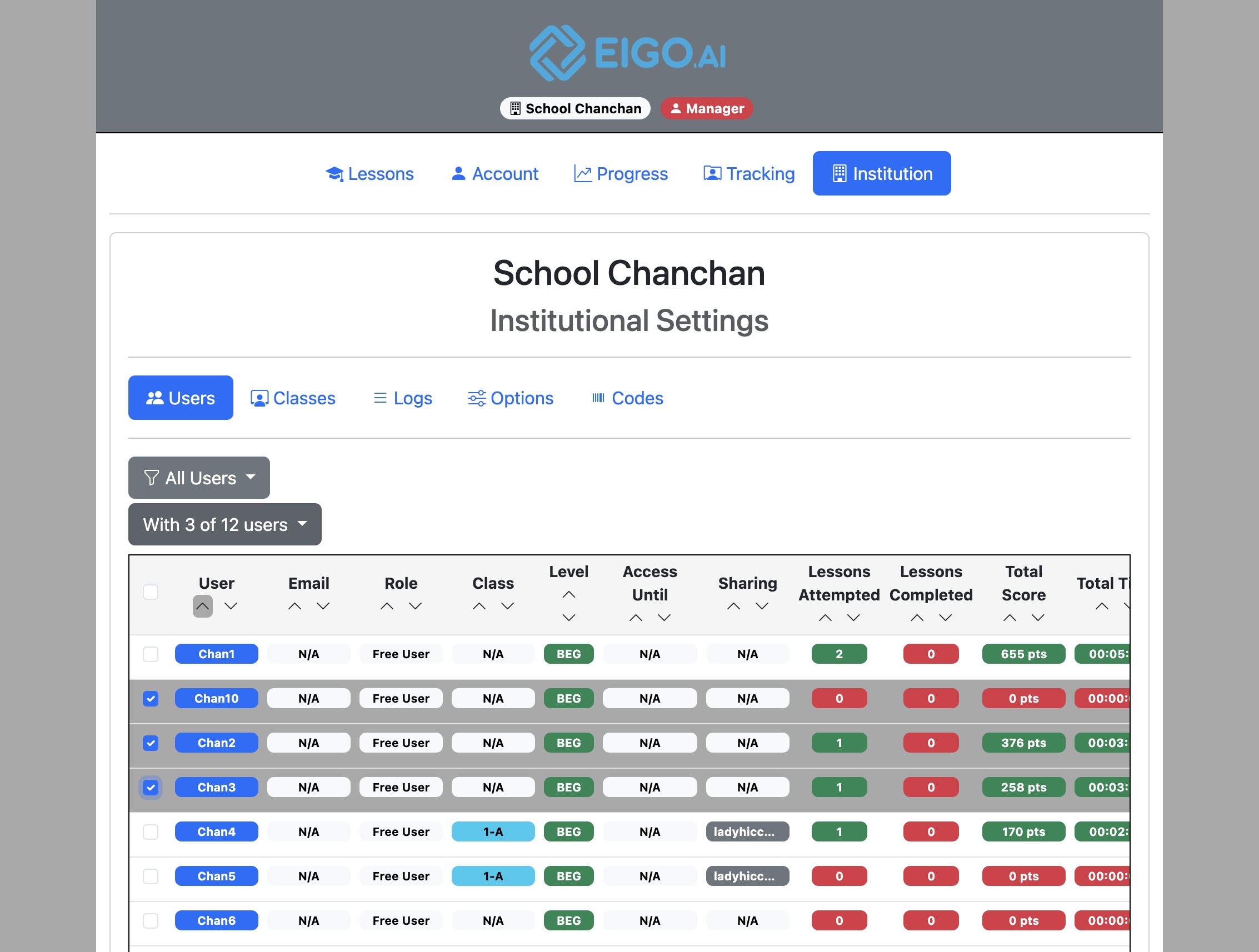
Sign in to Eigo.AI, click "Institution", then click "Users" to open the Users page.
2
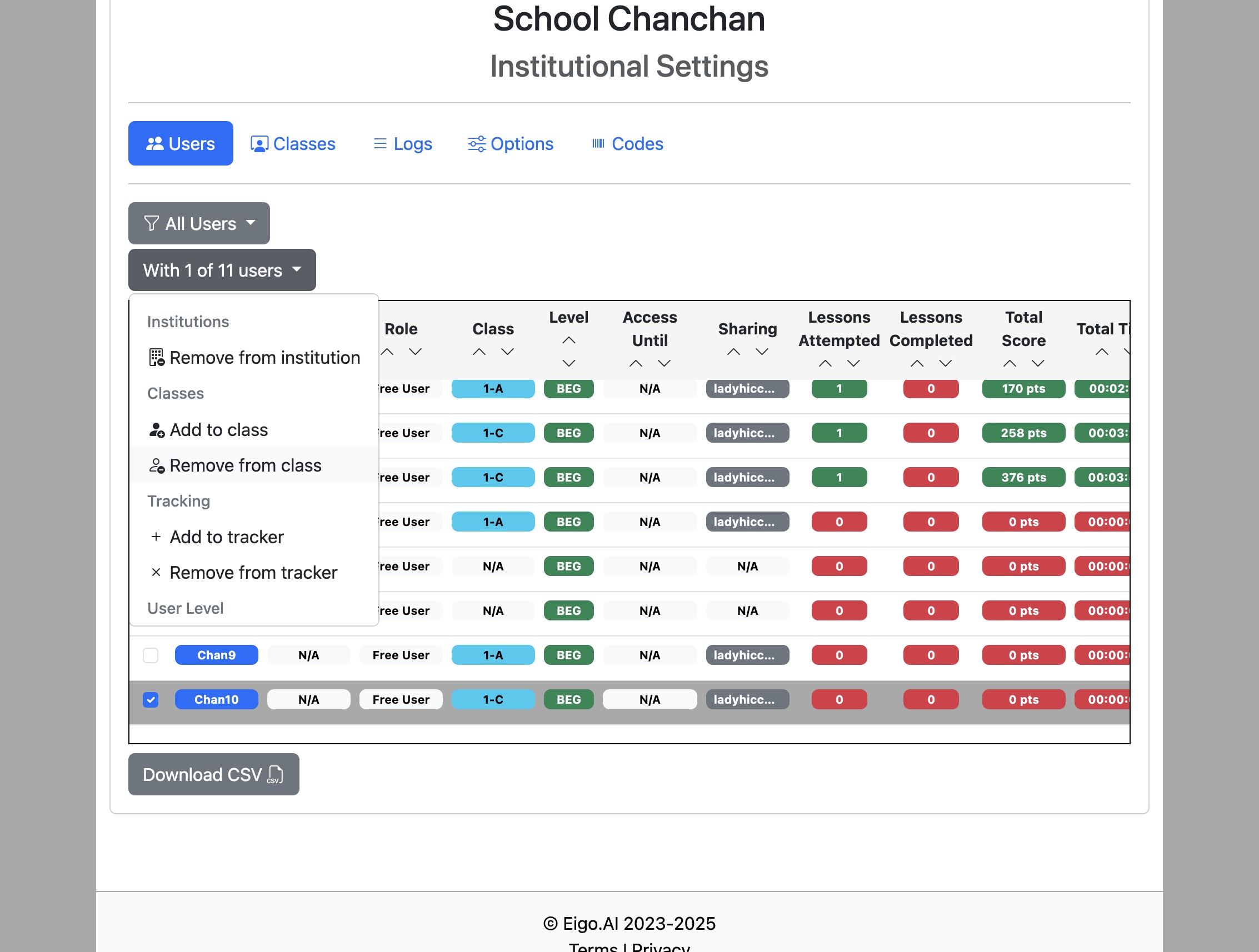
Select the students with the checkboxes on the left and click the "With x of n users" dropdown button.
3
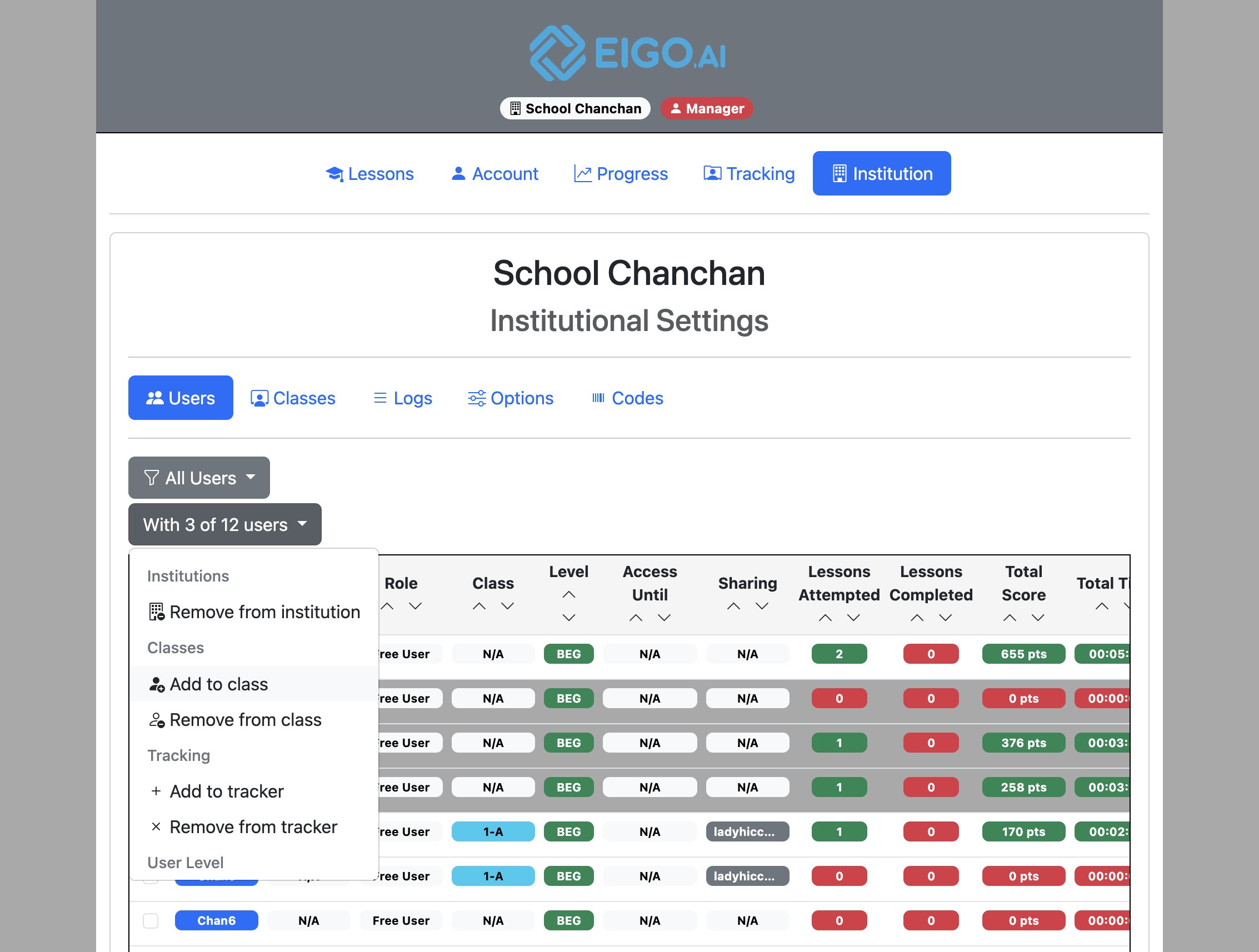
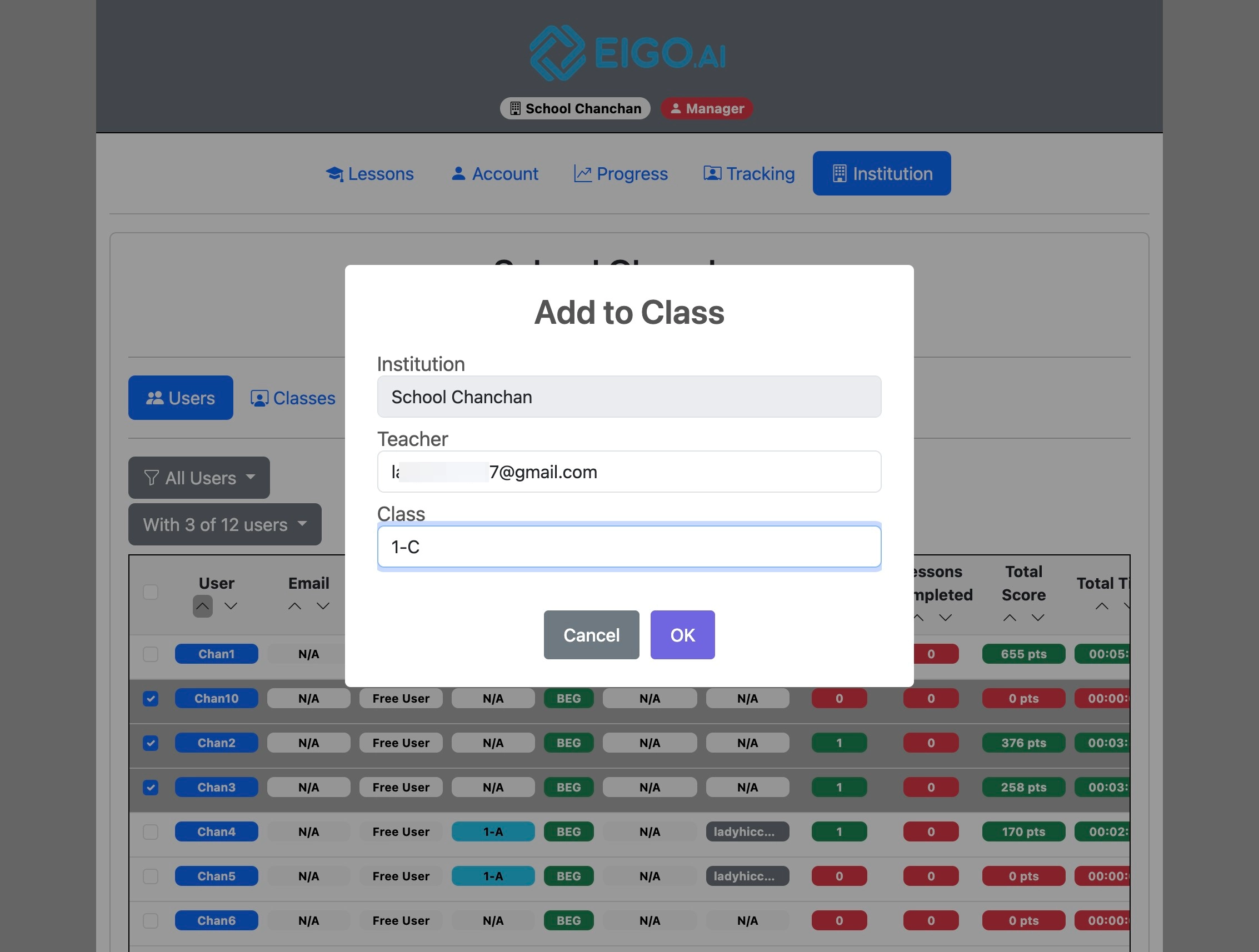
Click "Add to class" to move the selected students to another class.
4
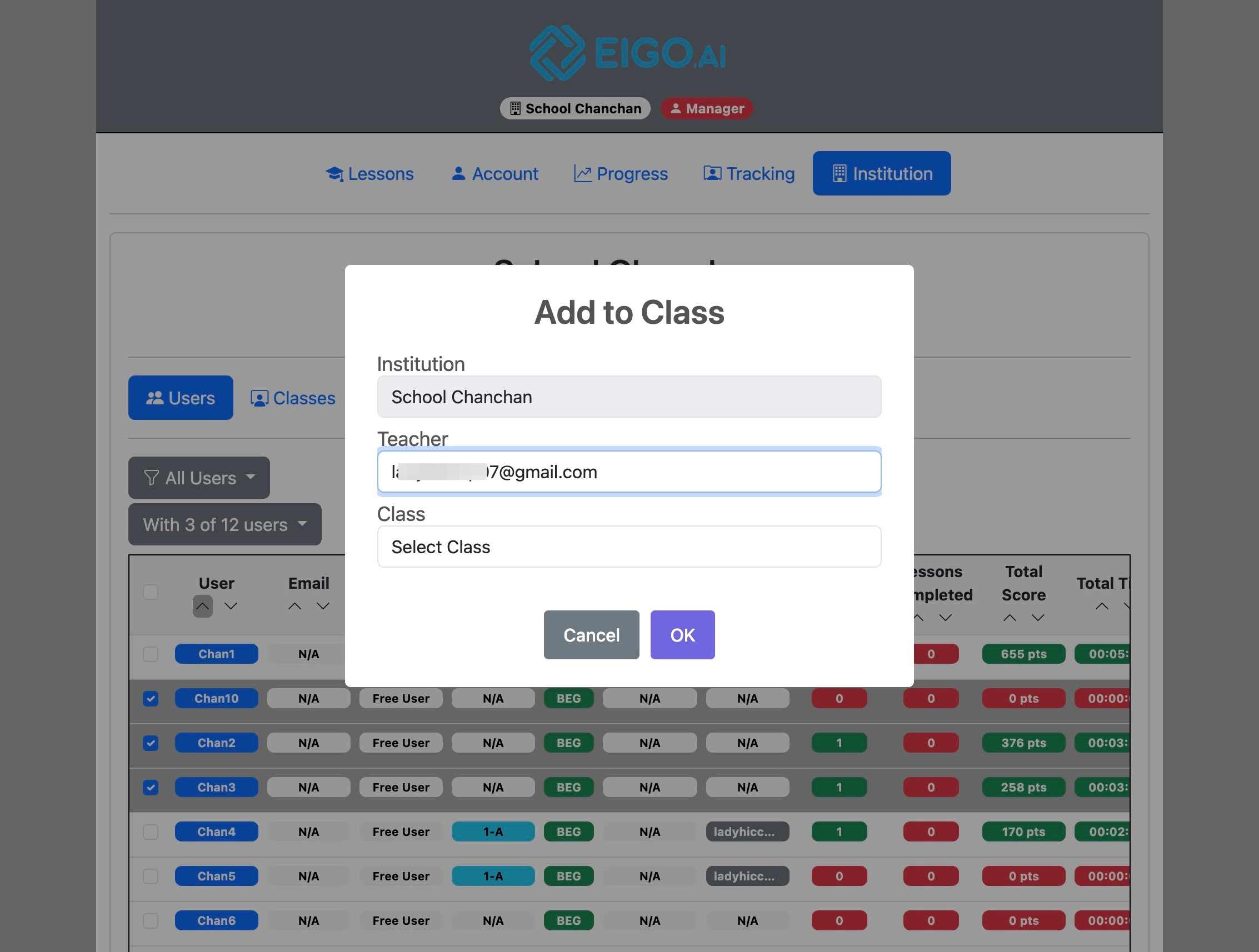
Select the teacher who is the owner of the desired class.
5
Select the destination class.
6
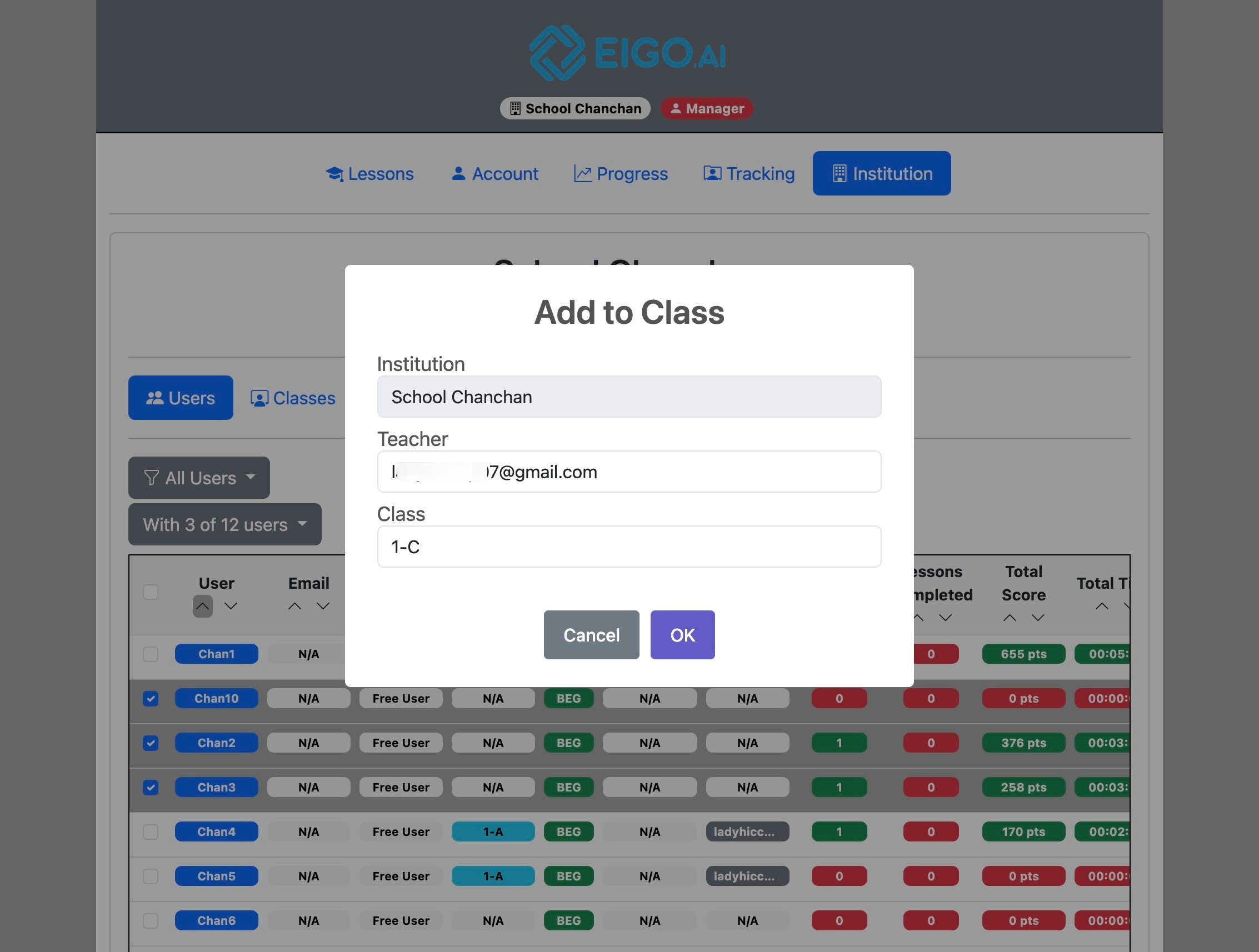
Click "OK" to confirm.
7
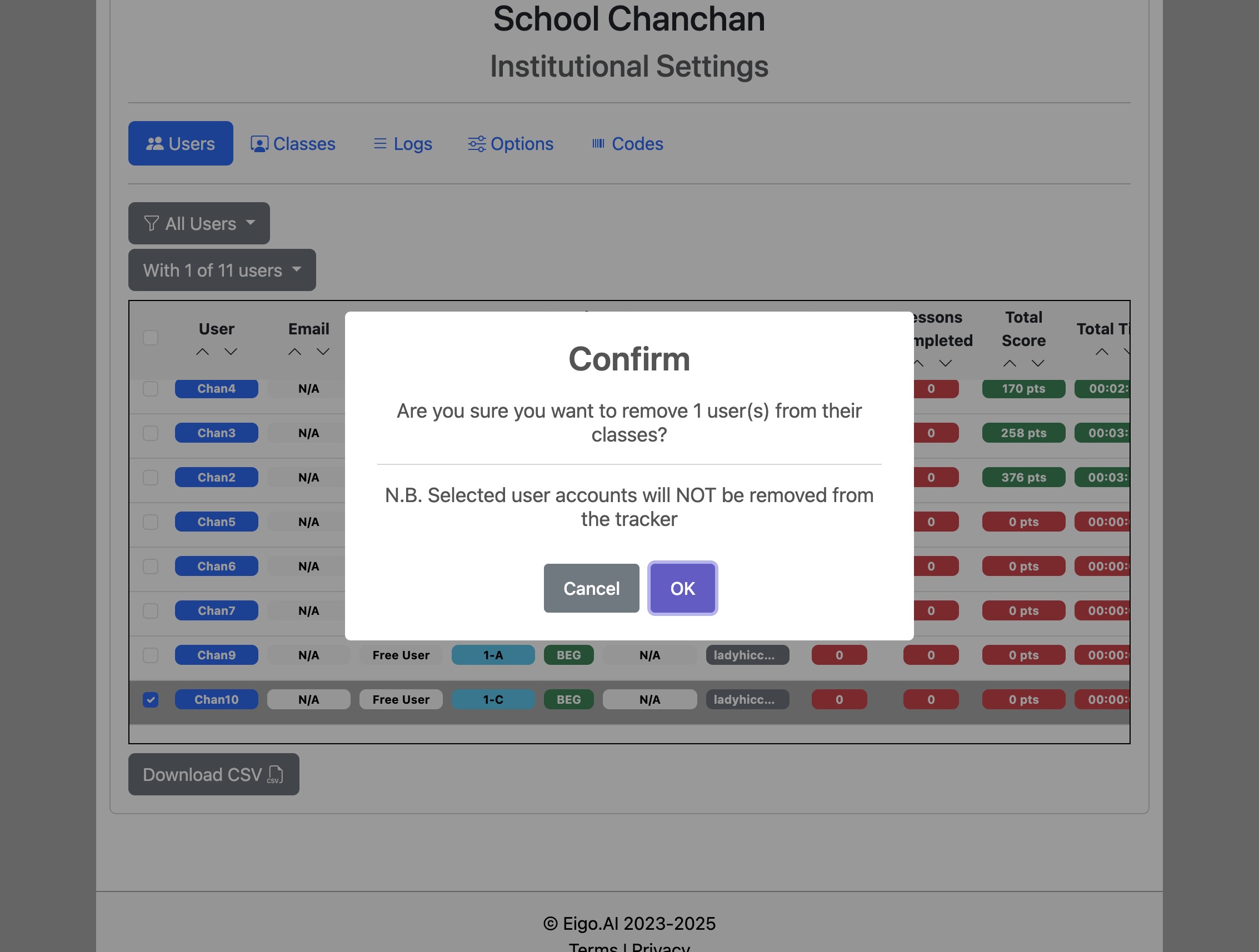
To remove selected students from their current class, click "Remove from class".
8
Click "OK" to confirm.