Note that the process described in this guide is applicable only to Institutional Managers. If you would like to create an institutional account on Eigo.AI please contact us.
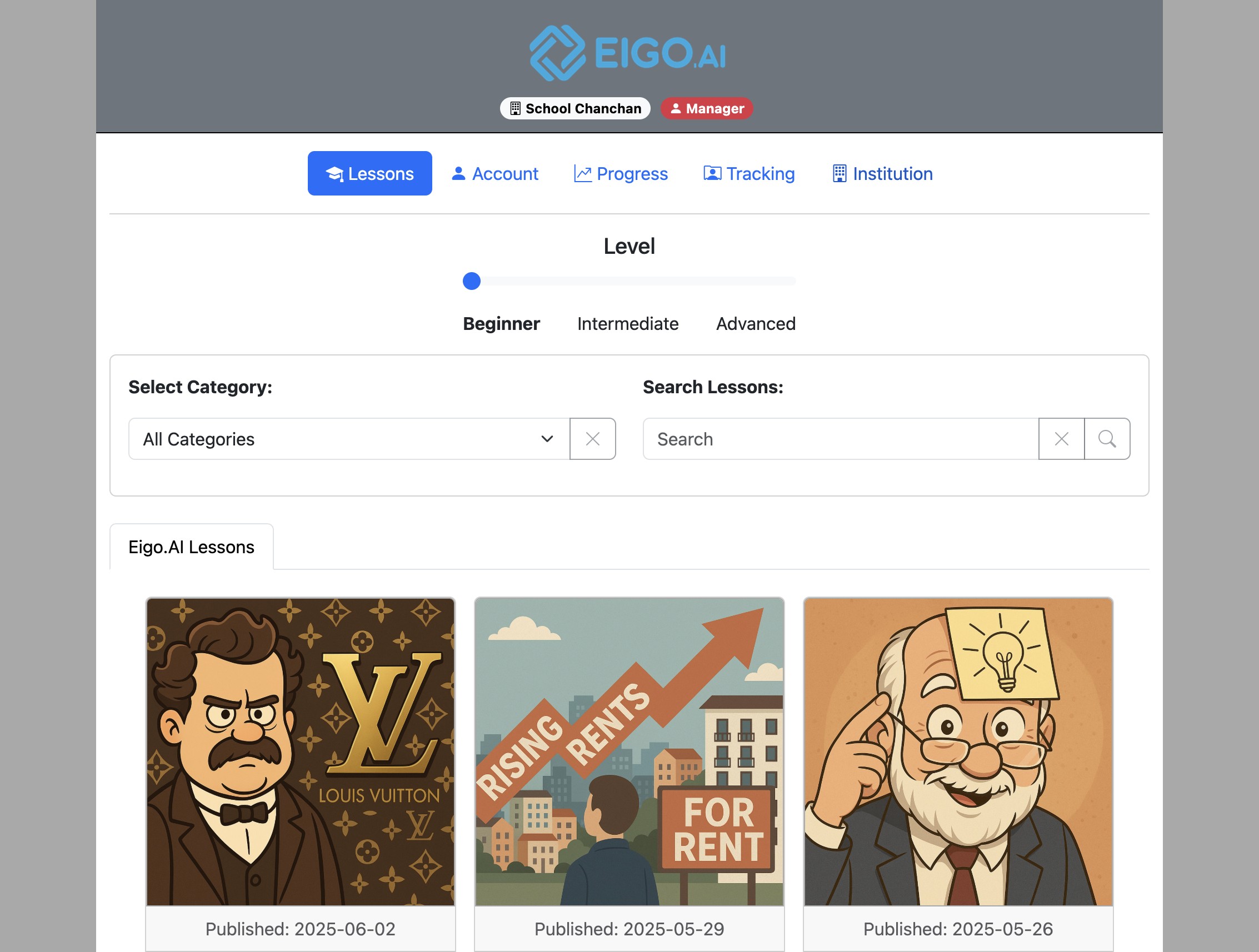
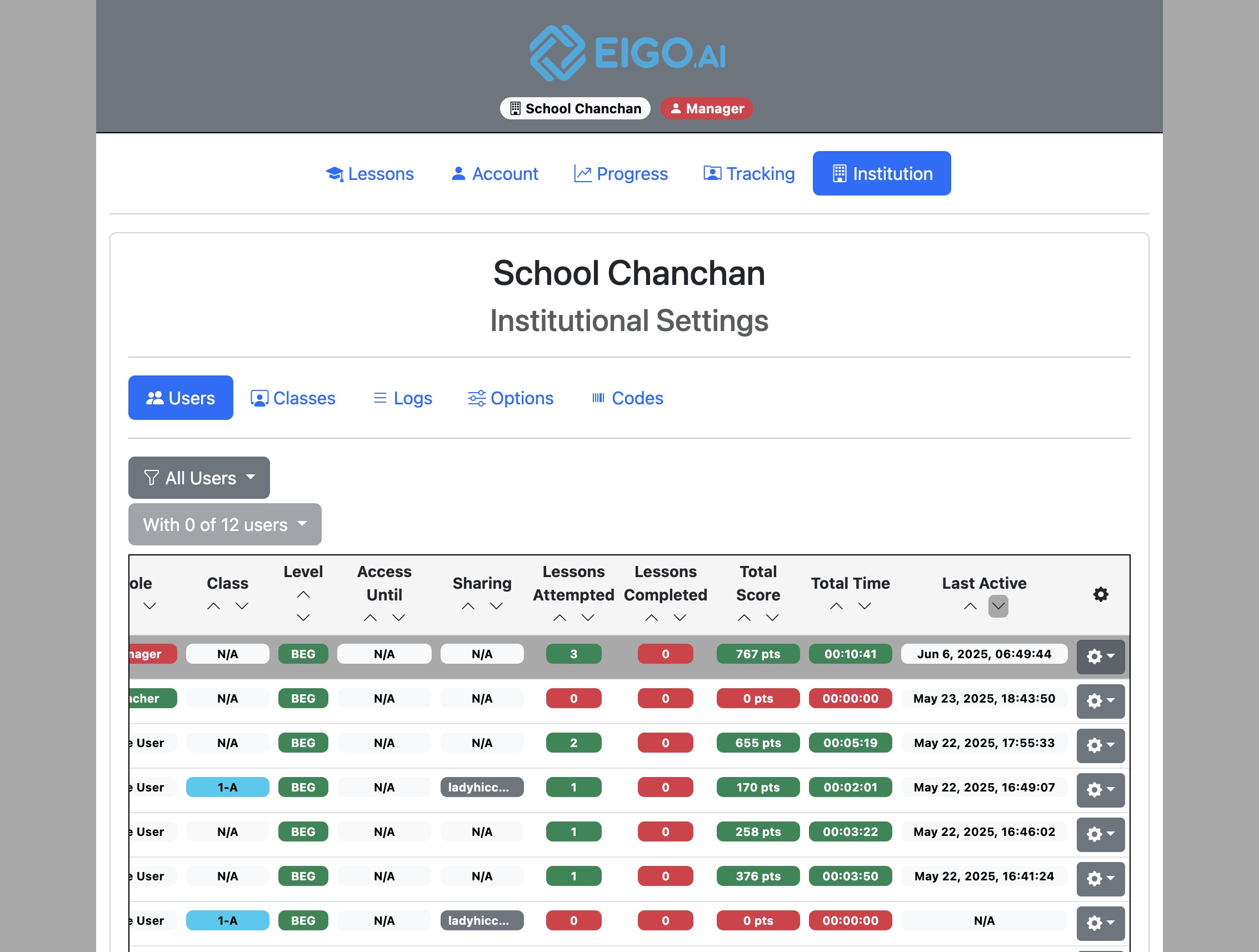
Navigate to https://eigo.ai/lessons/ and click "Institution".
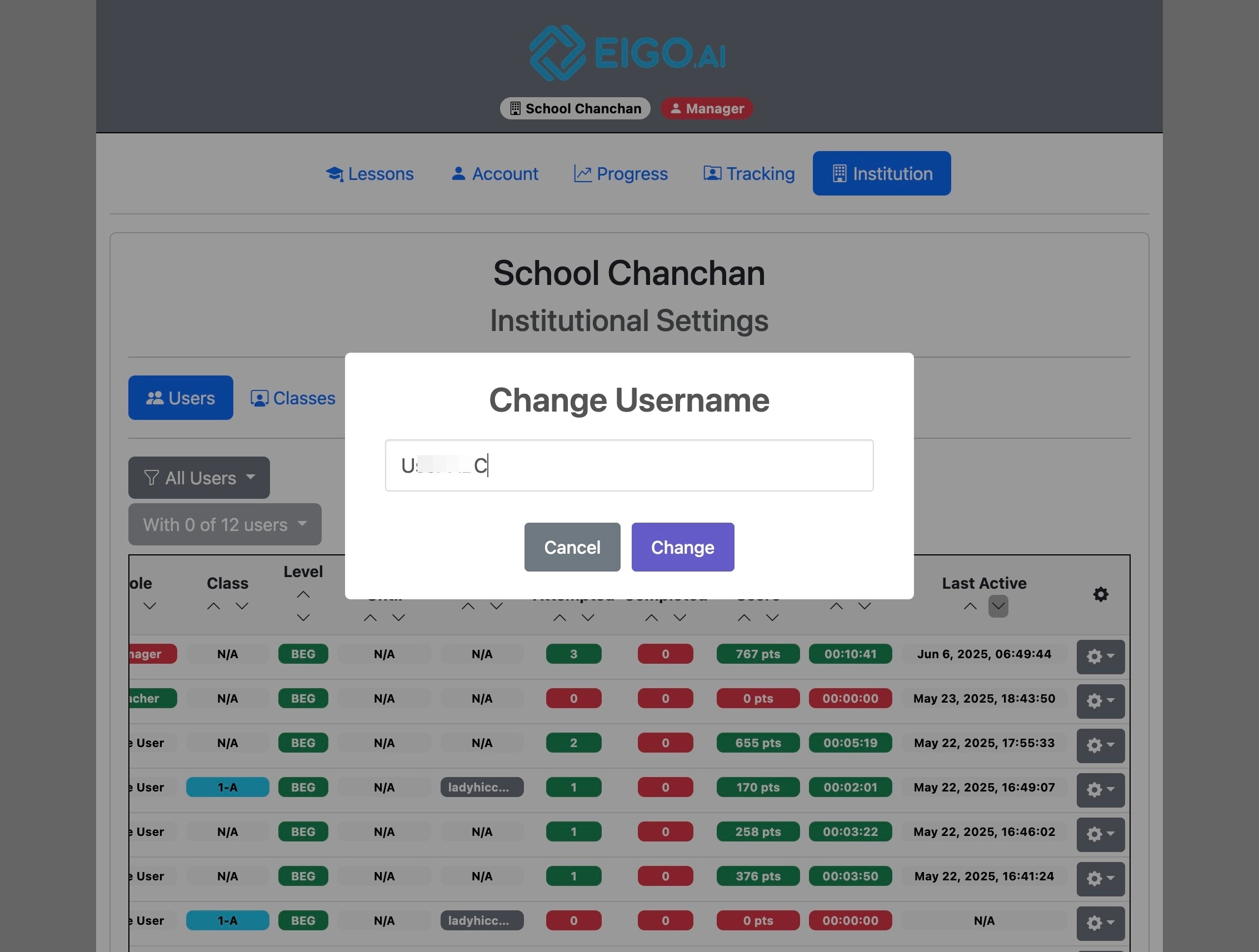
Change Username
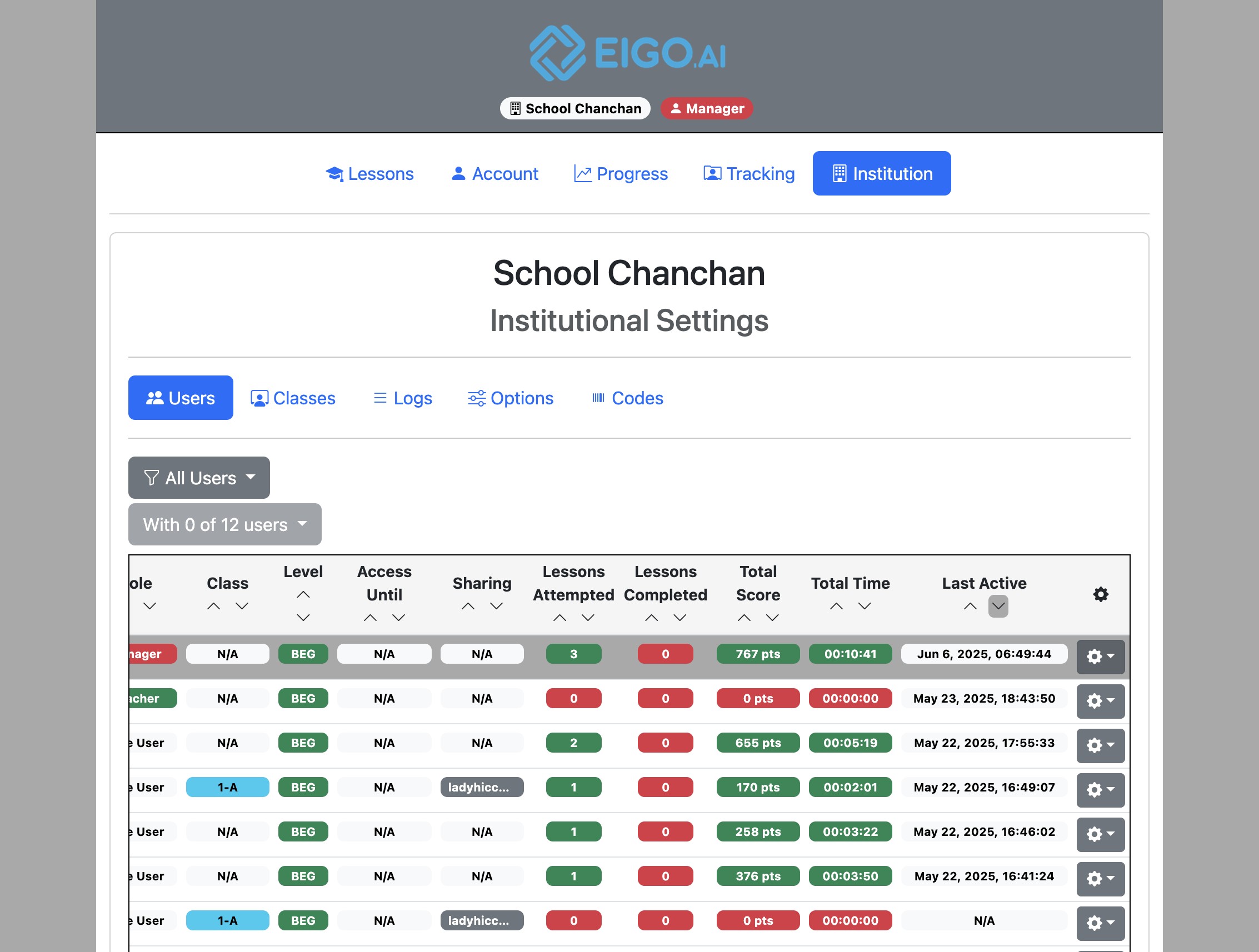
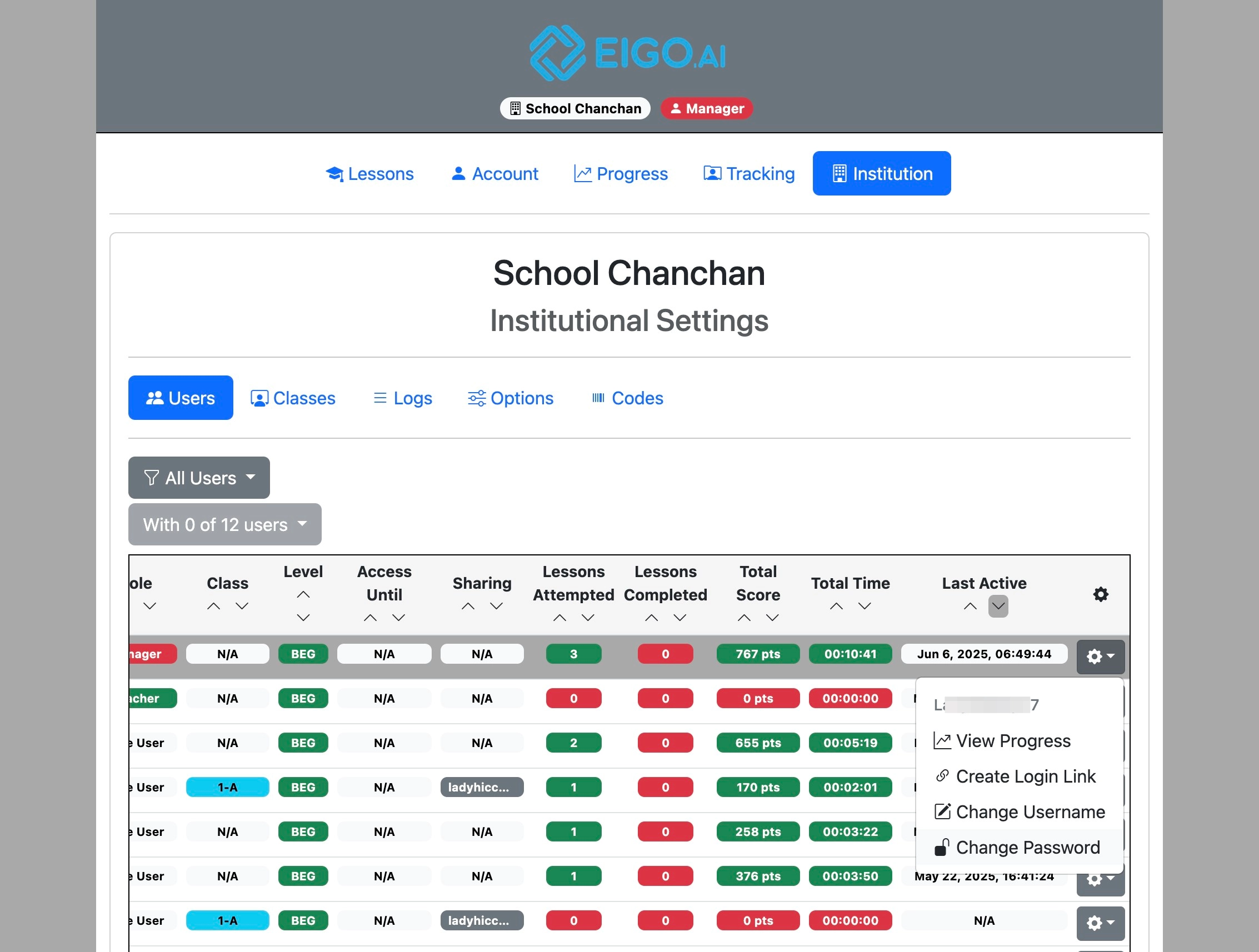
Click the gear button to open a dropdown menu for the selected student.
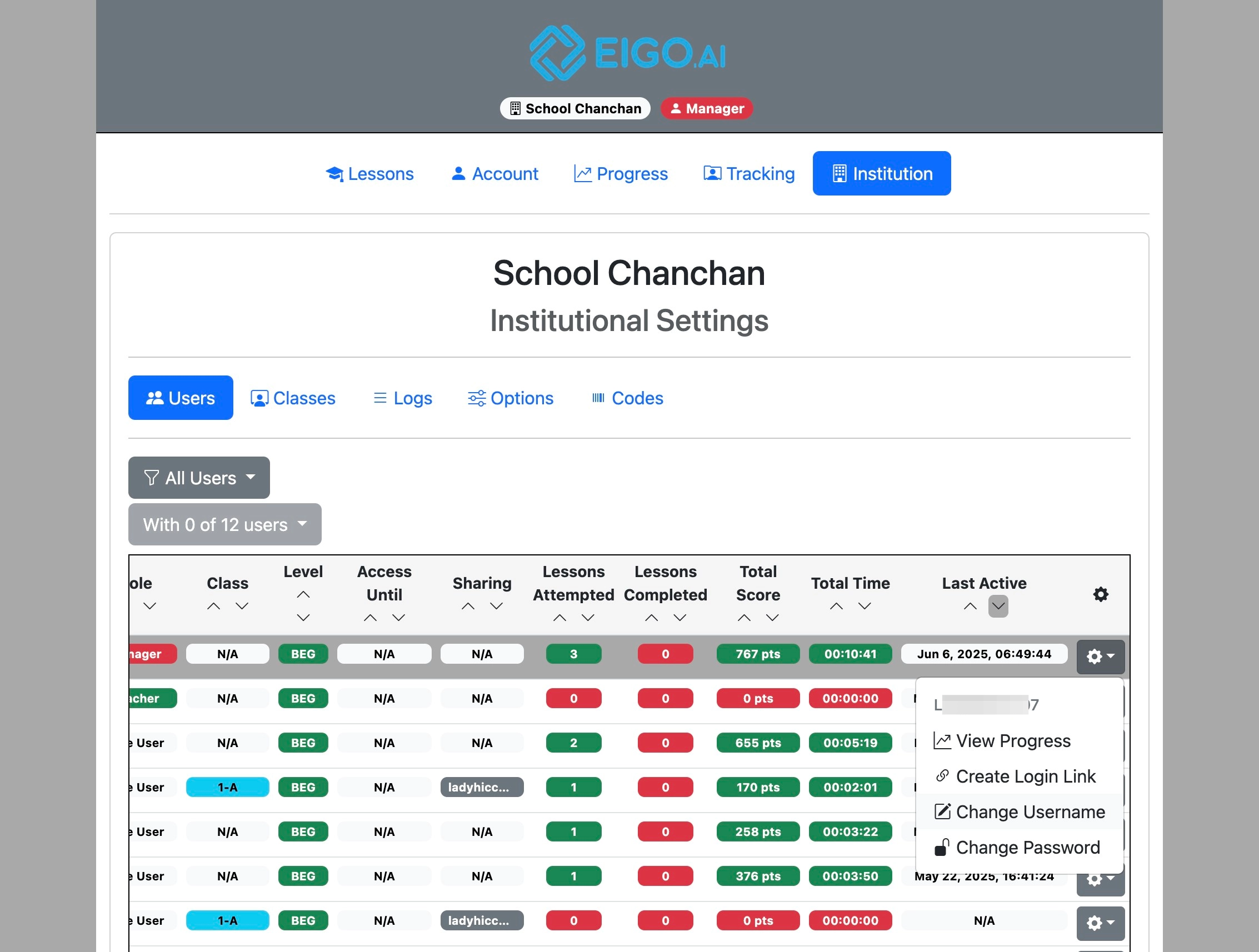
Click "Change Username".
Enter the new username and click "Change" to update.
Change Password
Note that the "Change Password" function is only available for students who log in with a username and password combination. For students logging in with Google or Microsoft, they can only change their passwords through the account management panels of those services.
Click the gear button to open a dropdown menu for the selected student.
Click "Change Password".
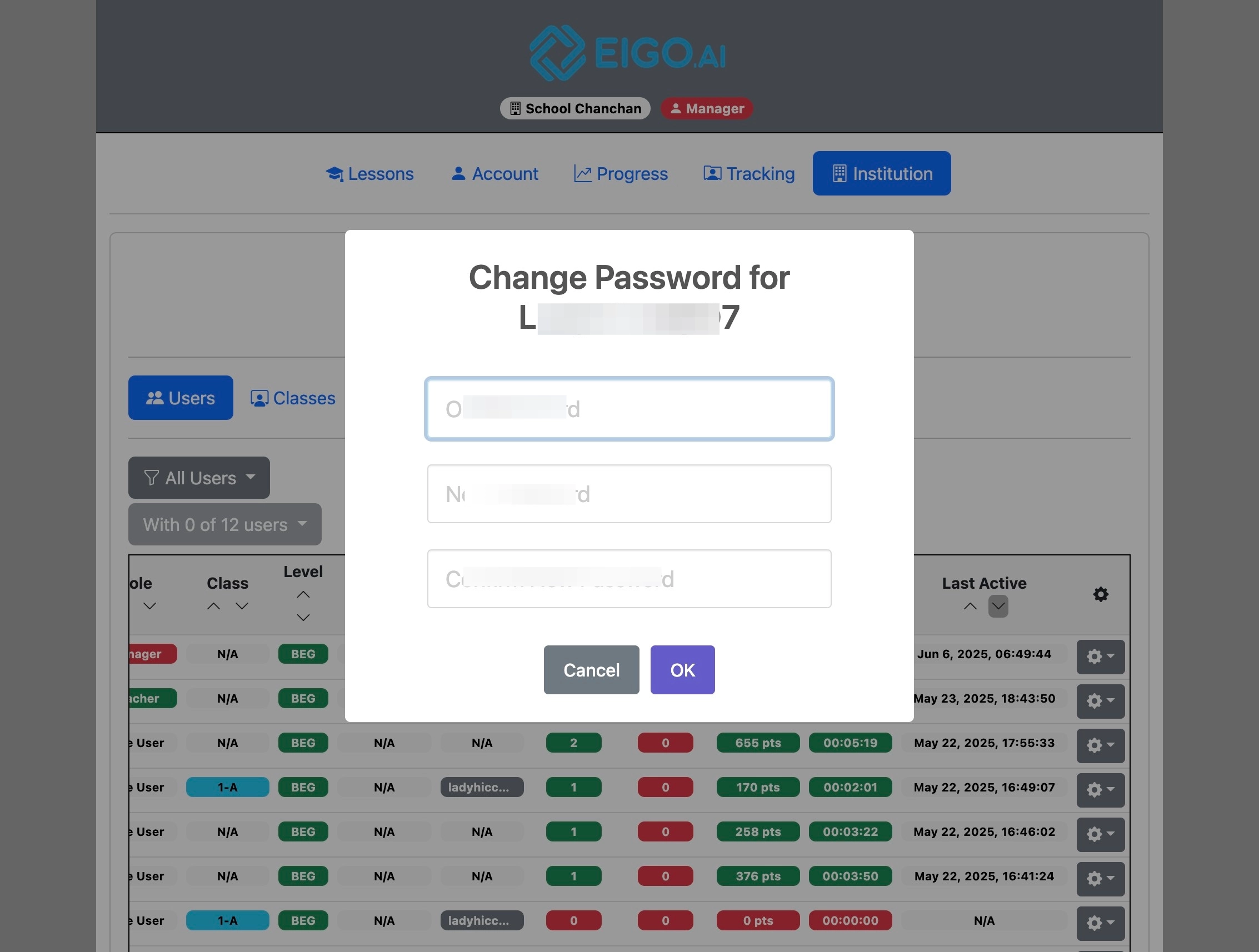
Enter your manager password and the new password for the selected student, and click "OK" to update the password.