1
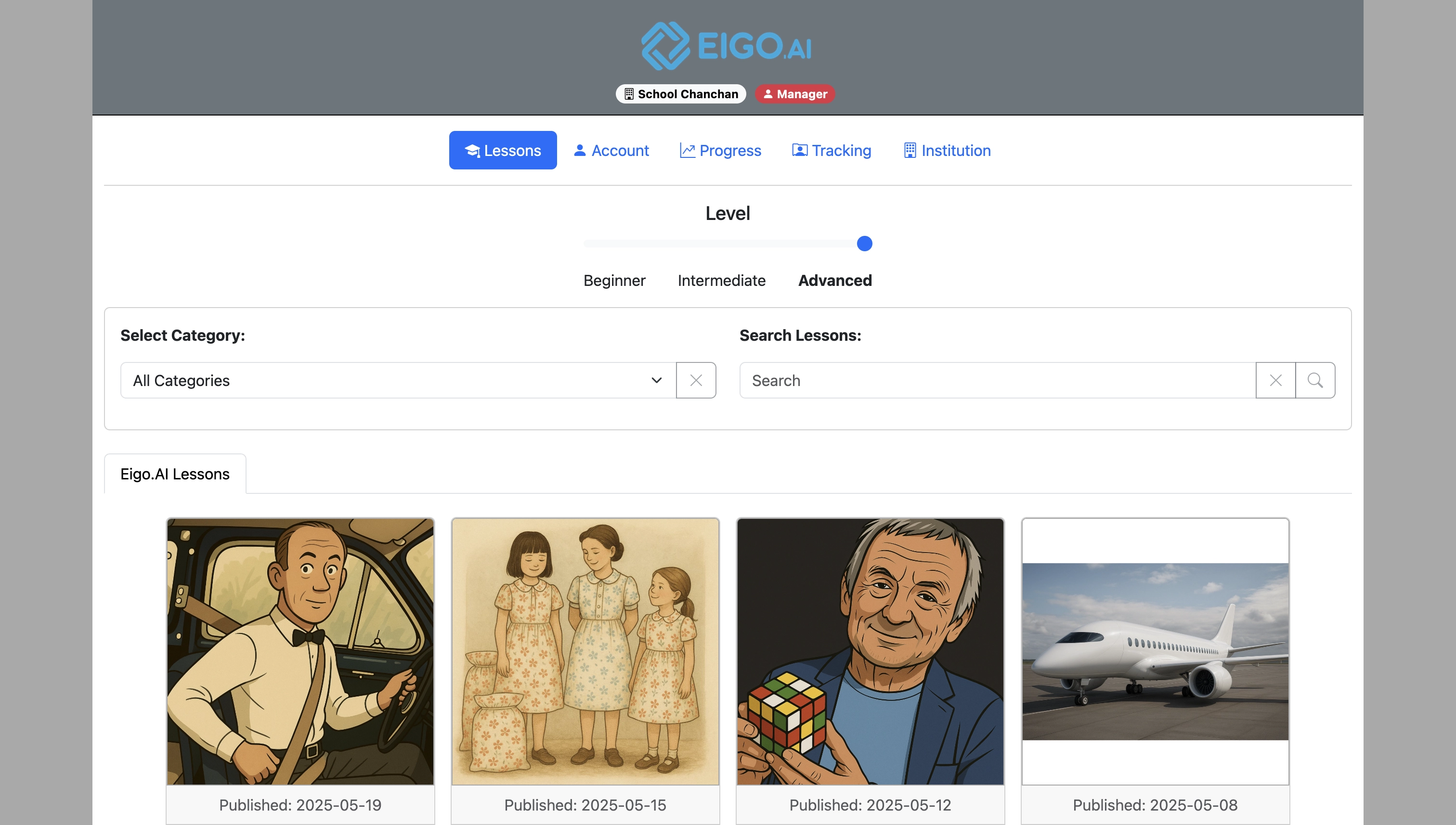
Sign in to Eigo.AI and click "Institution".
2
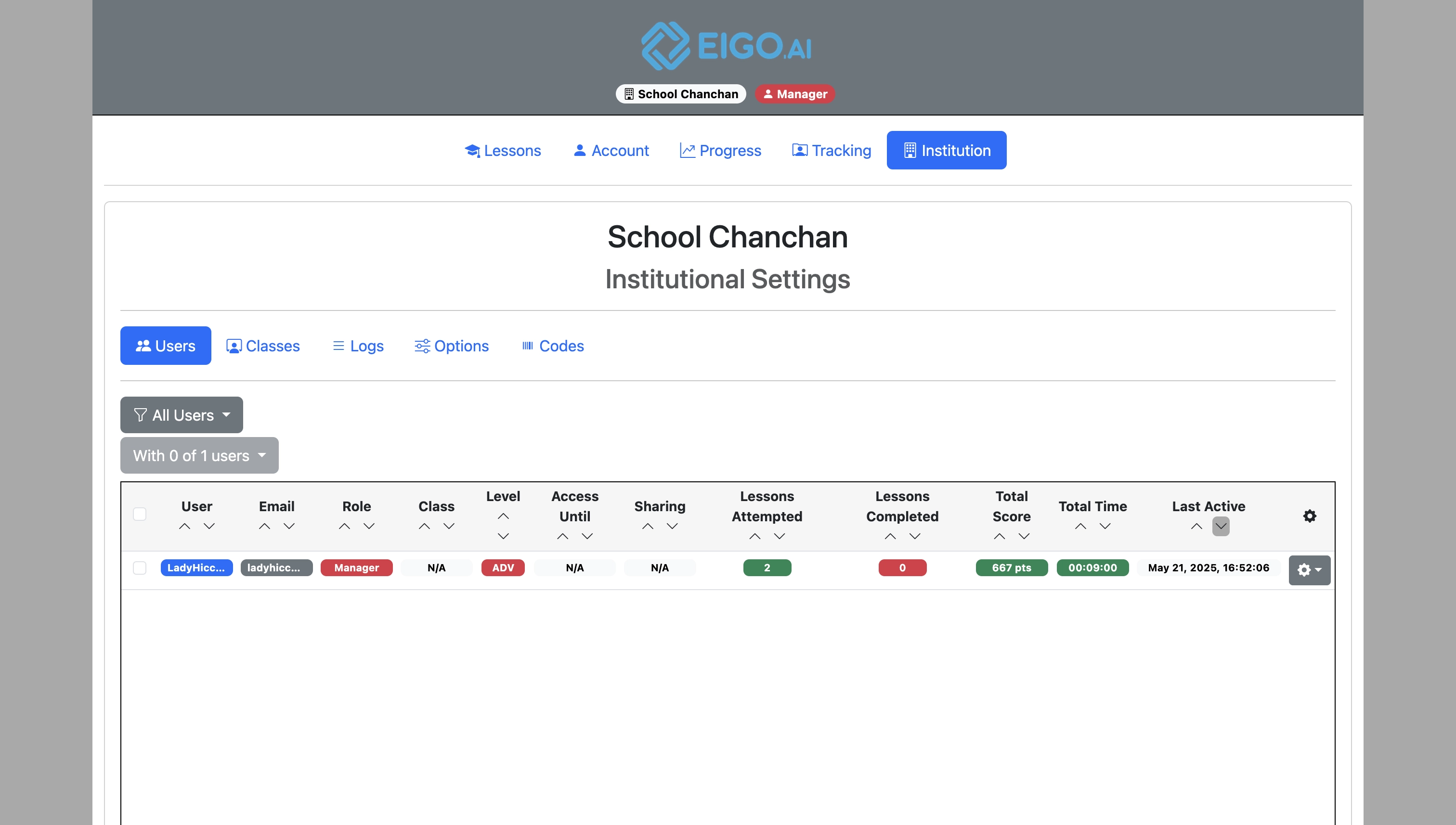
Click "Classes".
3
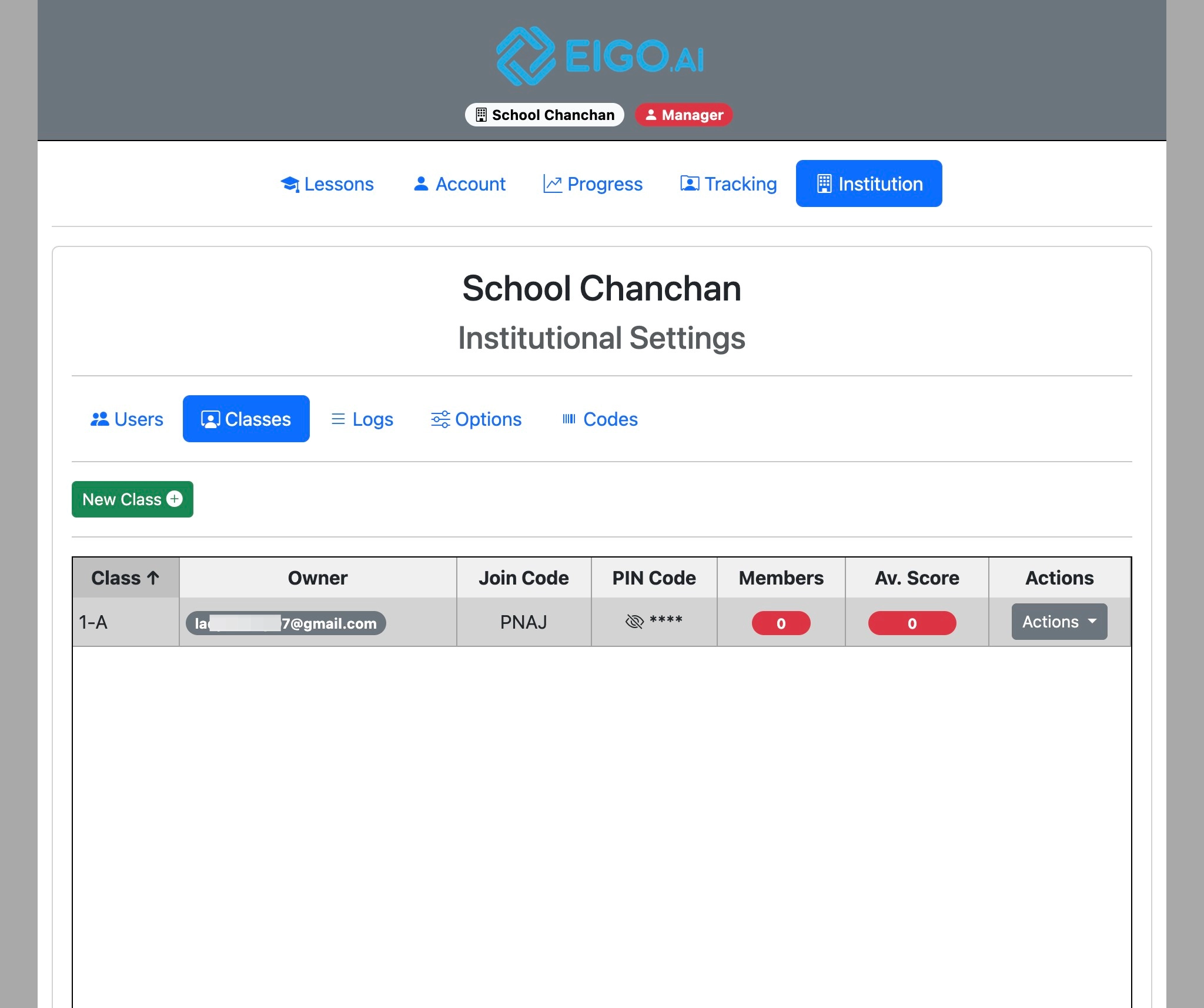
Click "Actions".
4
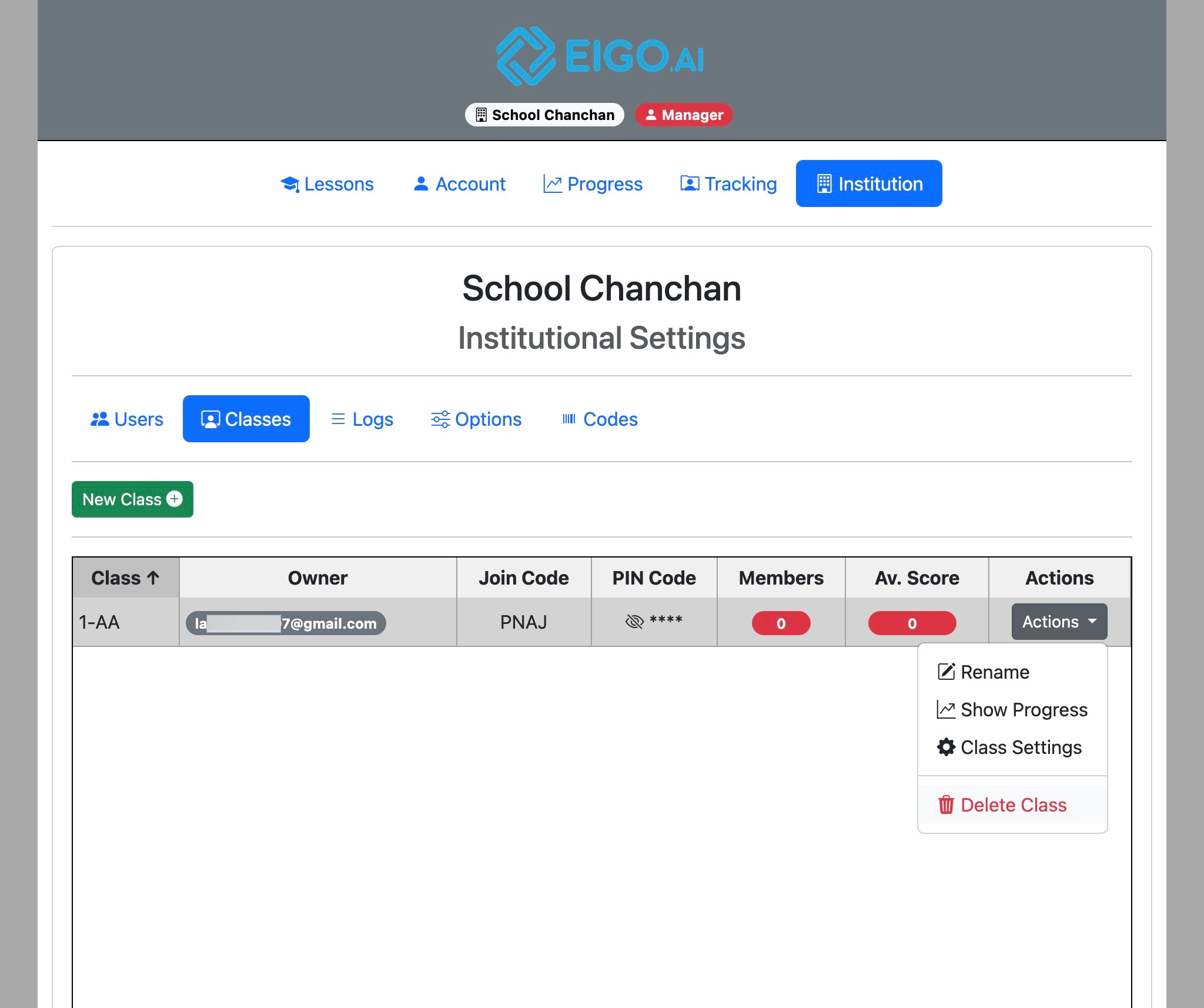
Click "Delete Class".
5
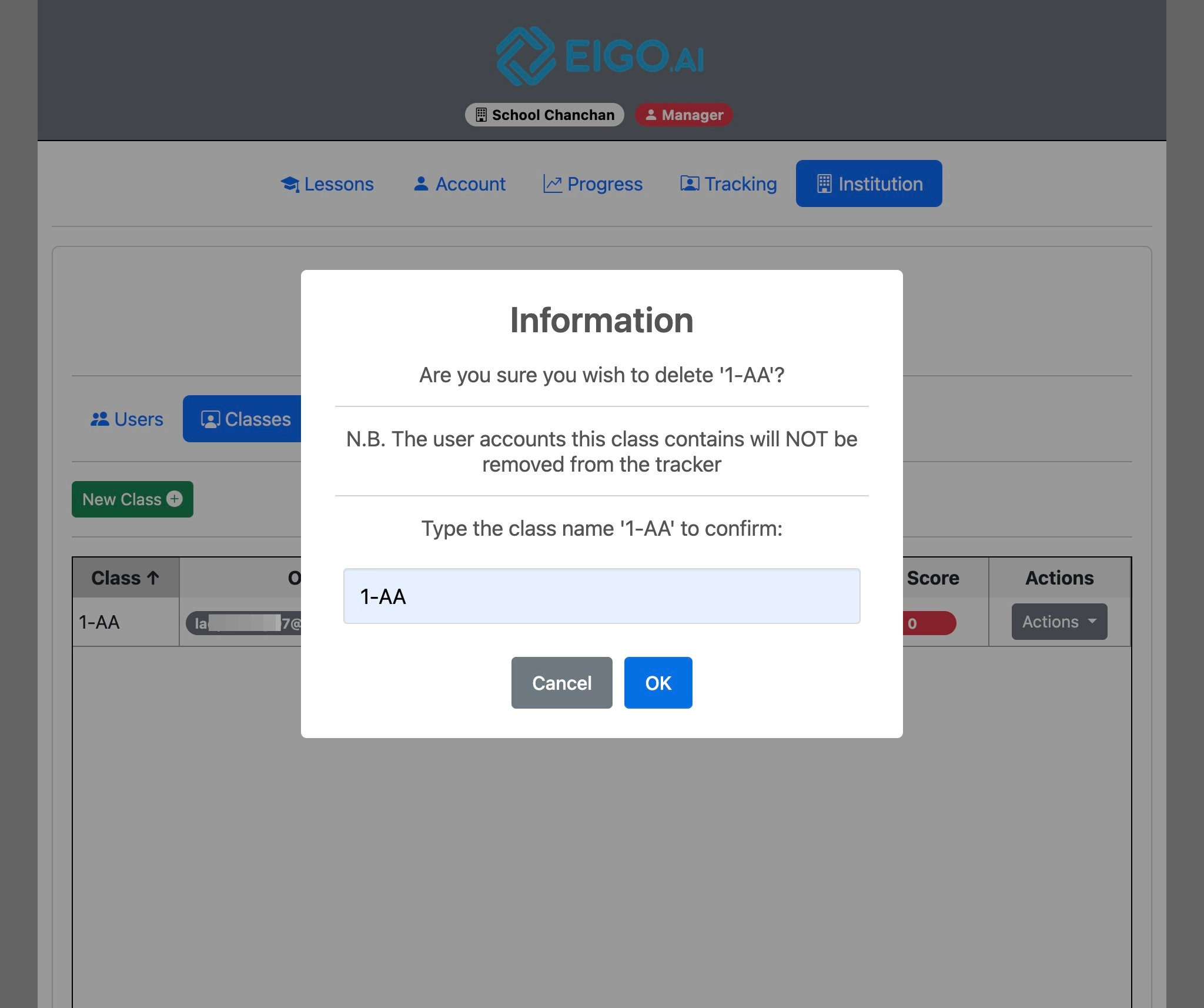
Type the name of the class and click "OK" to confirm.
Manager Manual
5 step guide for Eigo.AI manager users.
Sign in to Eigo.AI and click "Institution".
Click "Classes".
Click "Actions".
Click "Delete Class".
Type the name of the class and click "OK" to confirm.