1
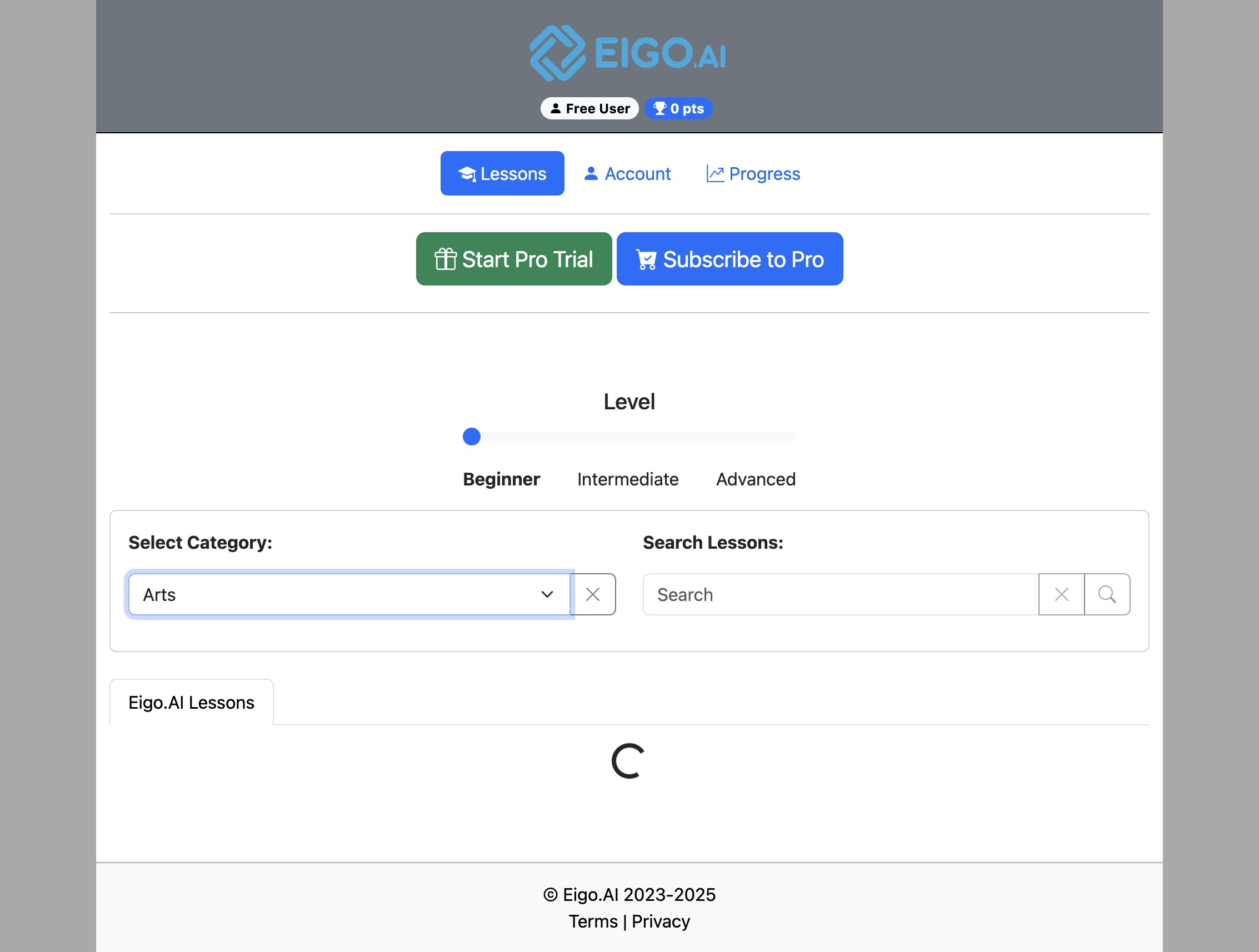
Navigate to https://eigo.ai/lessons/ and switch to Library View if you are currently in Magazine View.
2
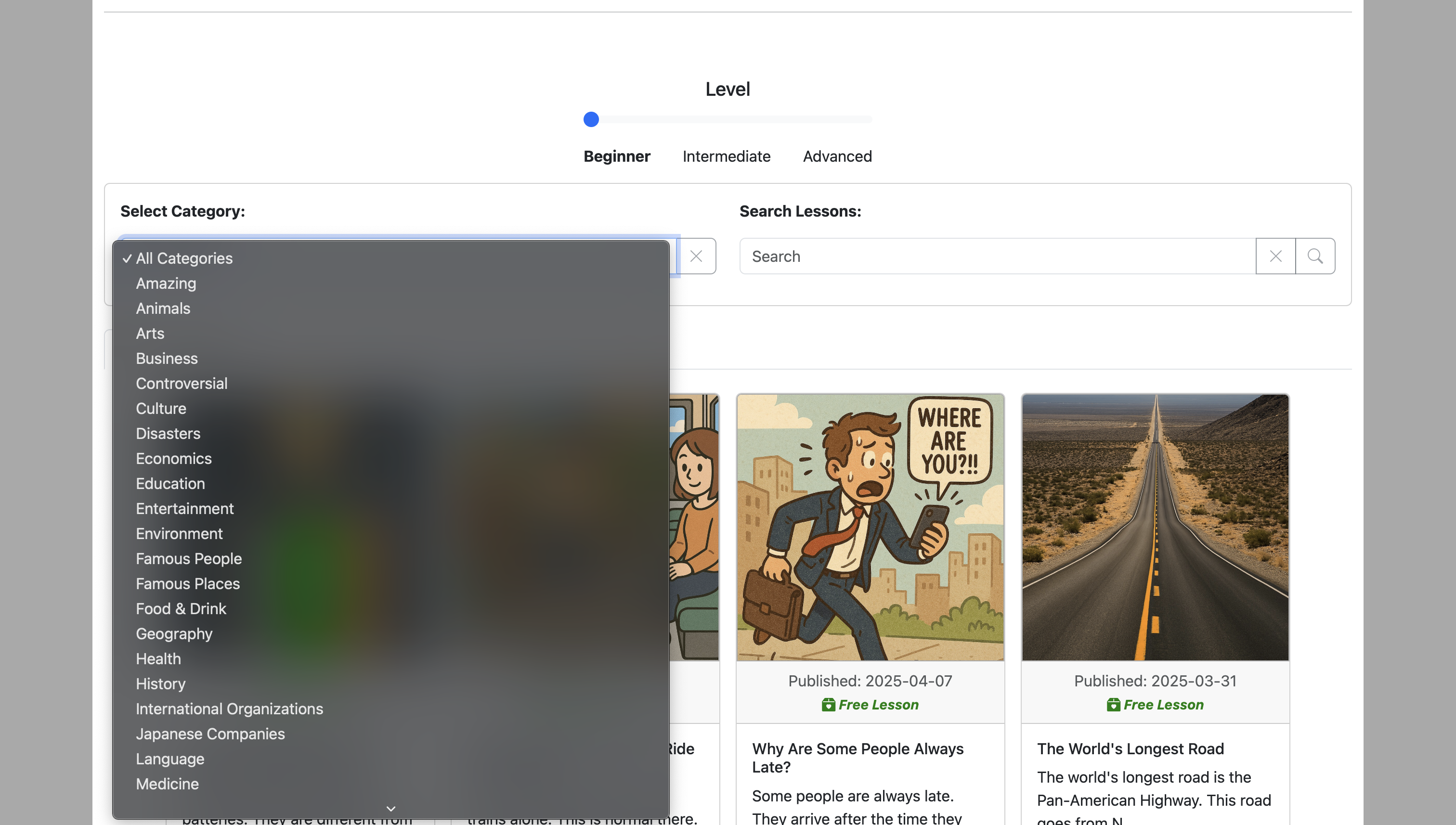
Select a category of your choice.
3
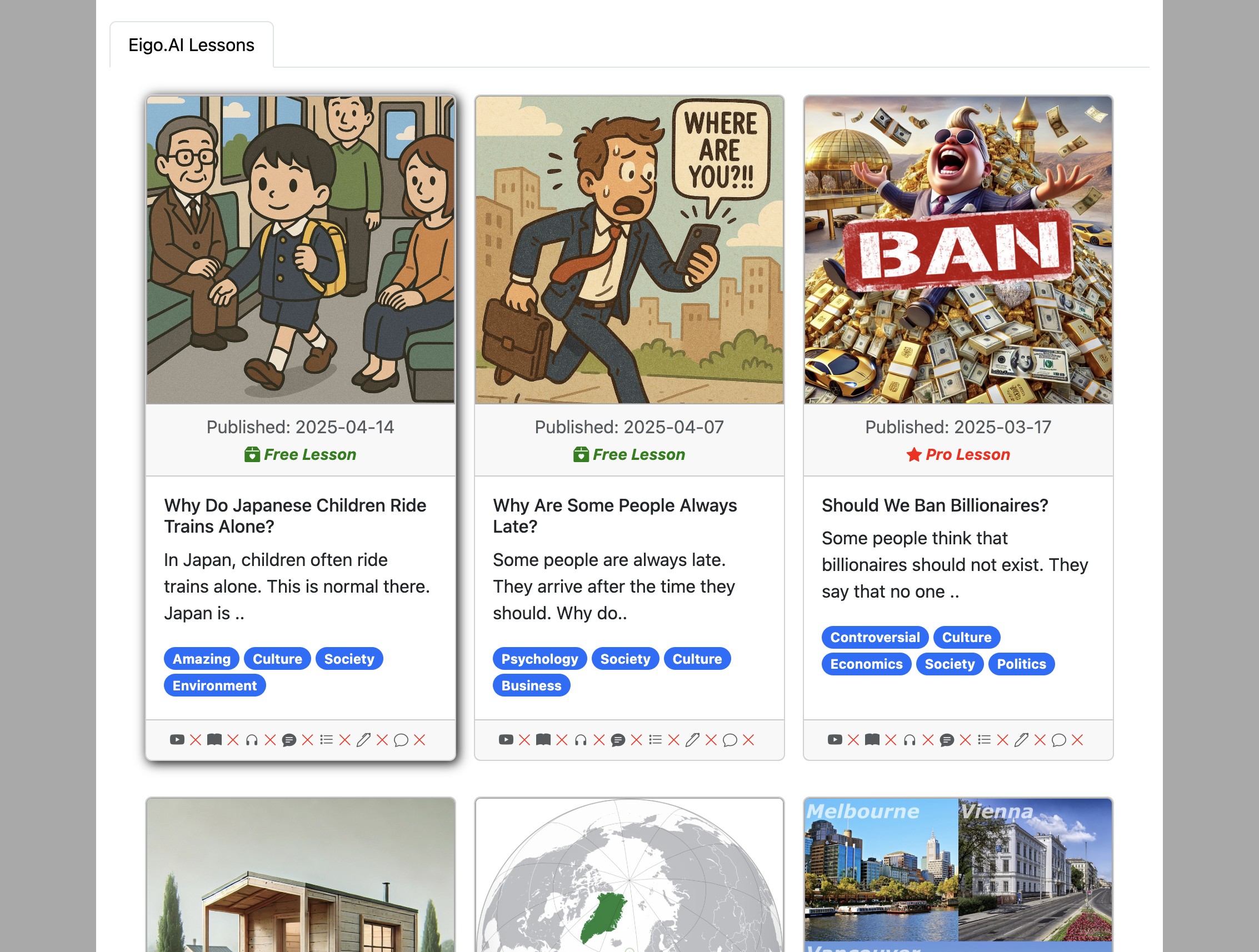
Lessons matching your selected category will be shown
4
Lessons are marked as free lessons or full-access lessons. The latest three public lessons are available to anonymous users and free accounts. Older public lessons require institutional access, an access code, or temporary access. If you belong to an institution, redeem an access code if Eigo.AI asks you for one.