Student Manual

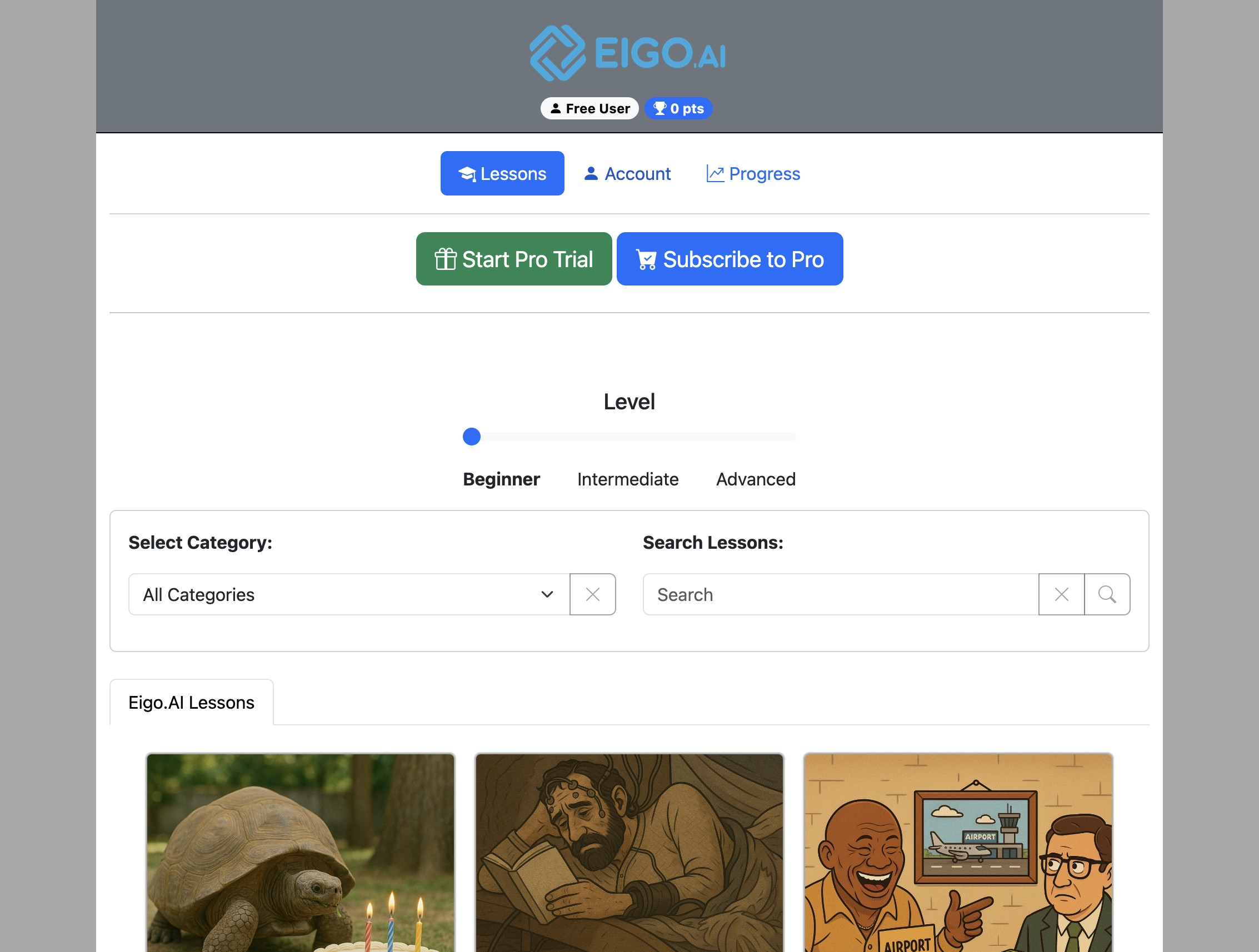
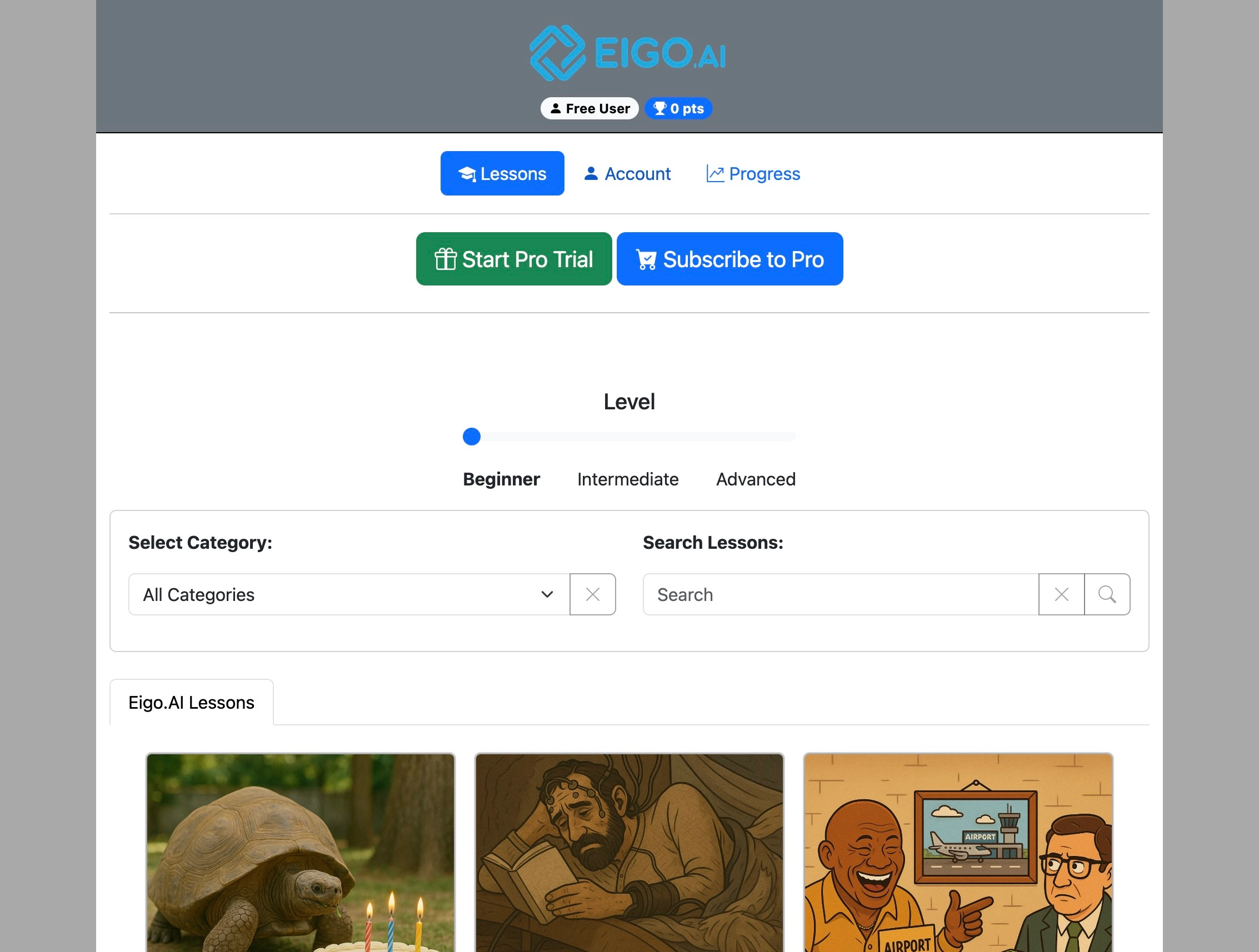
How to cancel a Pro subscription

5 step guide for Eigo.AI student users.

2

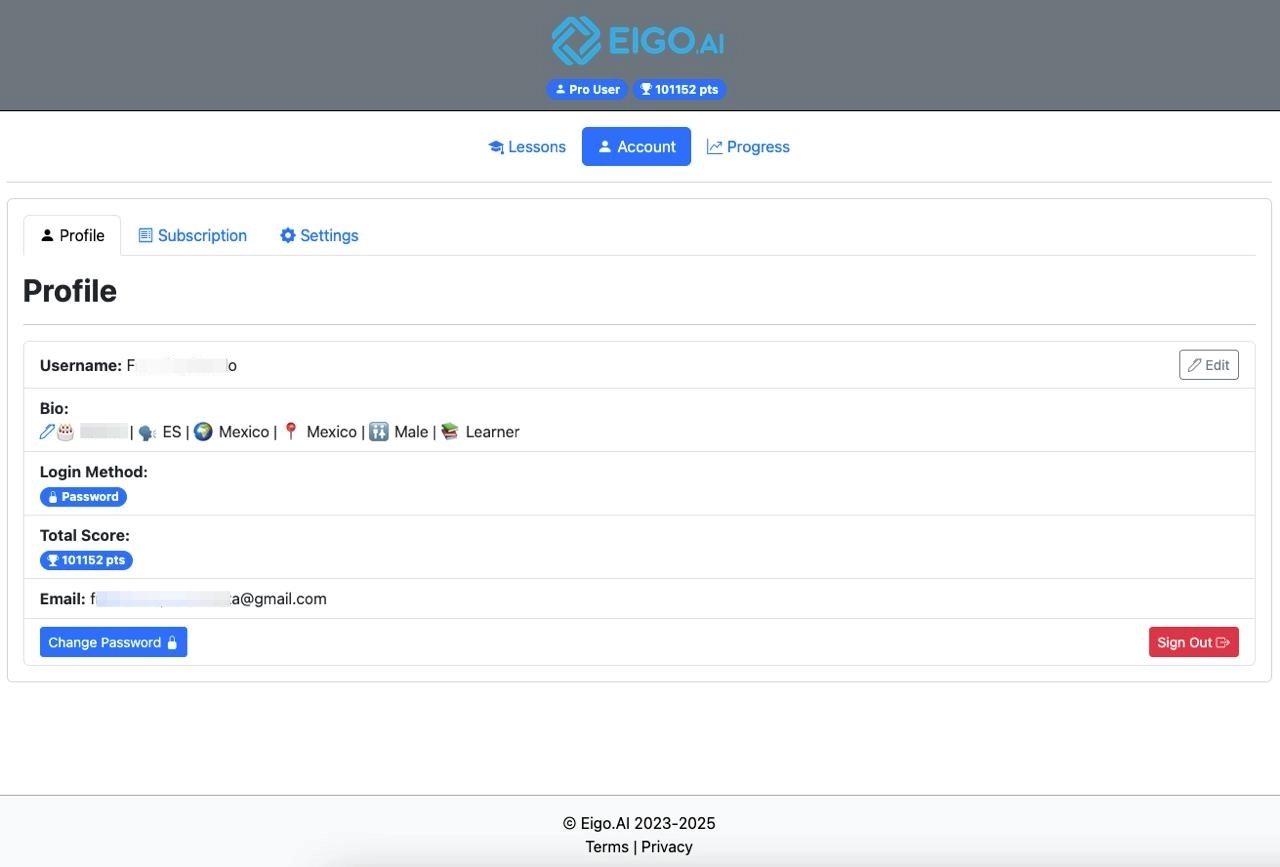
Click "Account"

Screenshot for How to cancel a Pro subscription, step 2
3

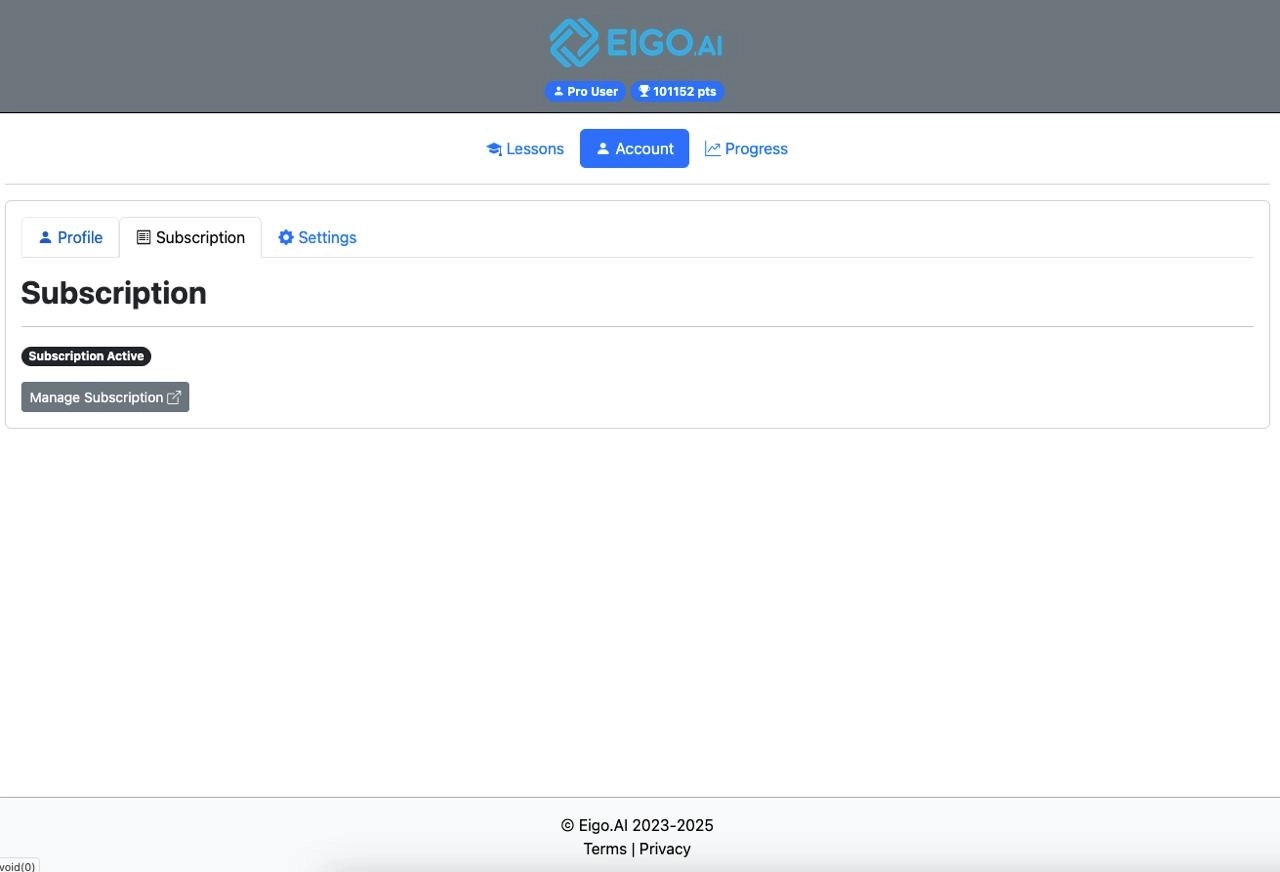
Click "Subscription"

Screenshot for How to cancel a Pro subscription, step 3
4

Click "Manage Subscription"

Screenshot for How to cancel a Pro subscription, step 4
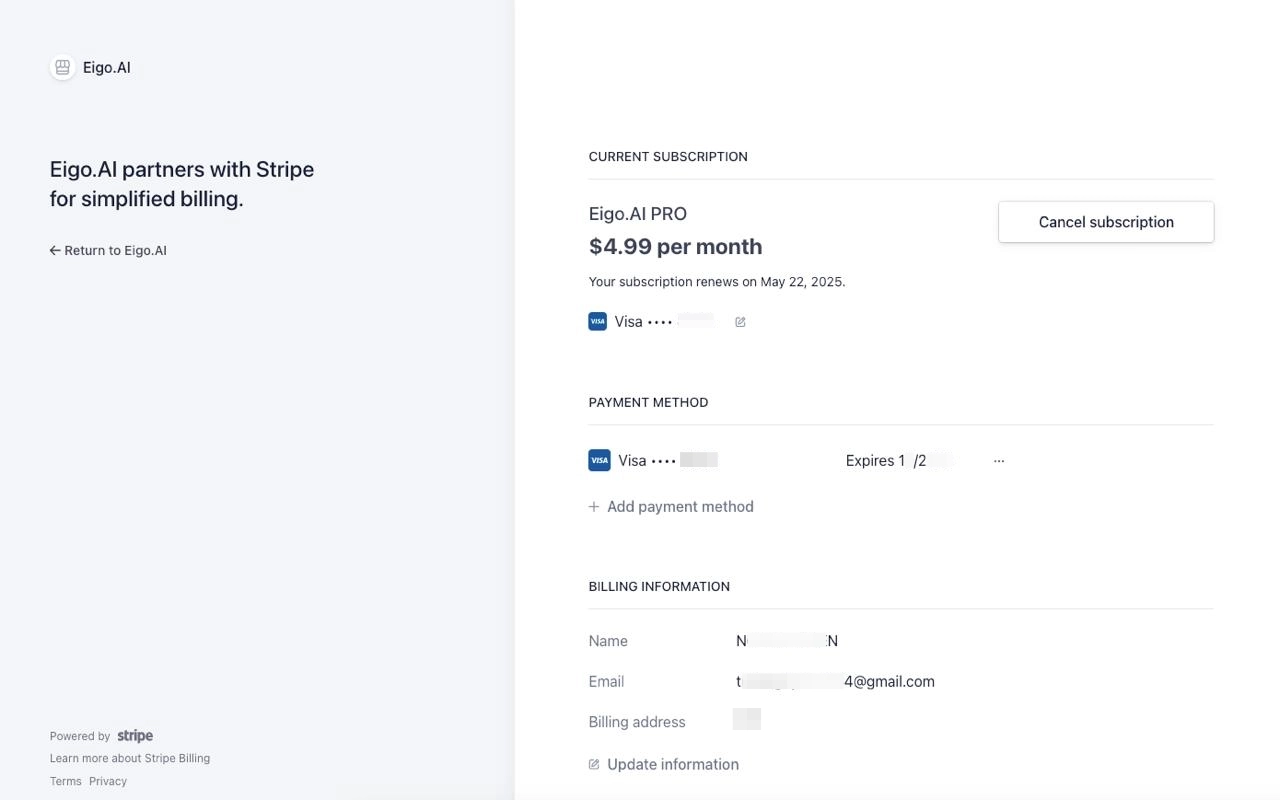
5

Click "Cancel Subscription"

Screenshot for How to cancel a Pro subscription, step 5

Access remains available until the end of the current subscription period, after which the account will revert to a free user.