1
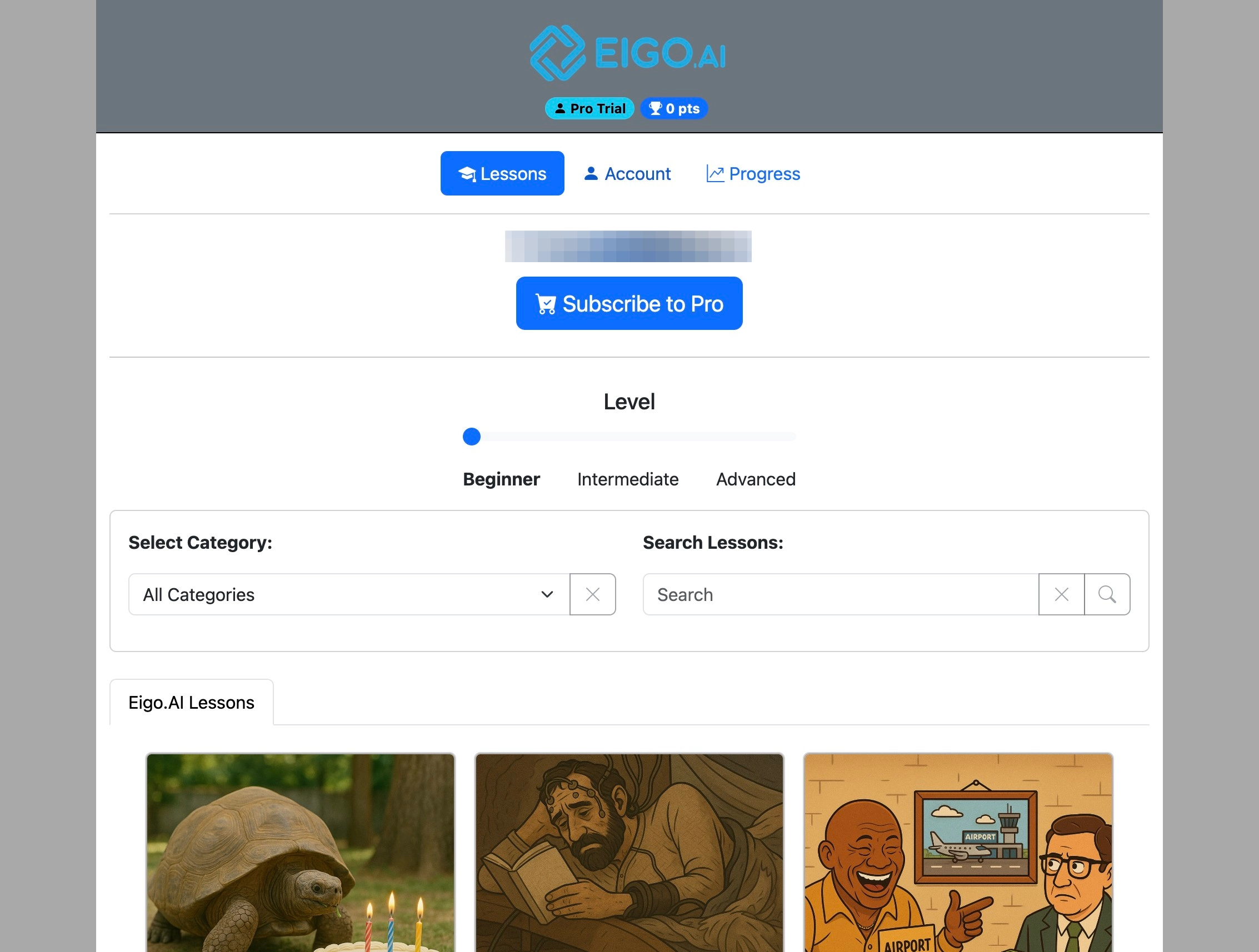
Navigate to https://eigo.ai/lessons/
2
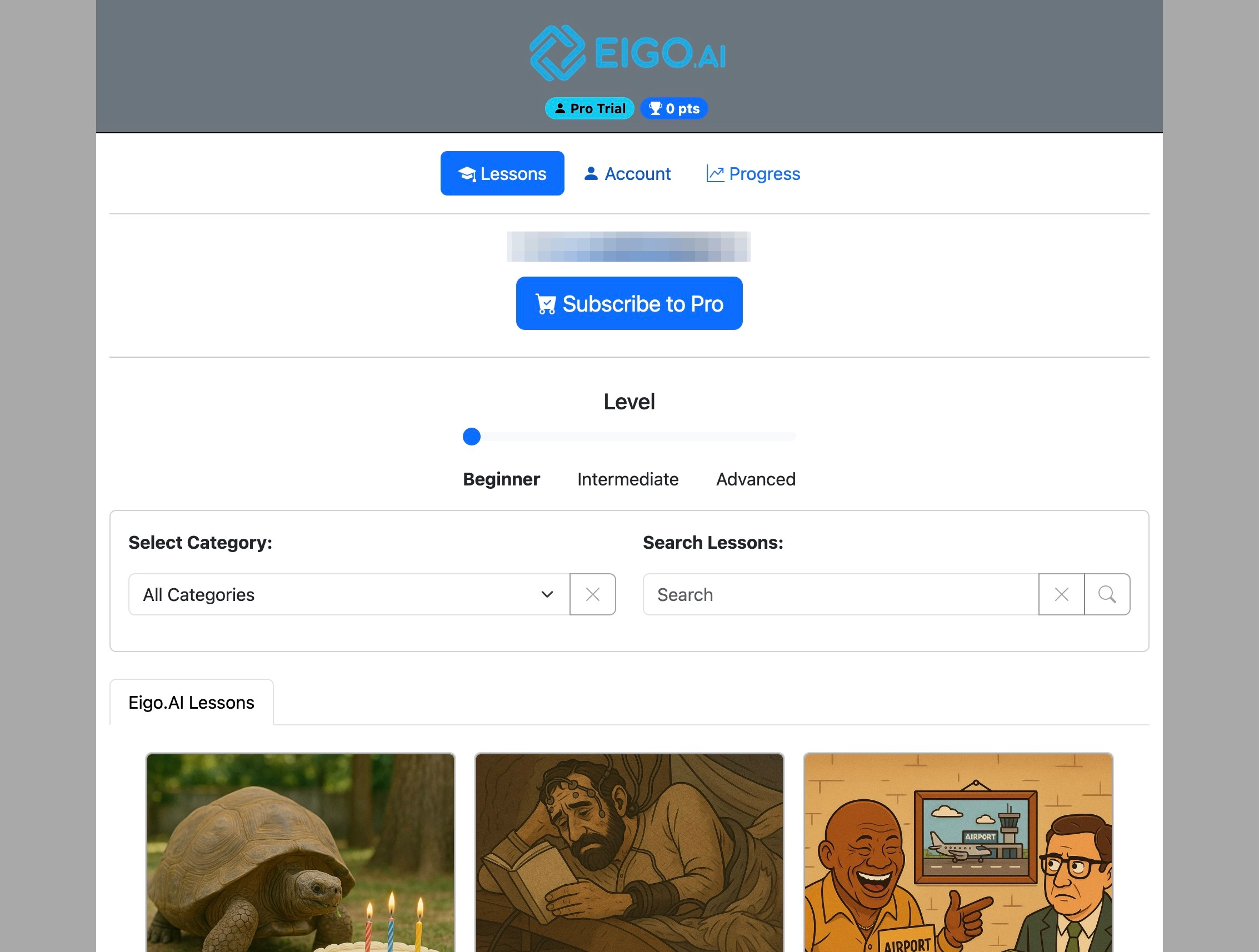
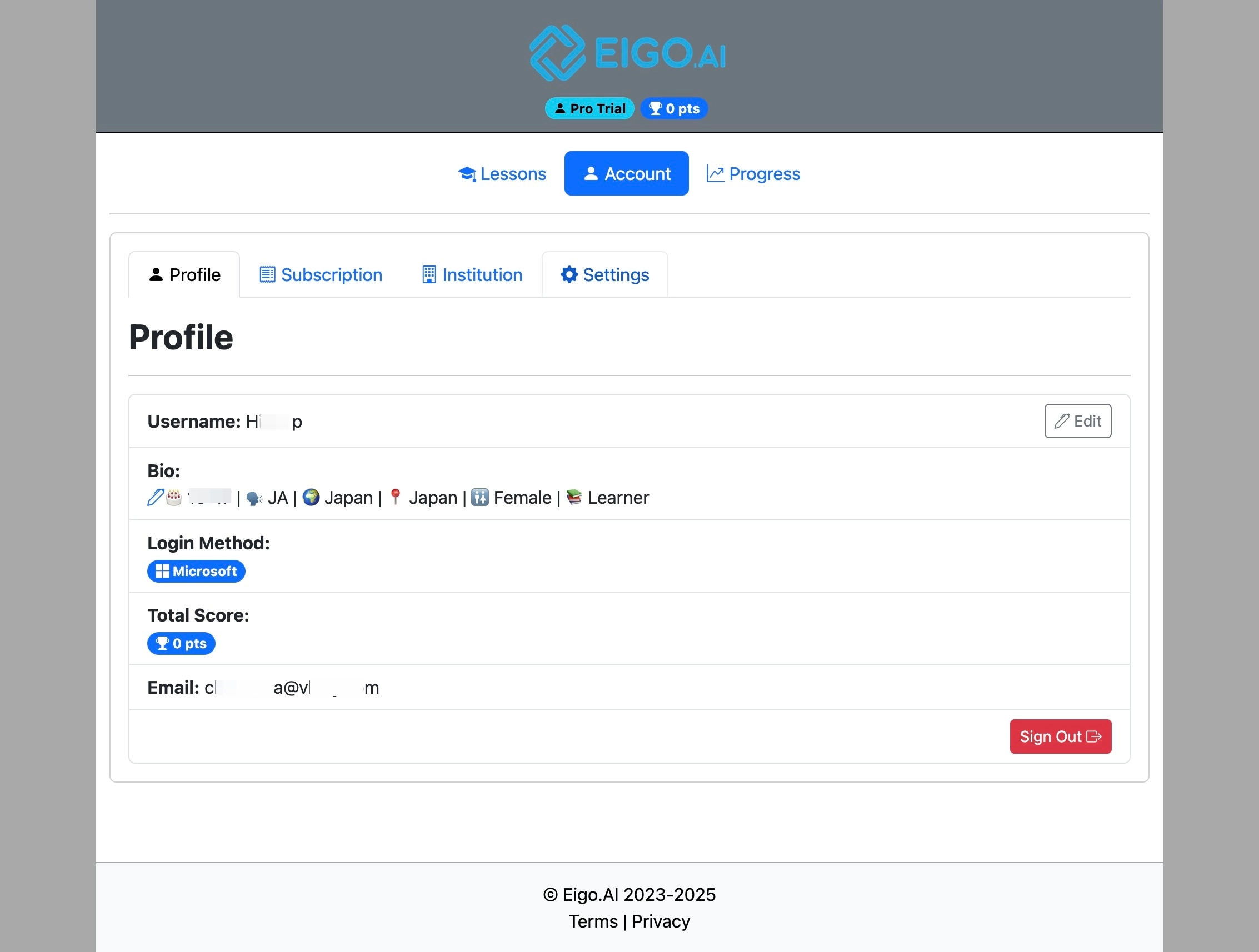
Click "Account"
3
Click "Settings"
4
Under the 'Settings' tab, select the types of email notifications you'd like to receive.
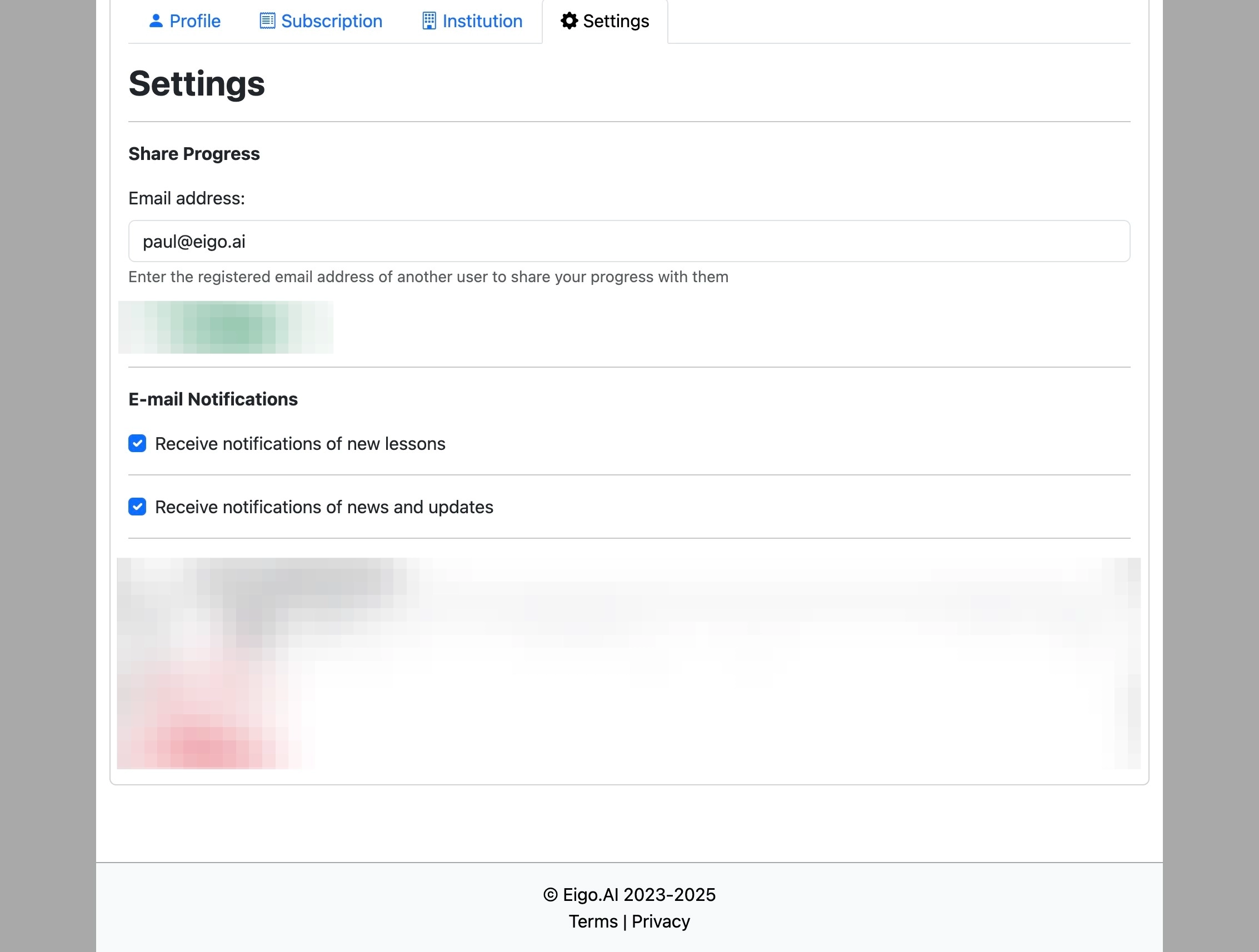
If you are a member of institution, notifications will be disabled and cannot be changed unless you leave the institution.