1
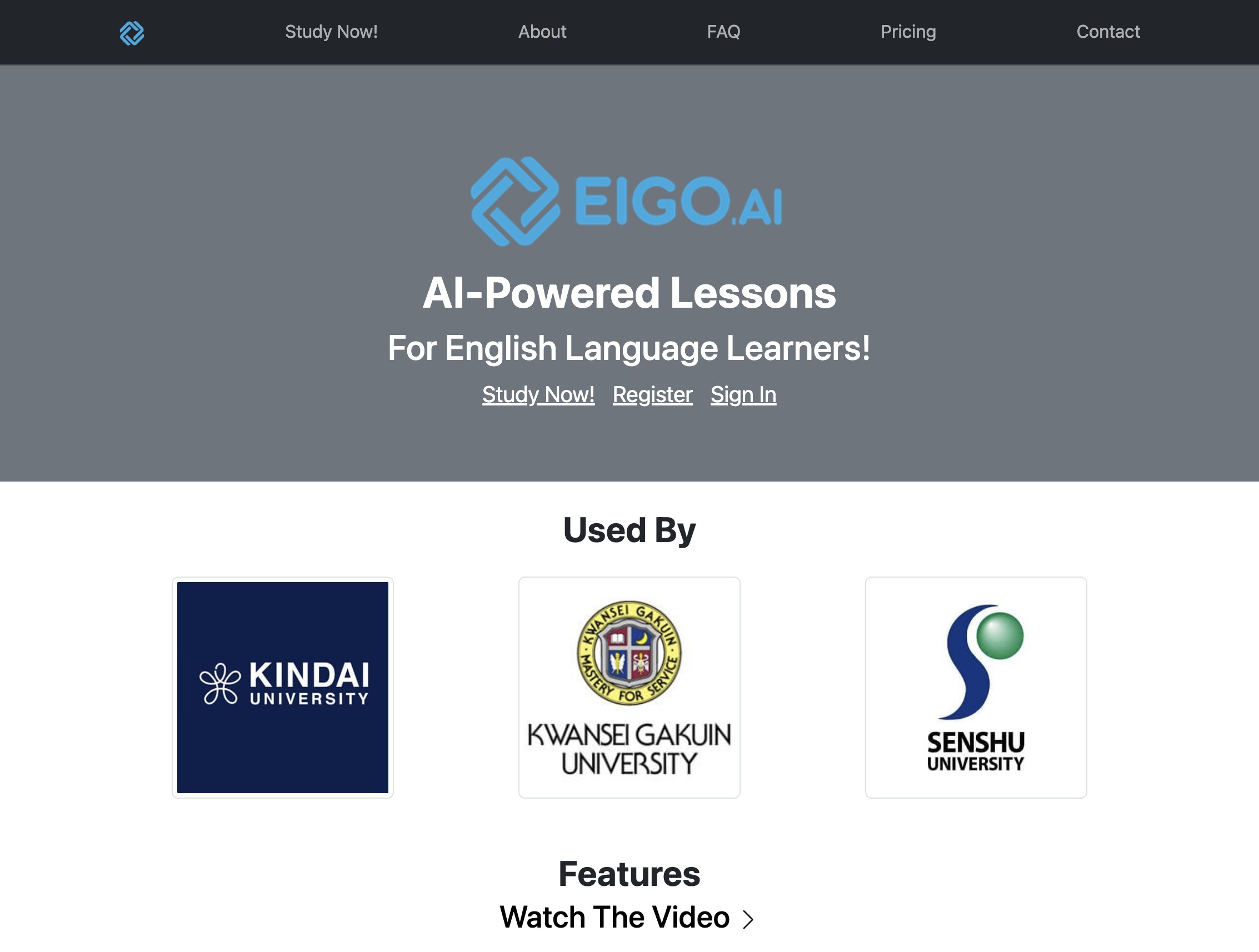
Navigate to https://eigo.ai/.
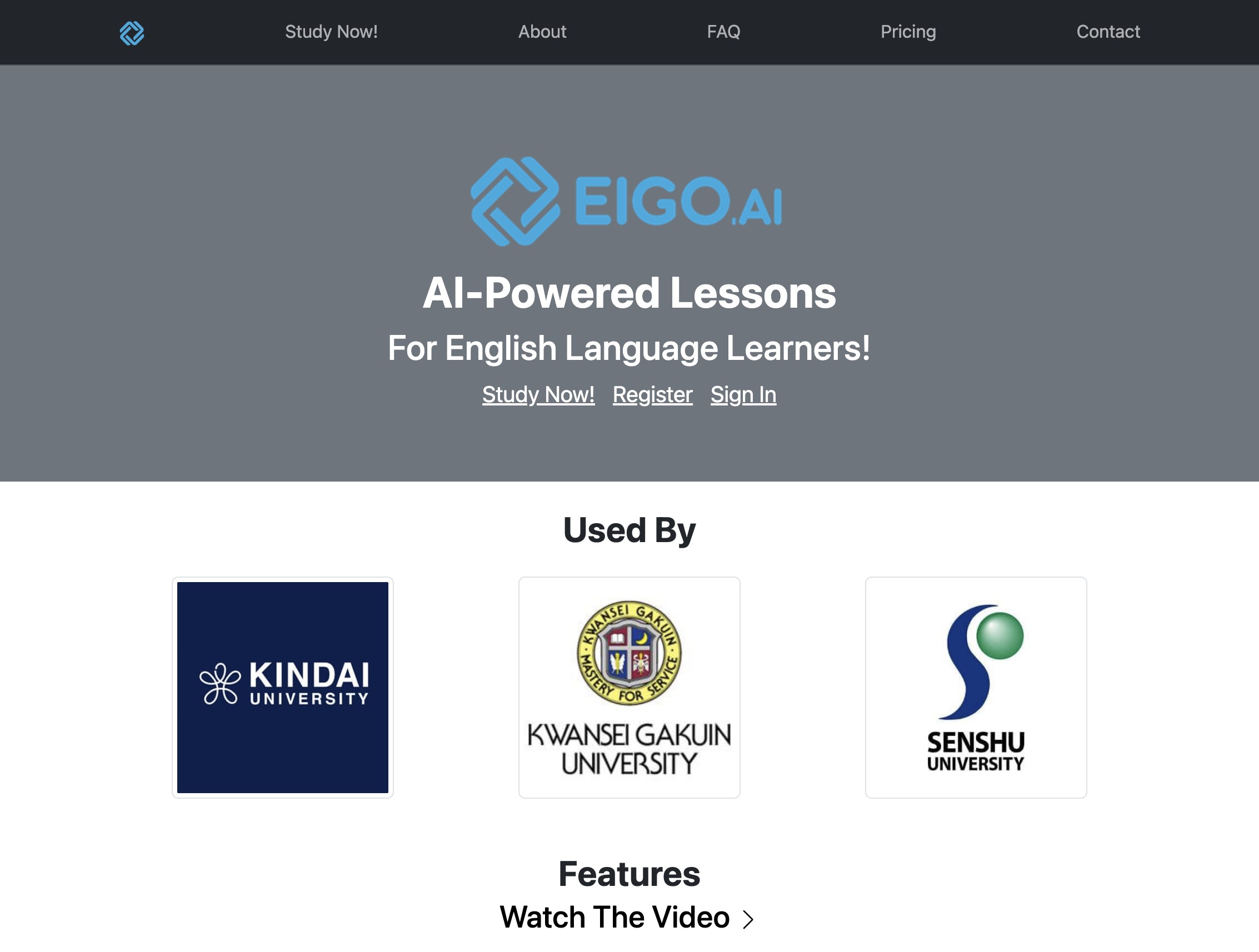
2
Click "Register".
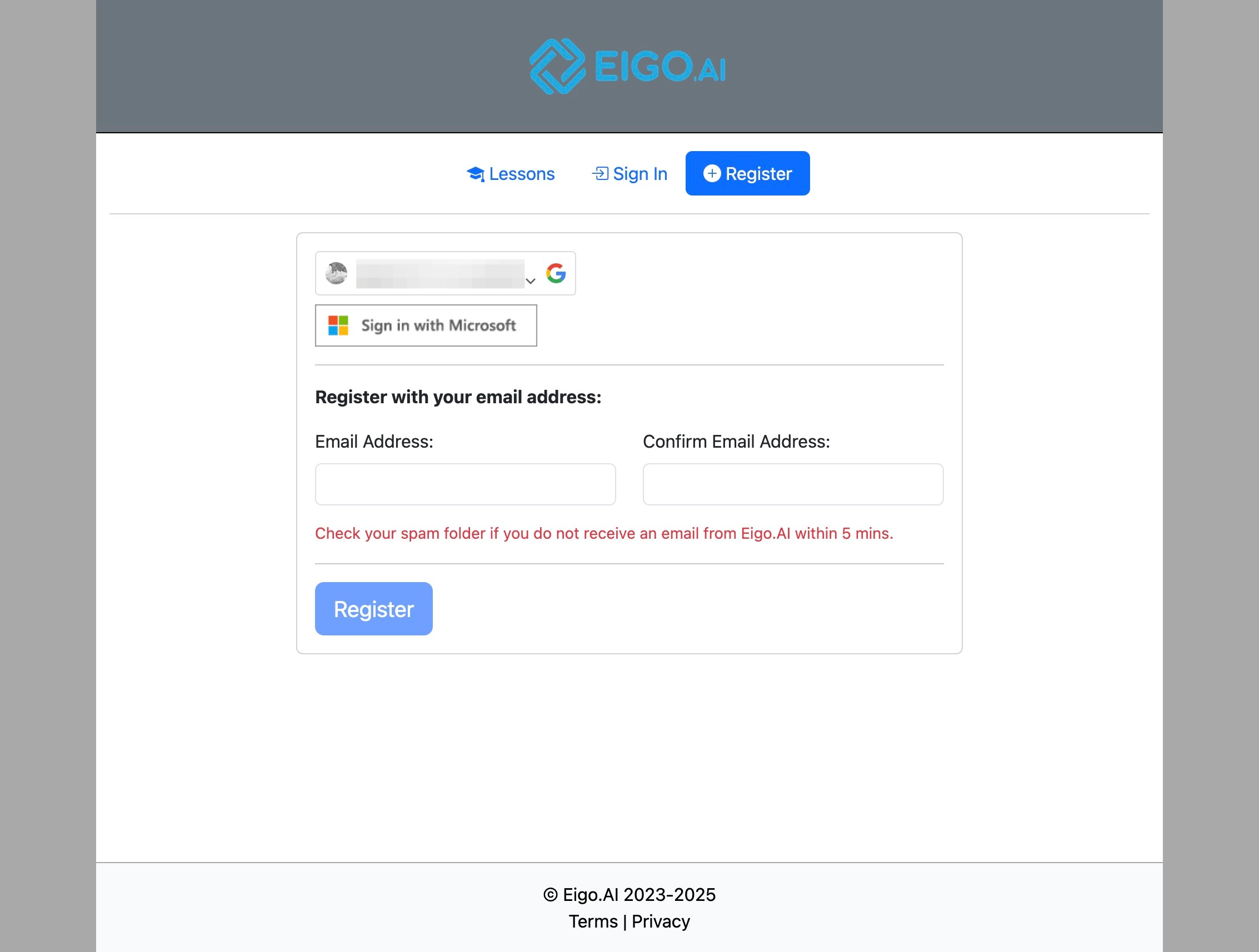
3
Click "Sign in with Microsoft".
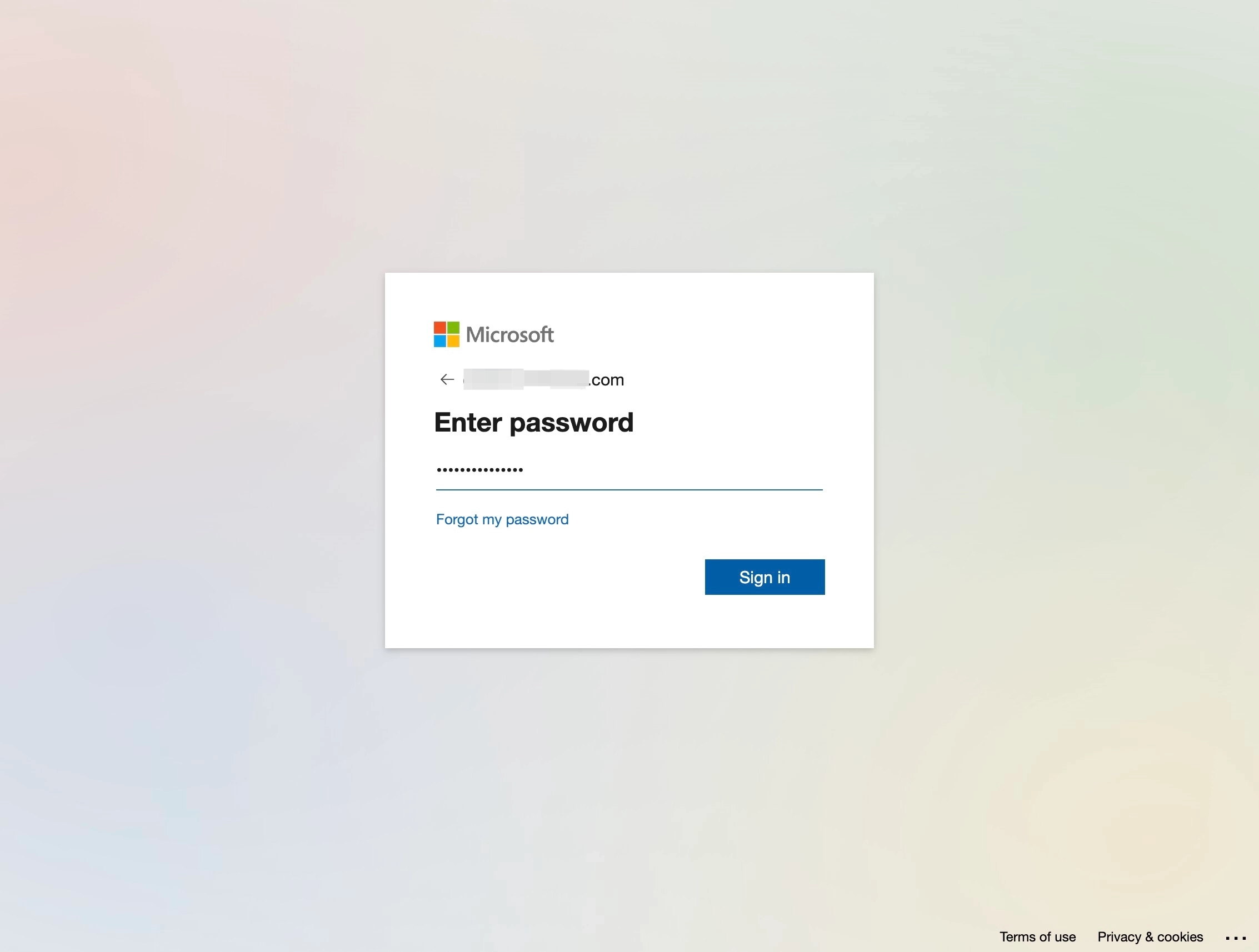
4
Enter your Microsoft password, and click "Sign in".
5
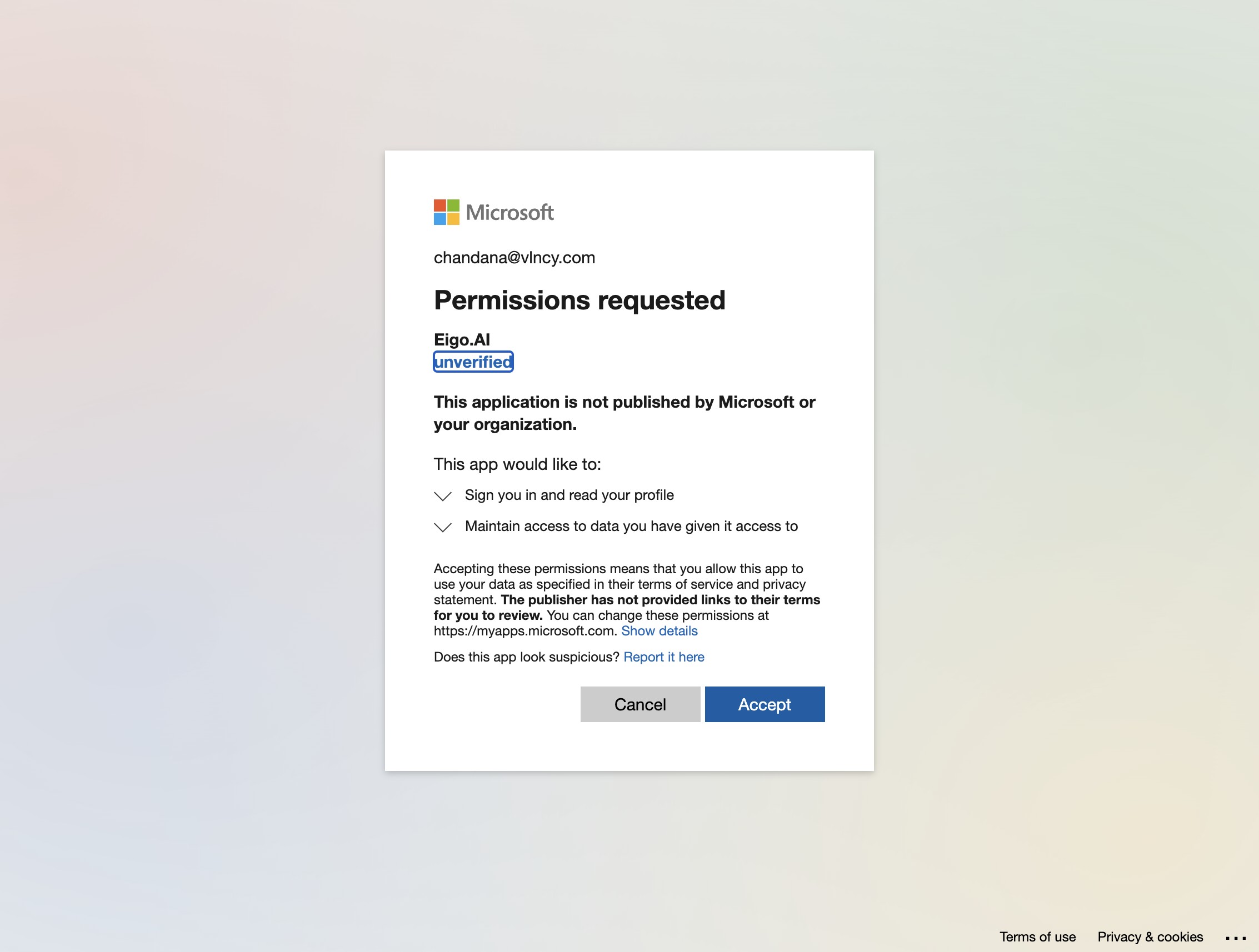
Click "Accept".
6
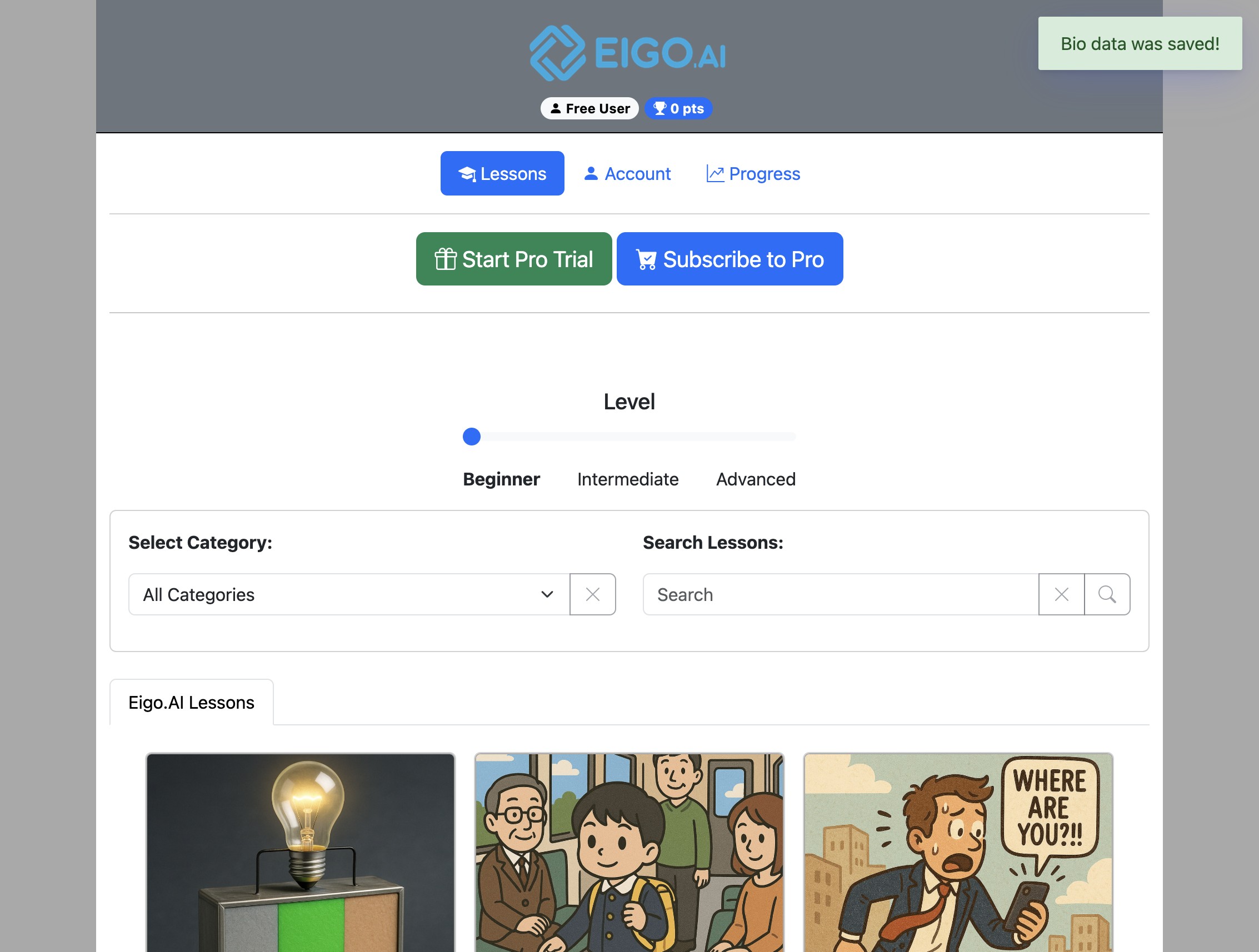
Registration is complete!
For account security, Eigo.AI login sessions last up to 24 hours after your most recent activity. Active page loads and account actions refresh the session, but you may be asked to sign in again if the session expires or the account is signed in on another browser.