1
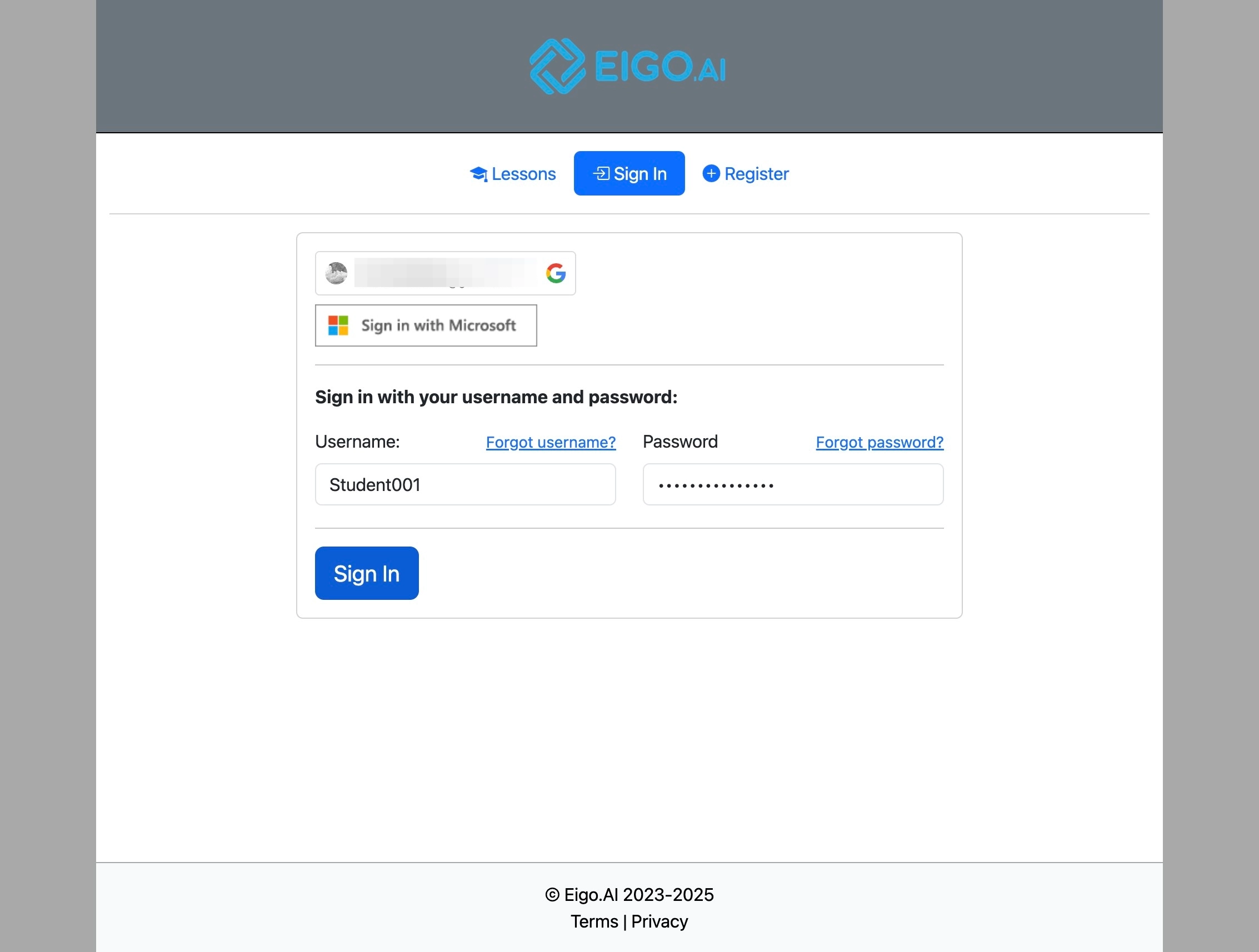
Navigate to https://eigo.ai/account/?screen=sign_in
2
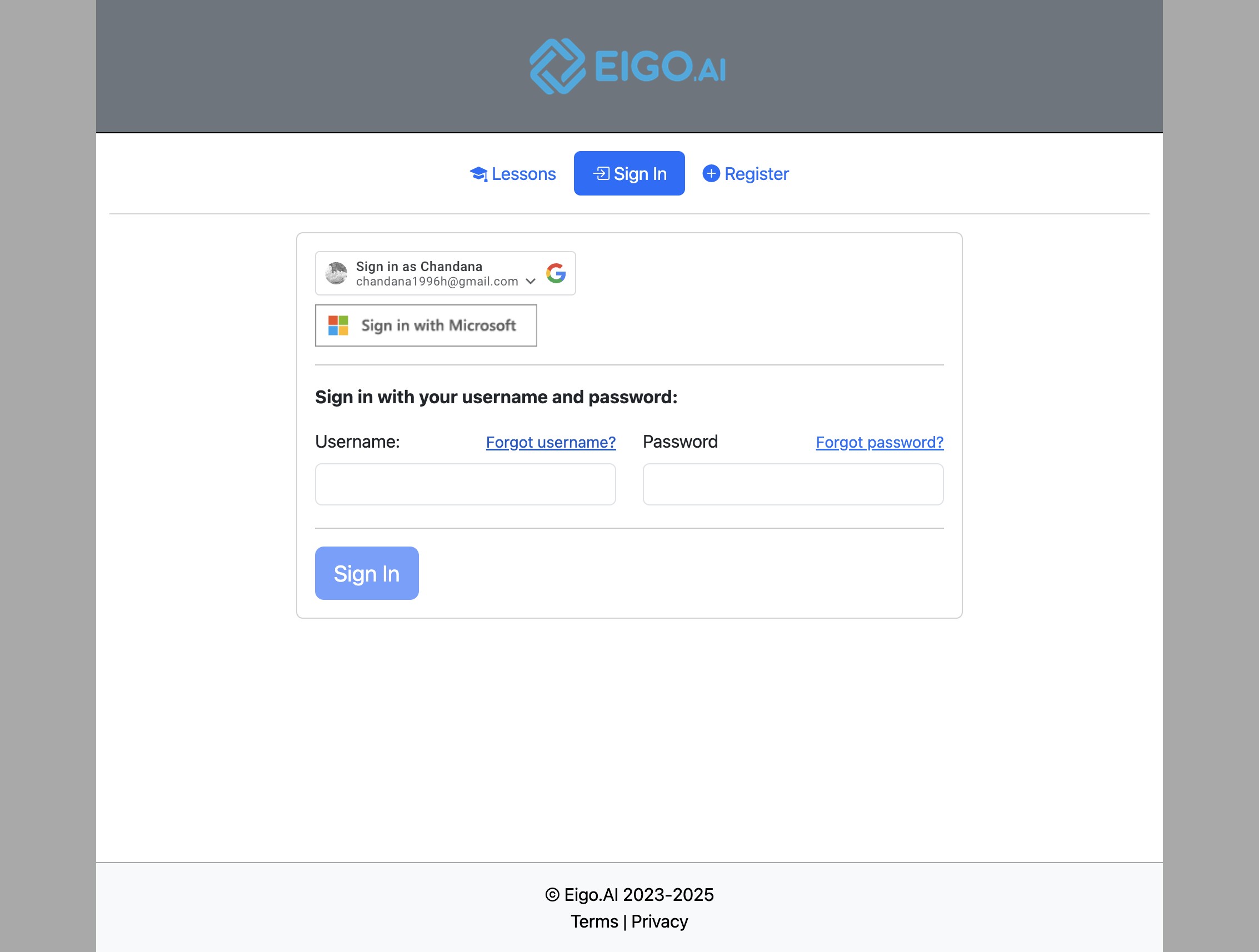
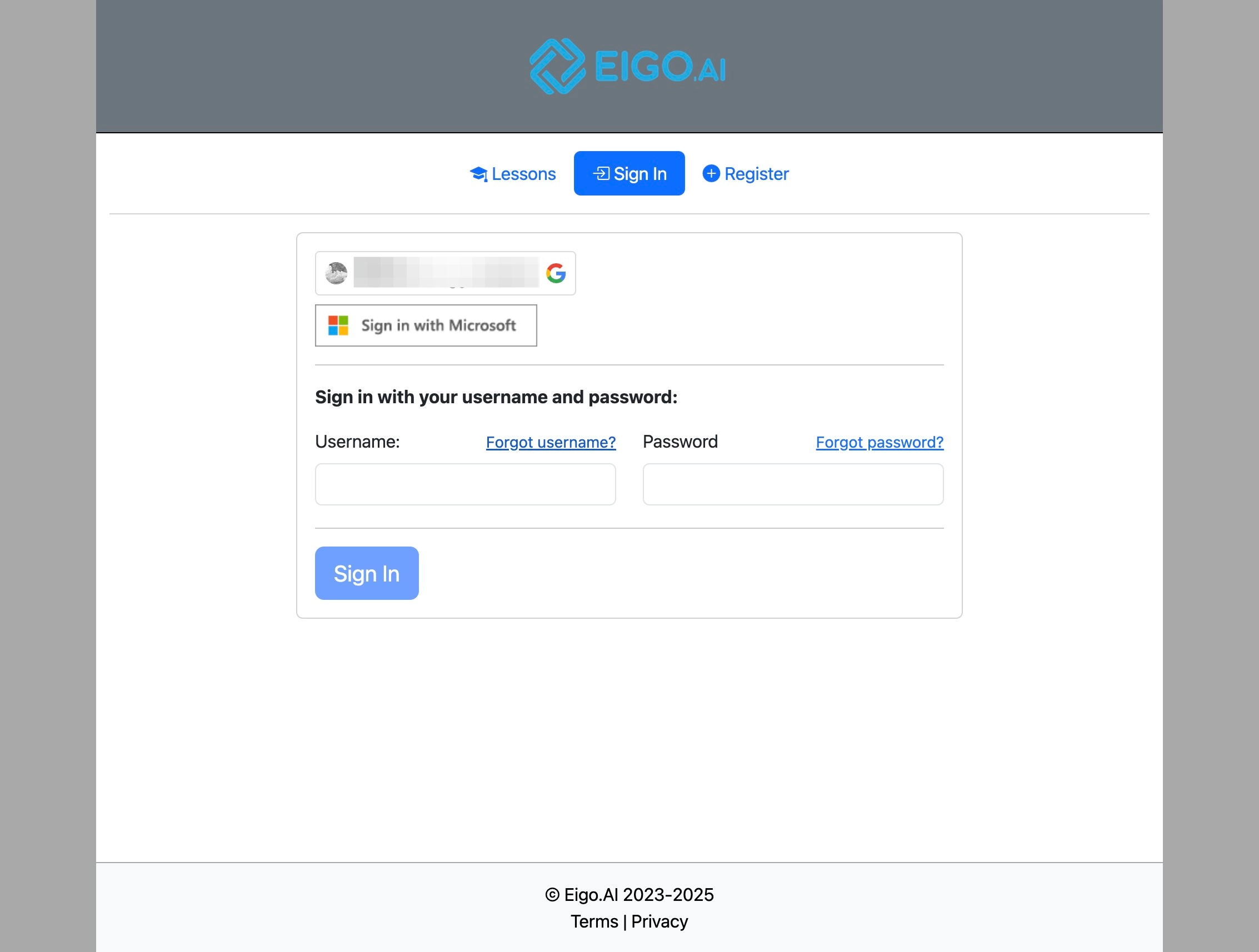
Click "Forgot username?"
3
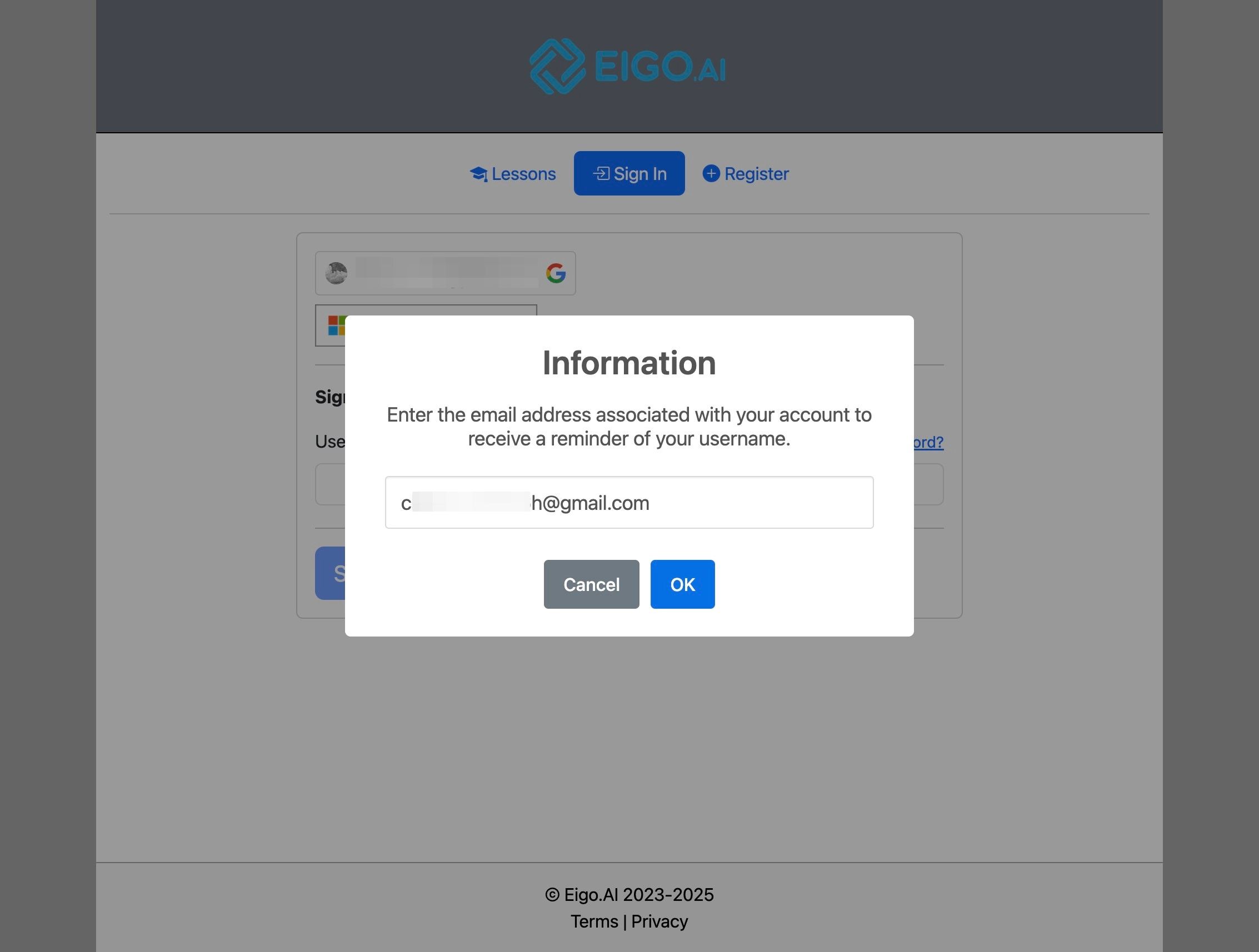
Enter the registered email address and click "OK".
4
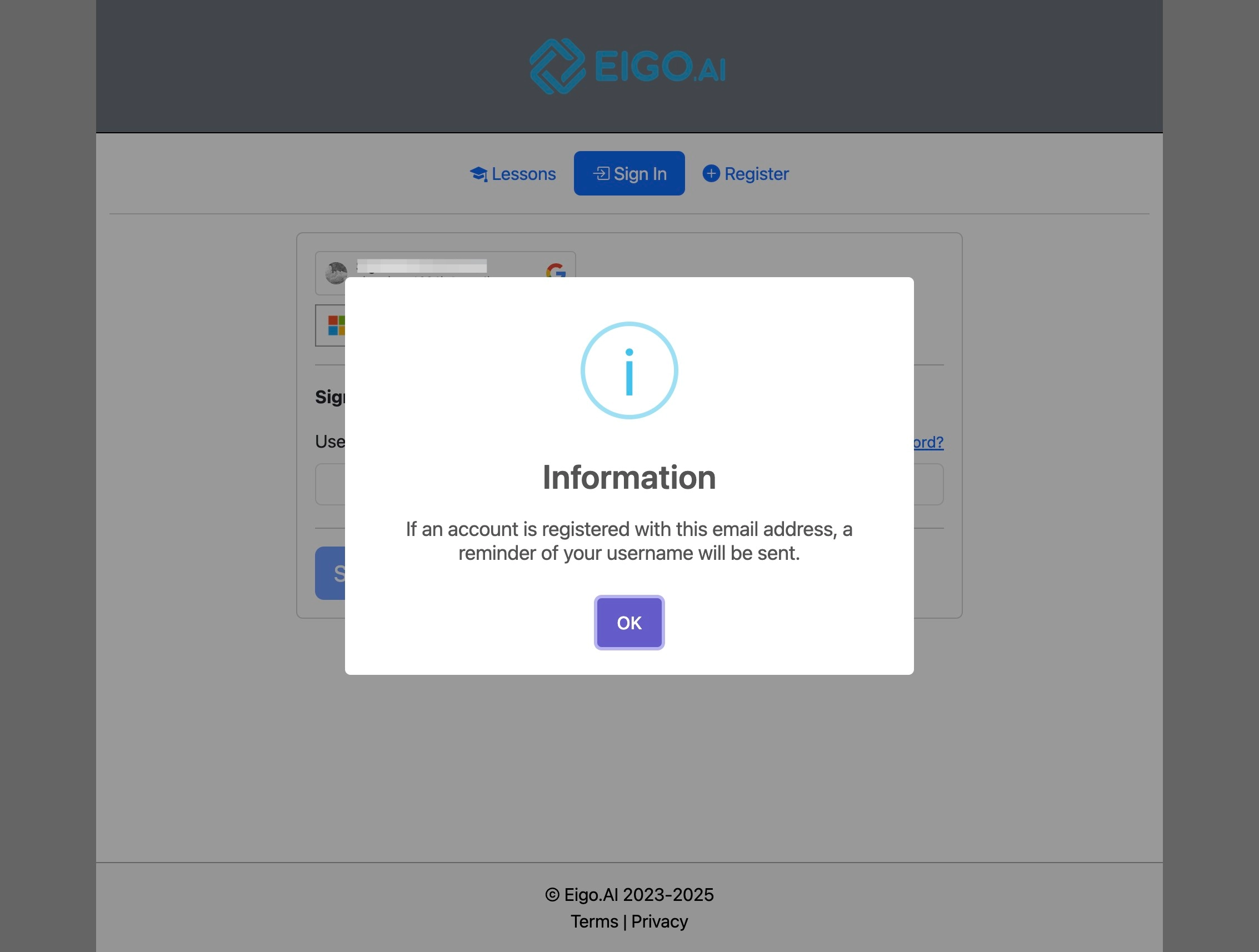
Click "OK"
5
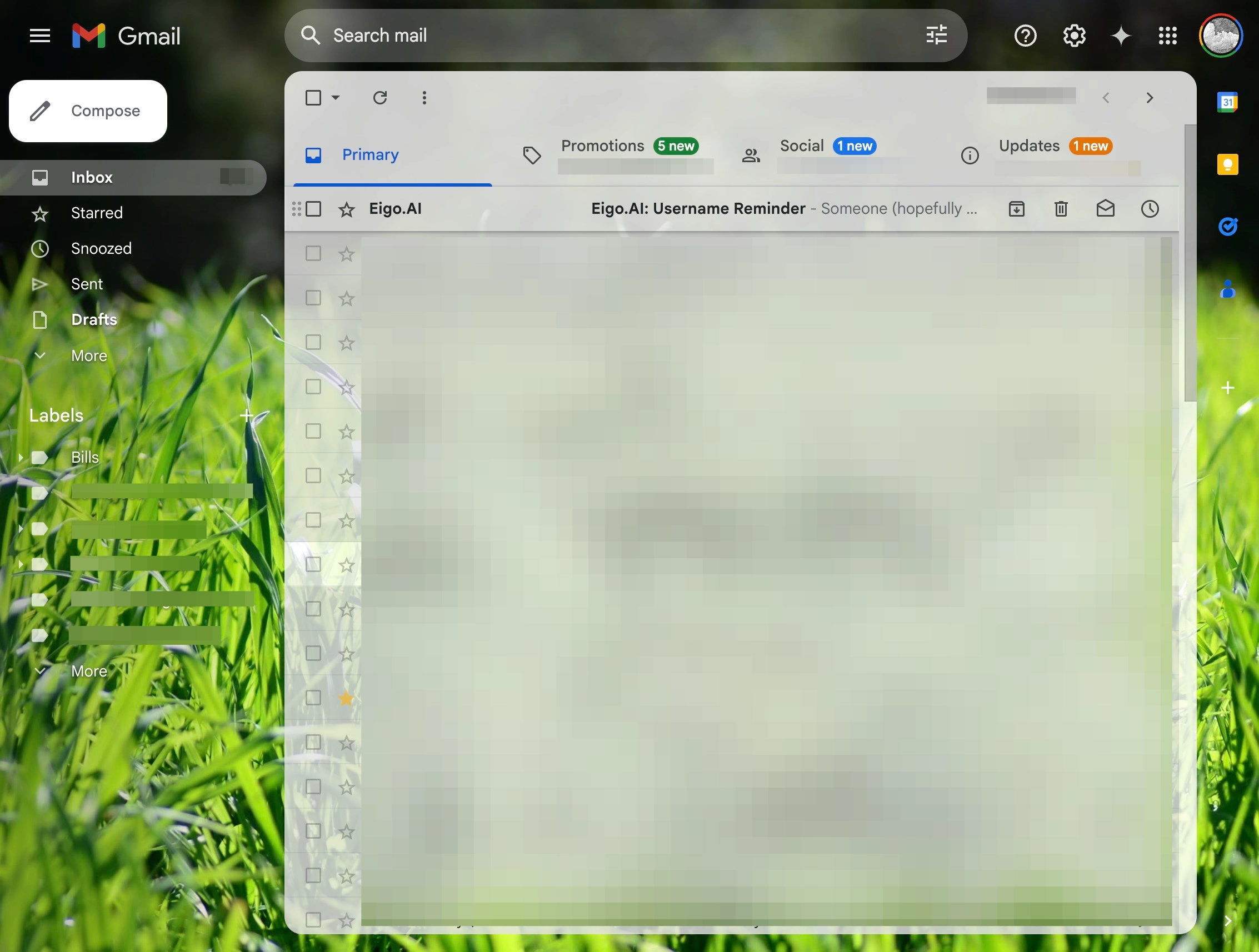
Navigate to the inbox of your registered email address.
6
Click on the email "Eigo.AI: Username Reminder".
7
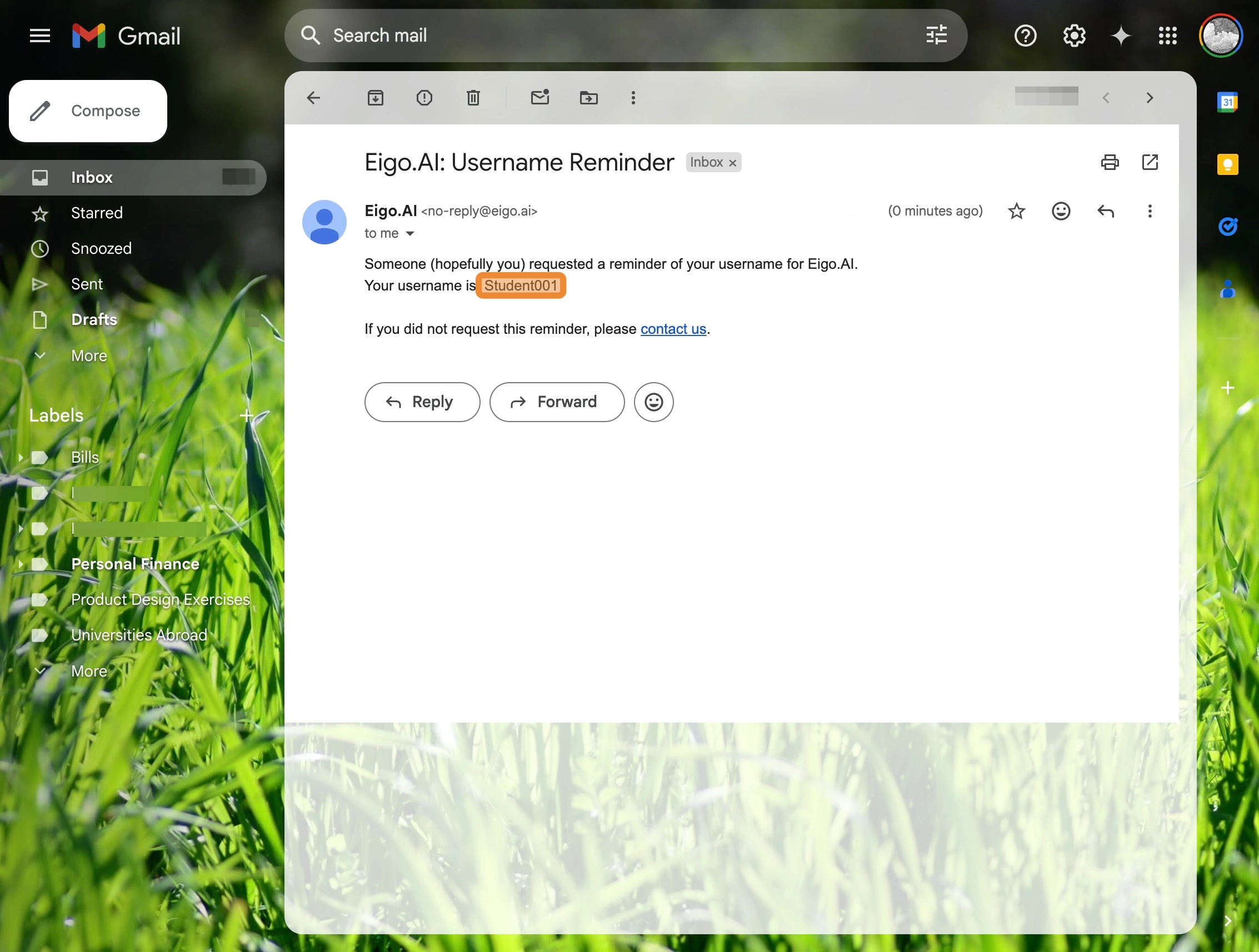
The email will reveal the forgotten username.
8
Enter the username along with the password and click "Sign In".