1
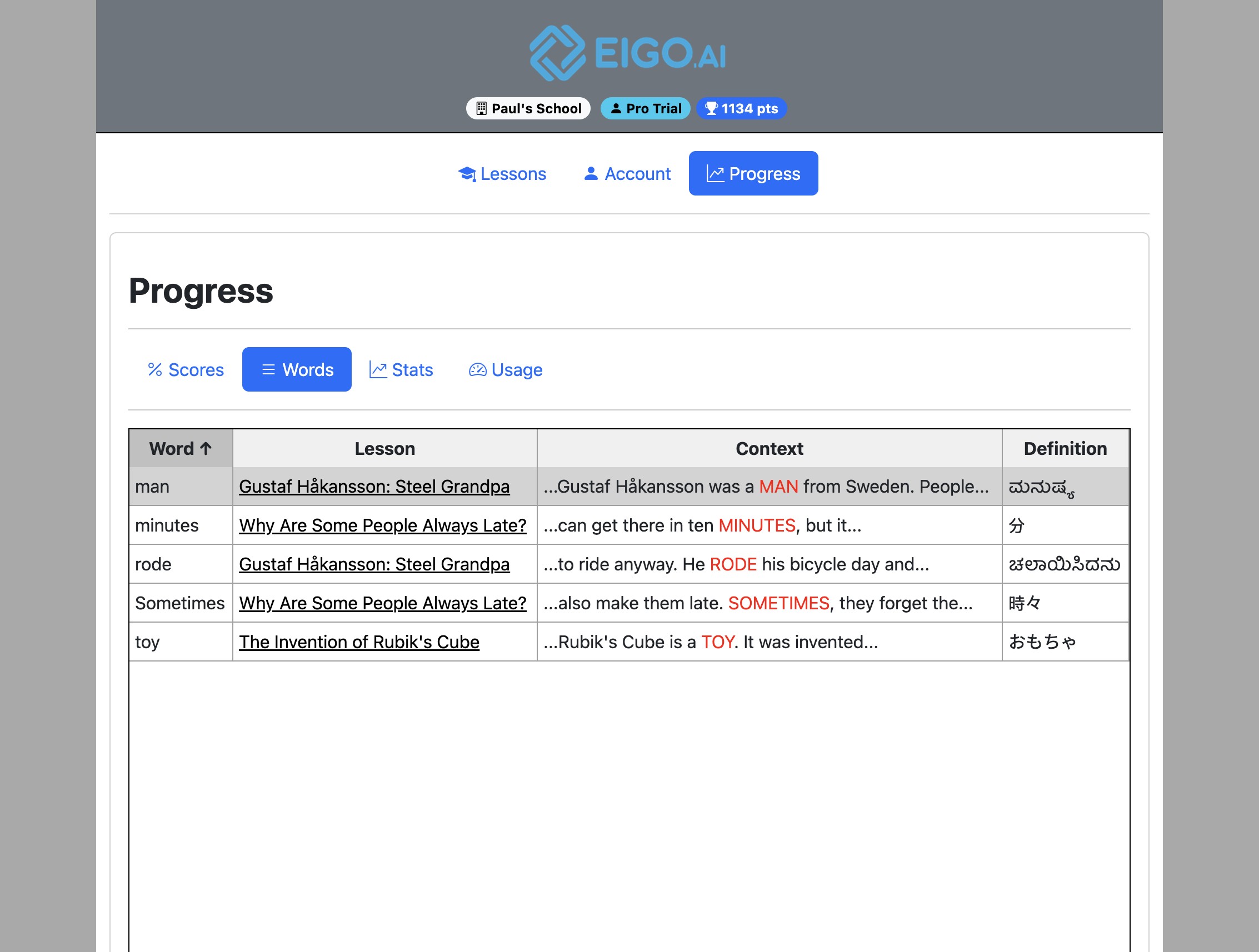
Navigate to https://eigo.ai/progress/?screen=words
2
Review saved word cards in the same layout used in the Read activity: lesson, word, sentence context, meaning, optional translation or collocation, and speaker-icon playback where available.
3
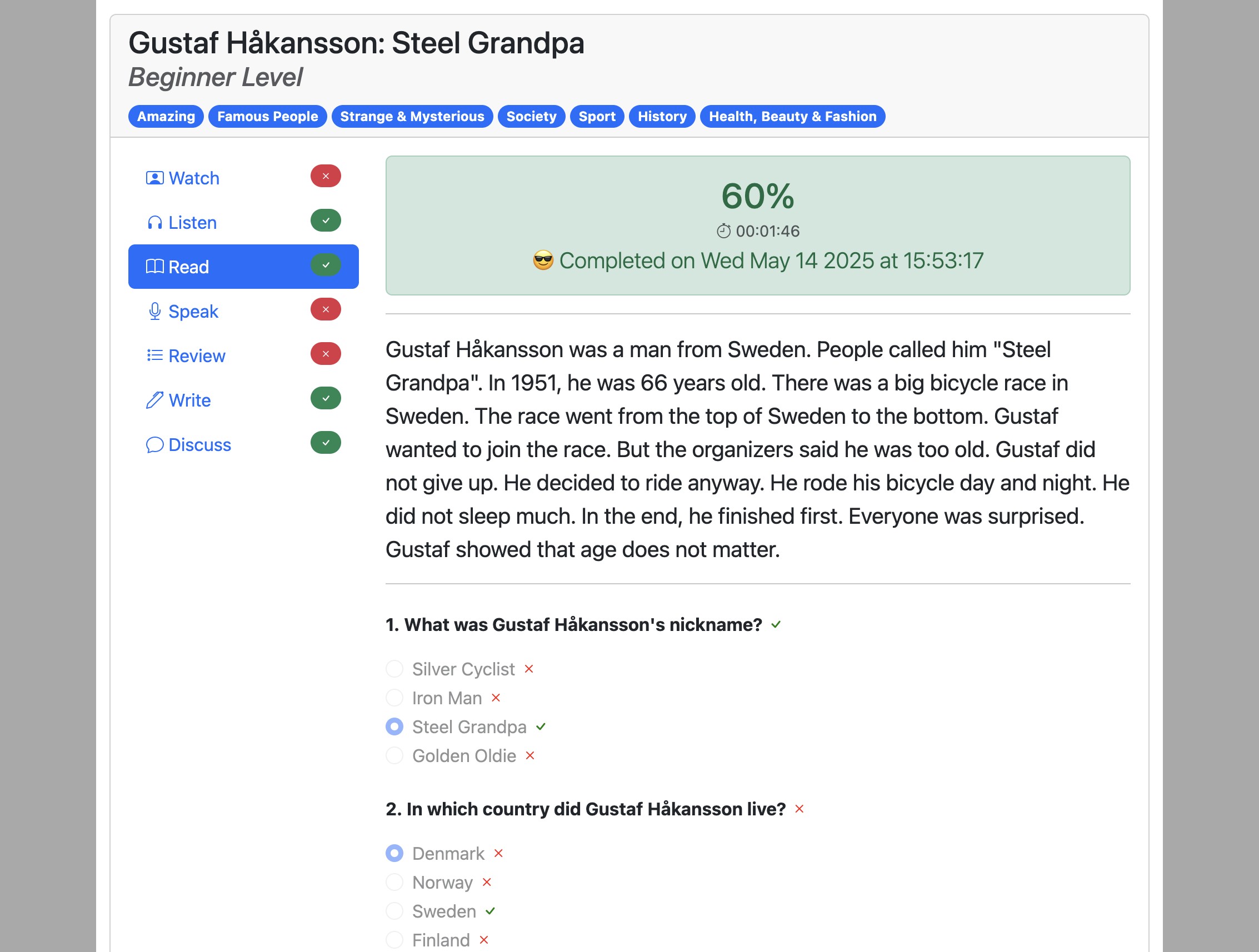
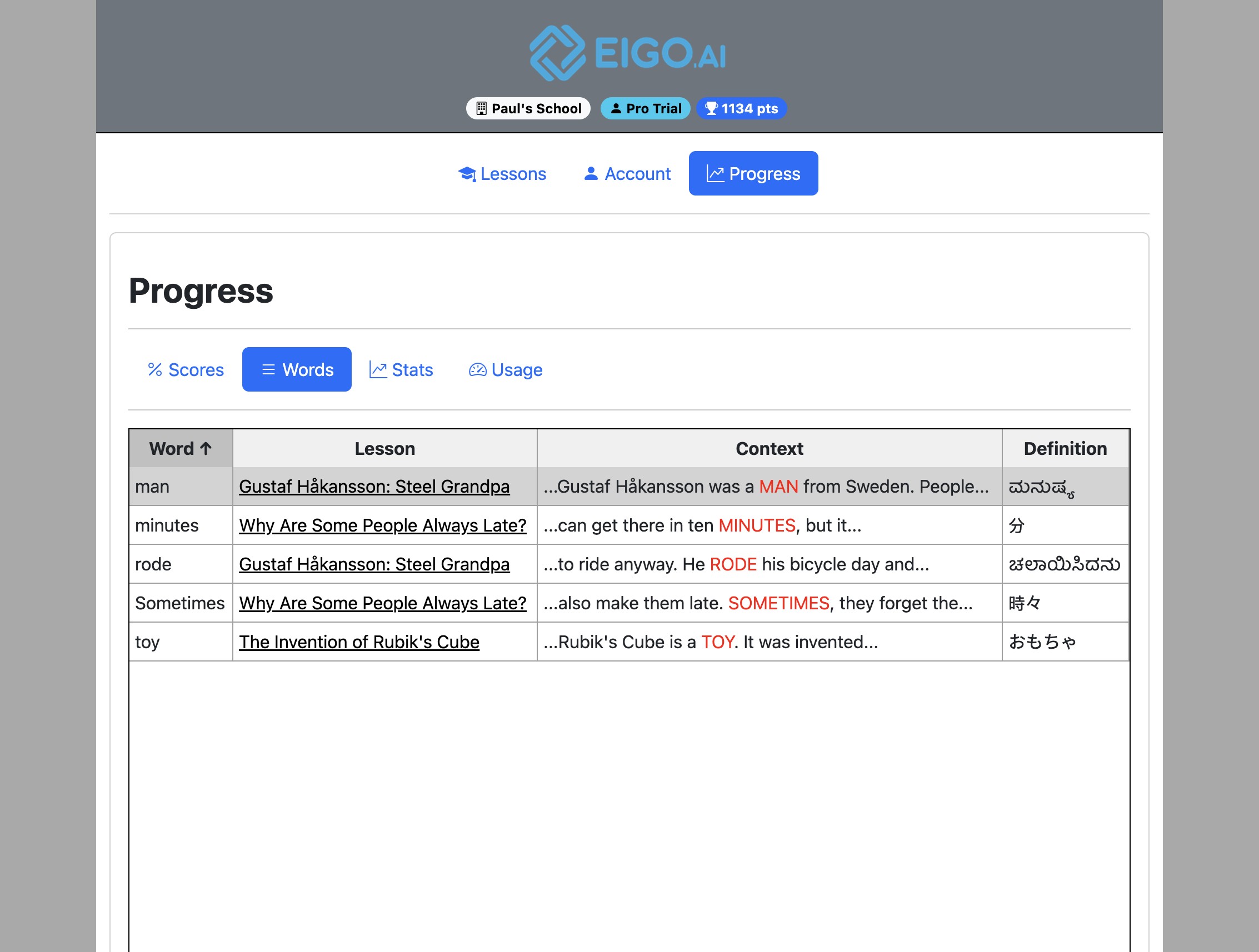
Click a lesson title from a saved word card to reopen the lesson's Read activity and see the word in its original passage context.