Note that you do not need to follow these steps if you have joined an institution. In that case, progress will automatically be shared with both your institutional manager and teacher.
1
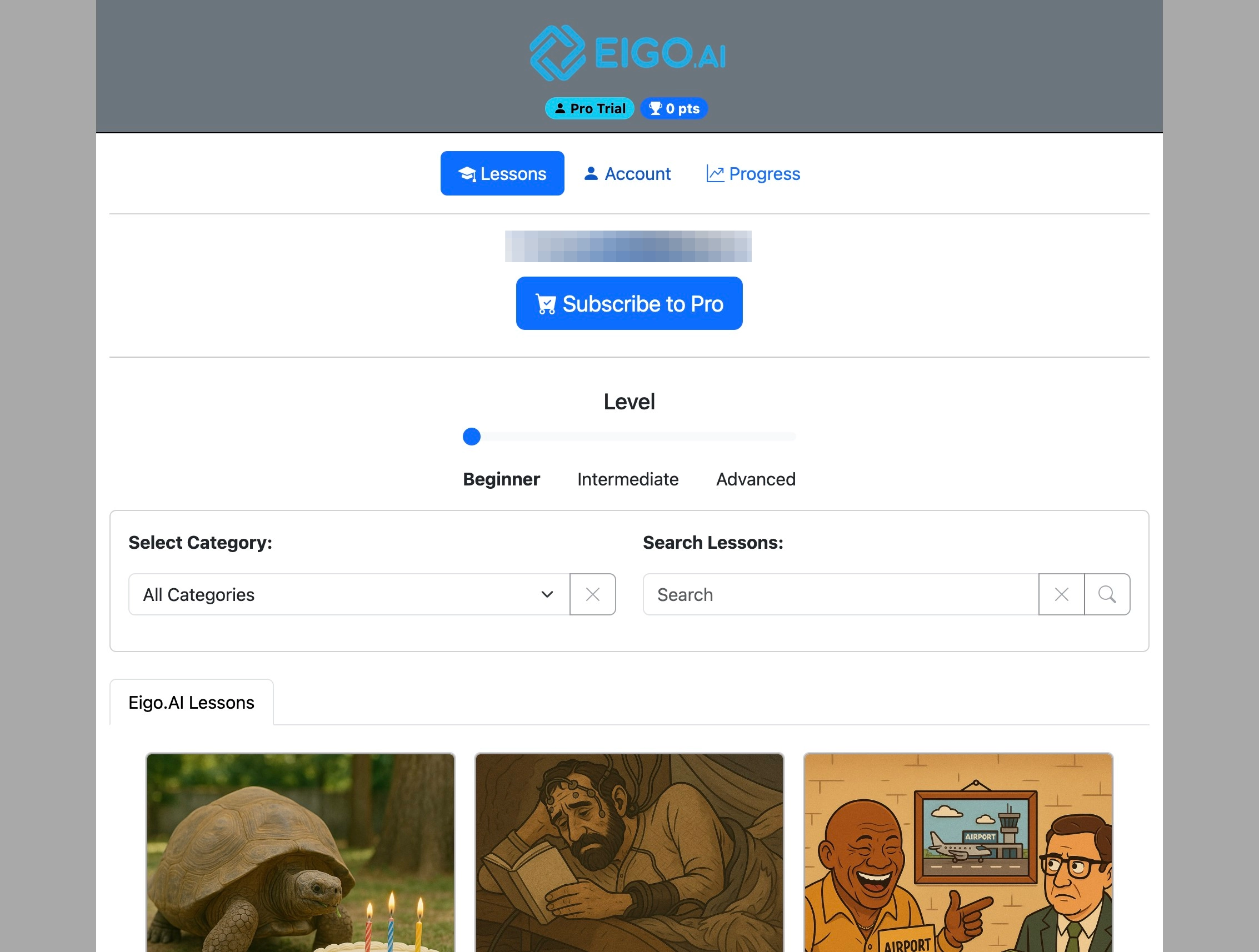
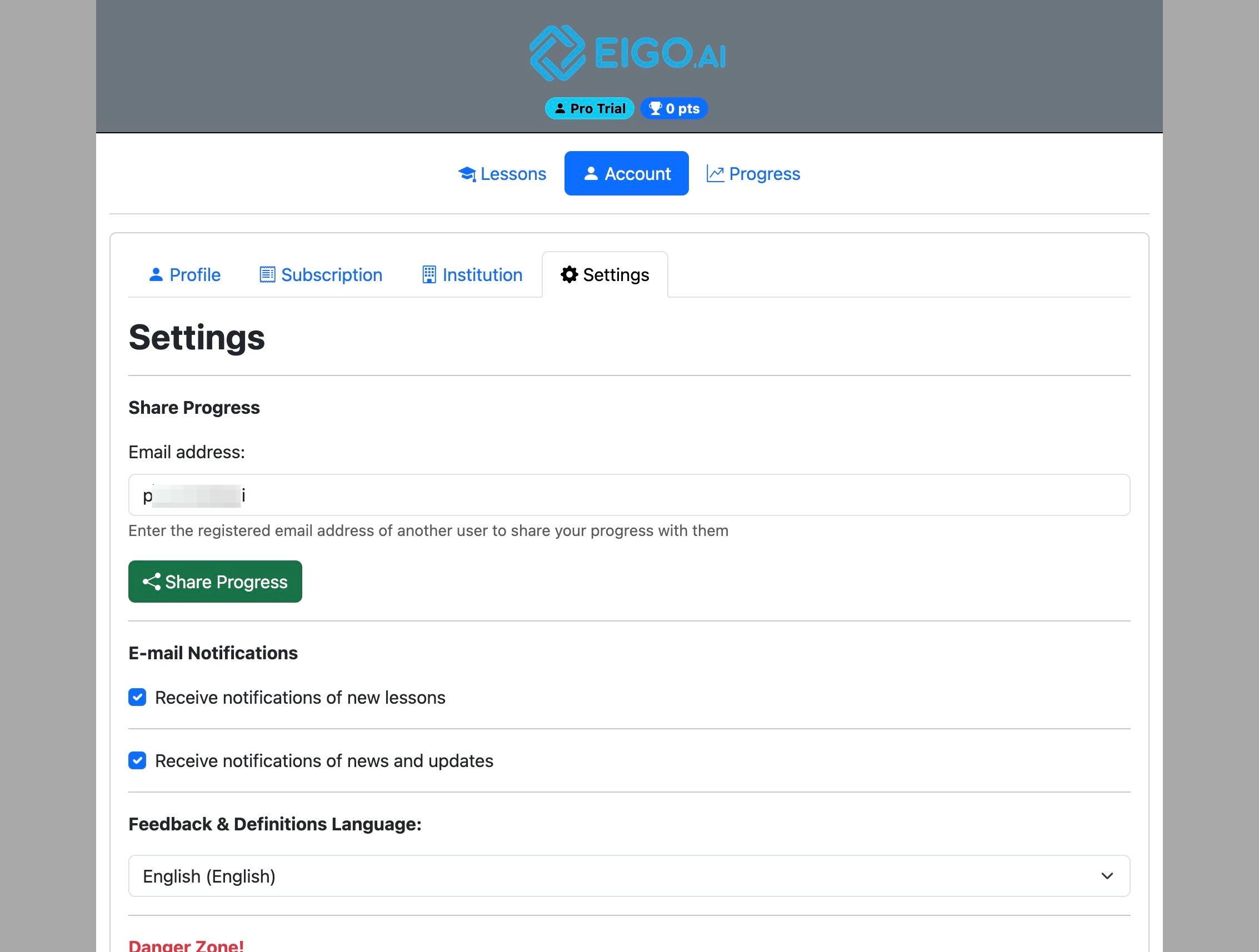
Navigate to https://eigo.ai/lessons/
2
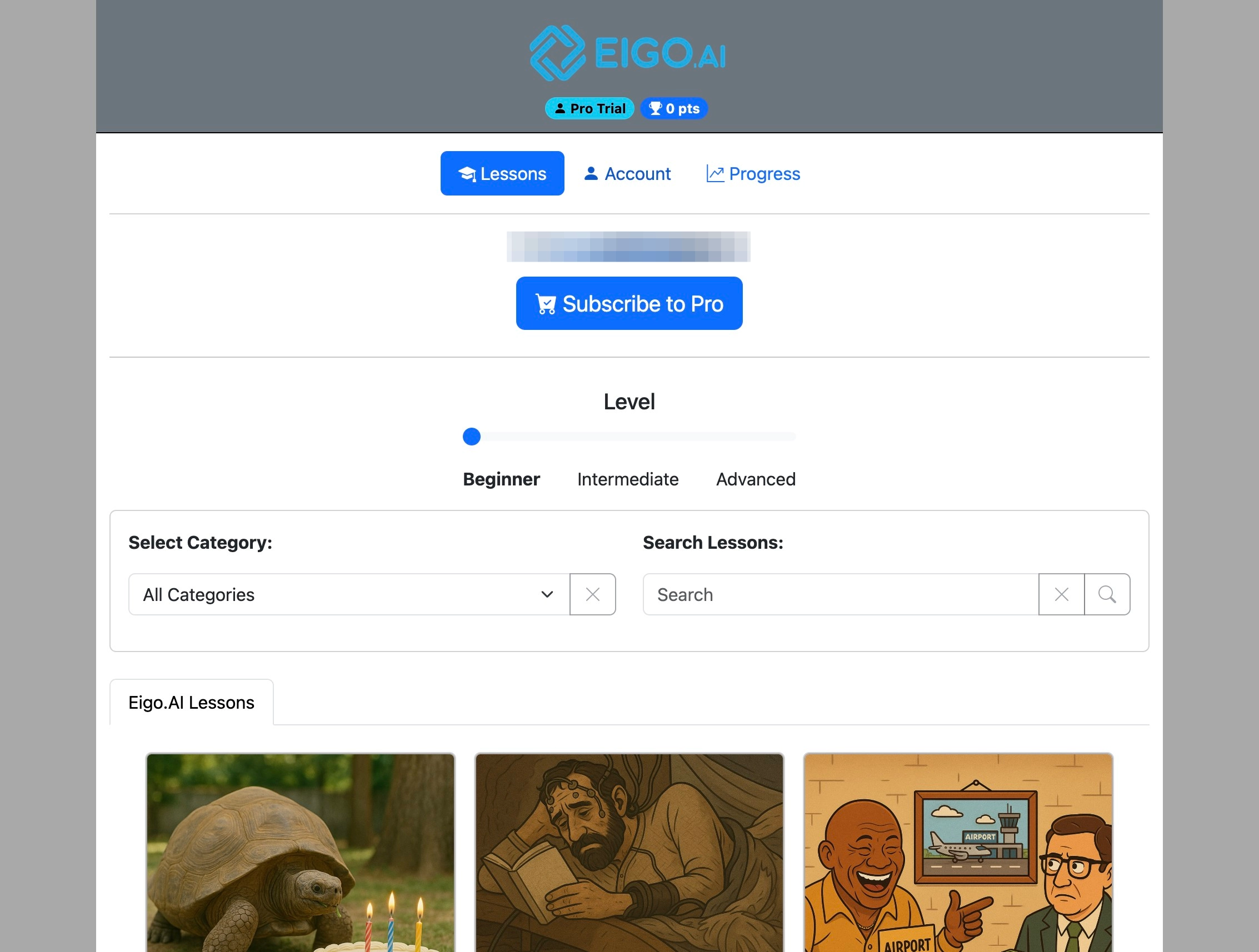
Click "Account"
3
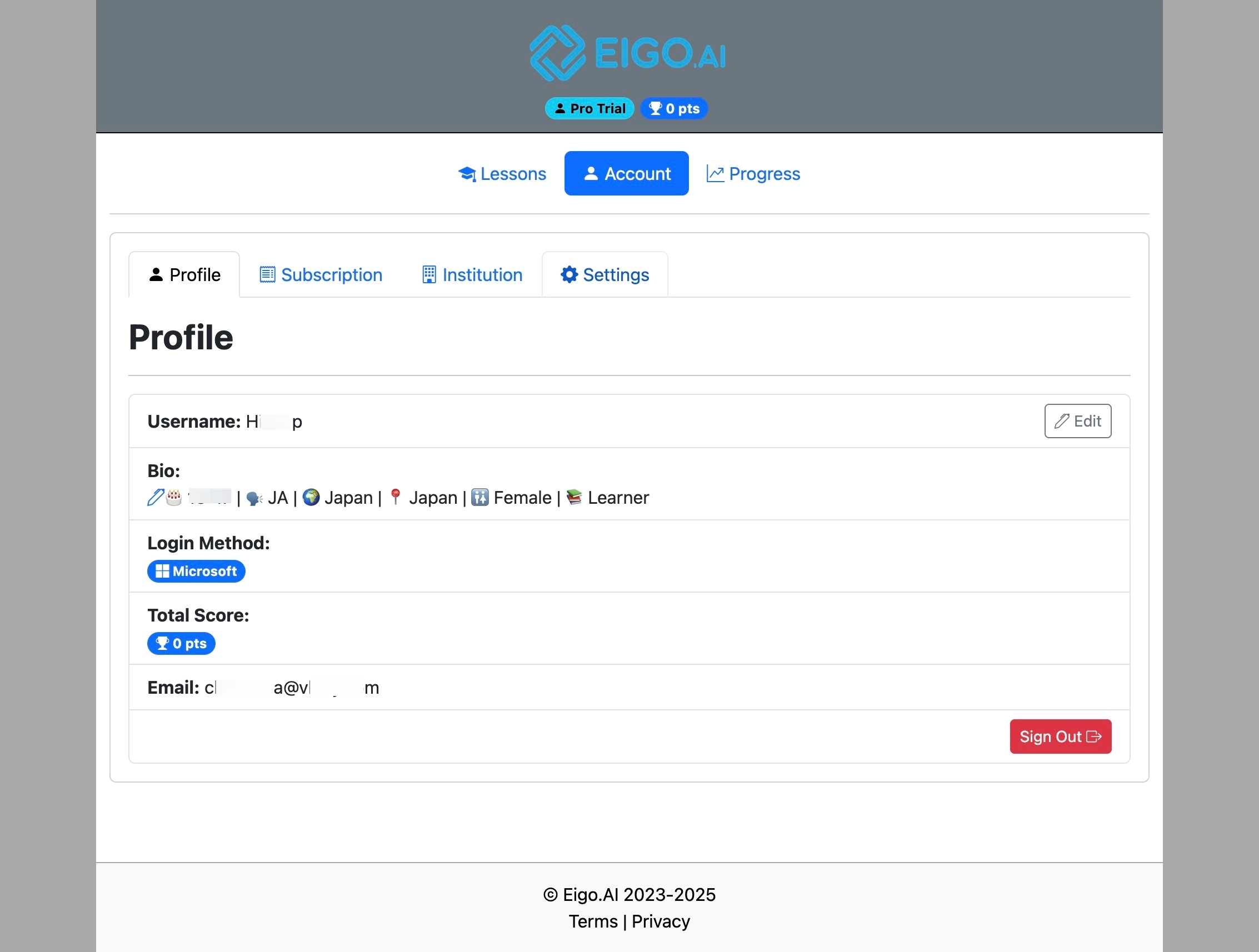
Click "Settings"
4
Under "Share Progress", enter the email address of a registered Eigo.AI Teacher account and click "Share Progress".
5
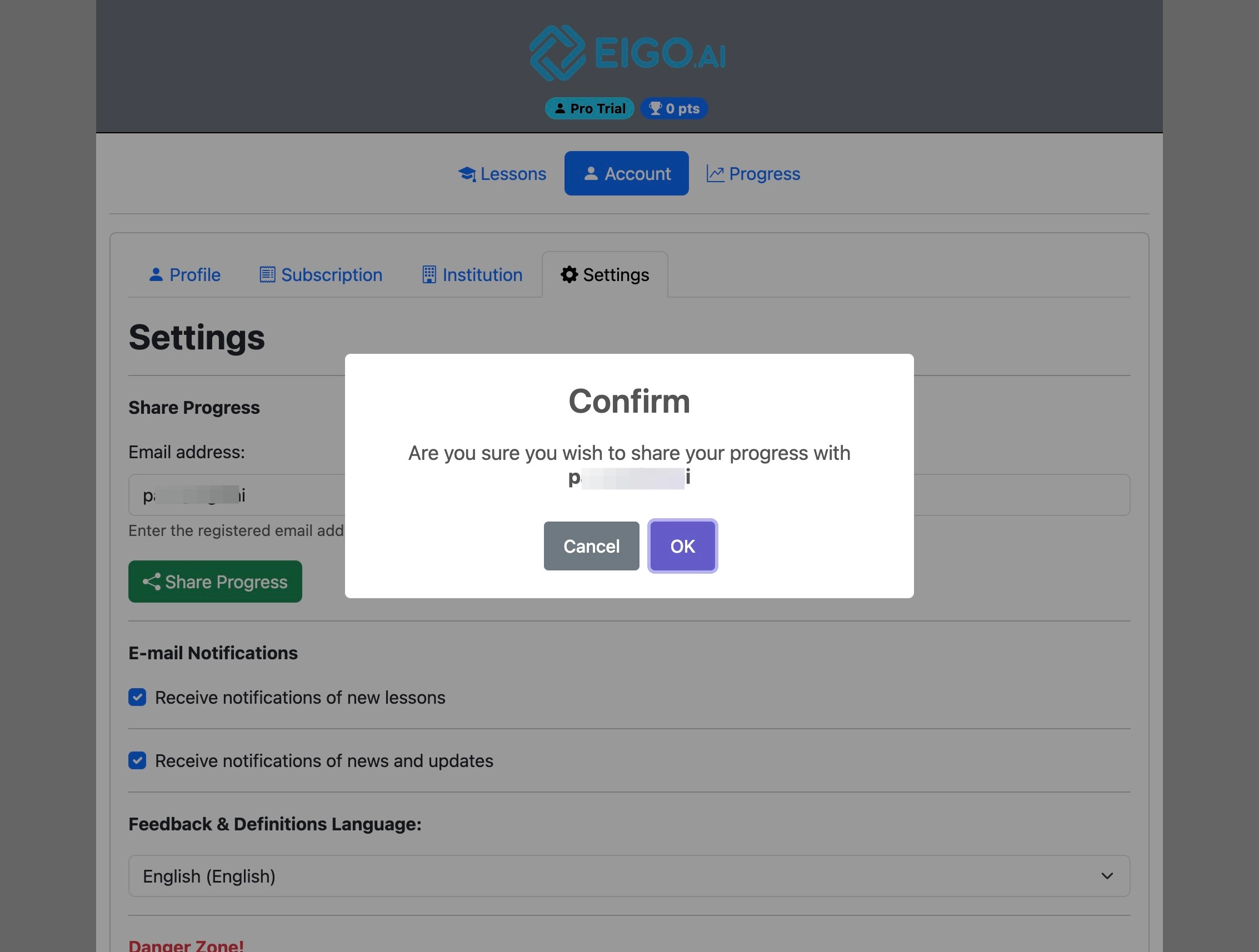
Click "OK" to confirm.
6
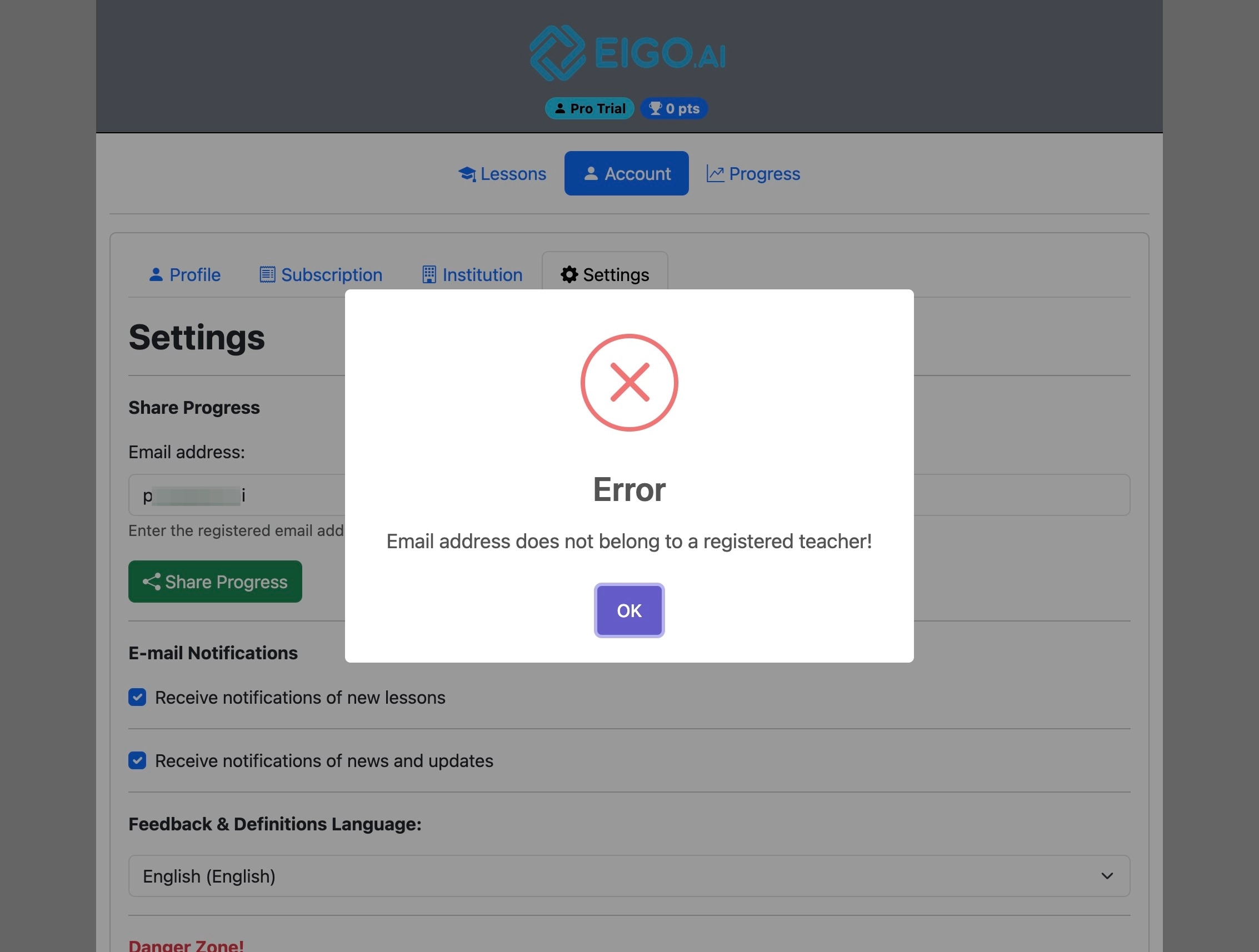
If you receive this error, please confirm that the email address you have entered belongs to a registered Eigo.AI Teacher.