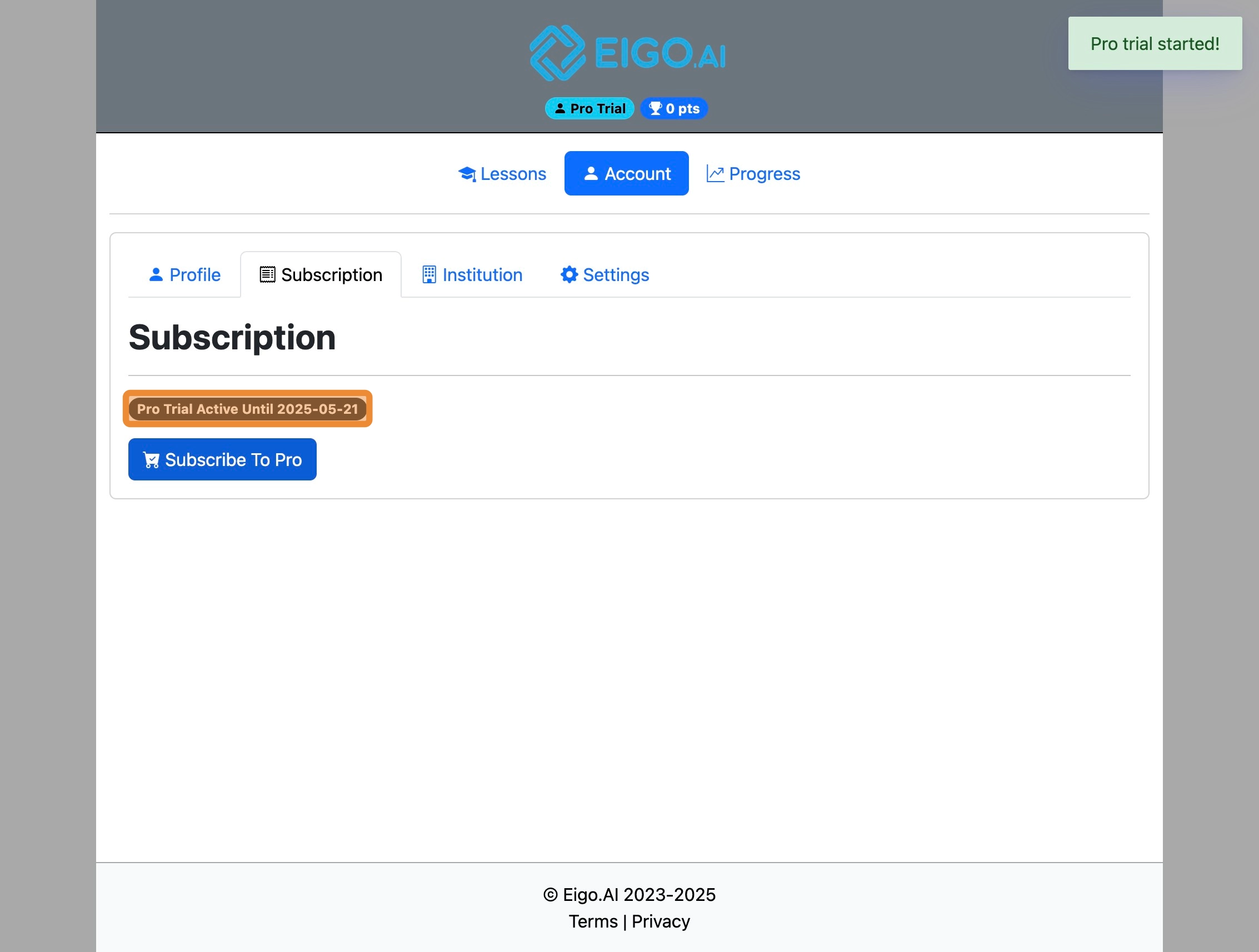
1
Navigate to https://eigo.ai/lessons/
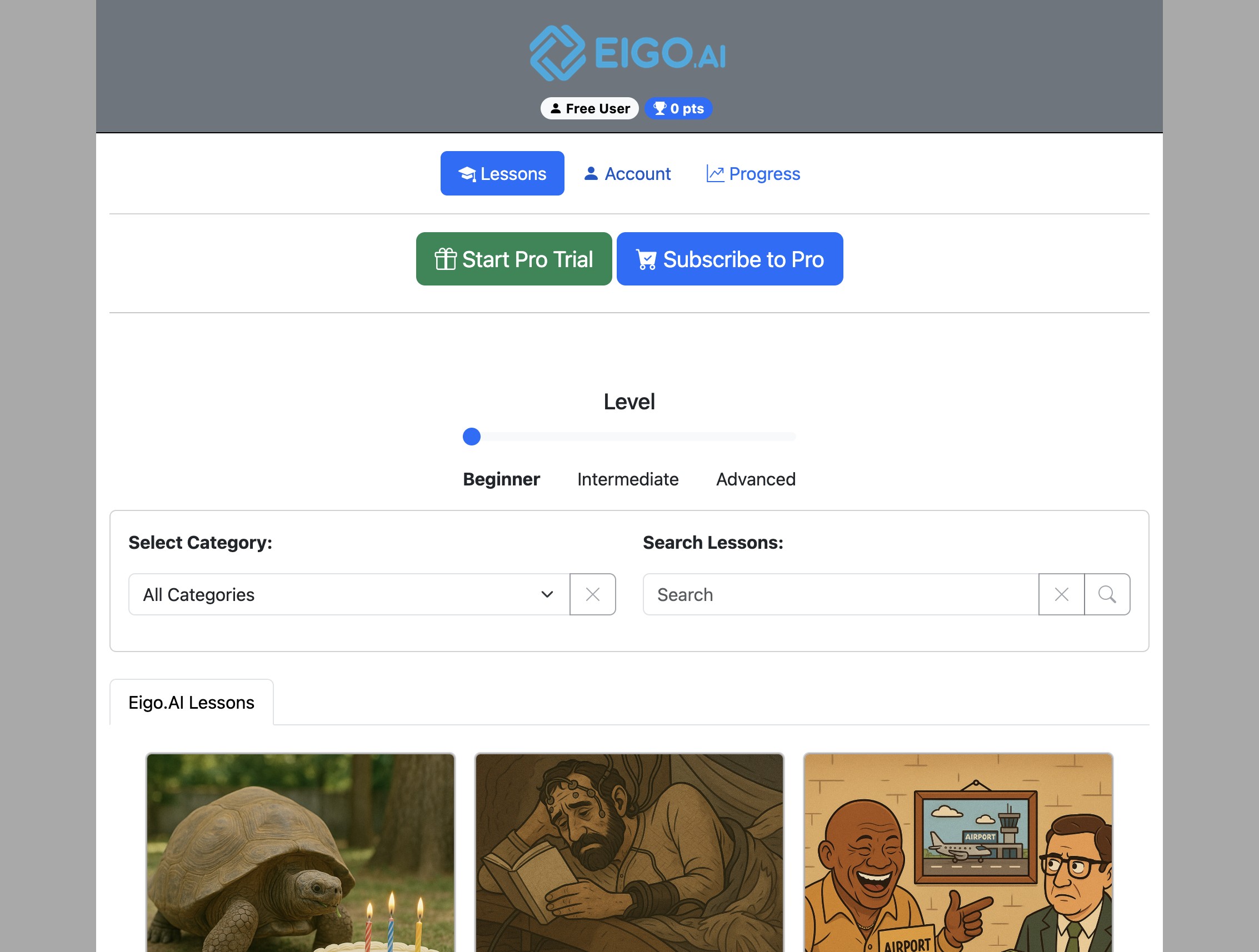
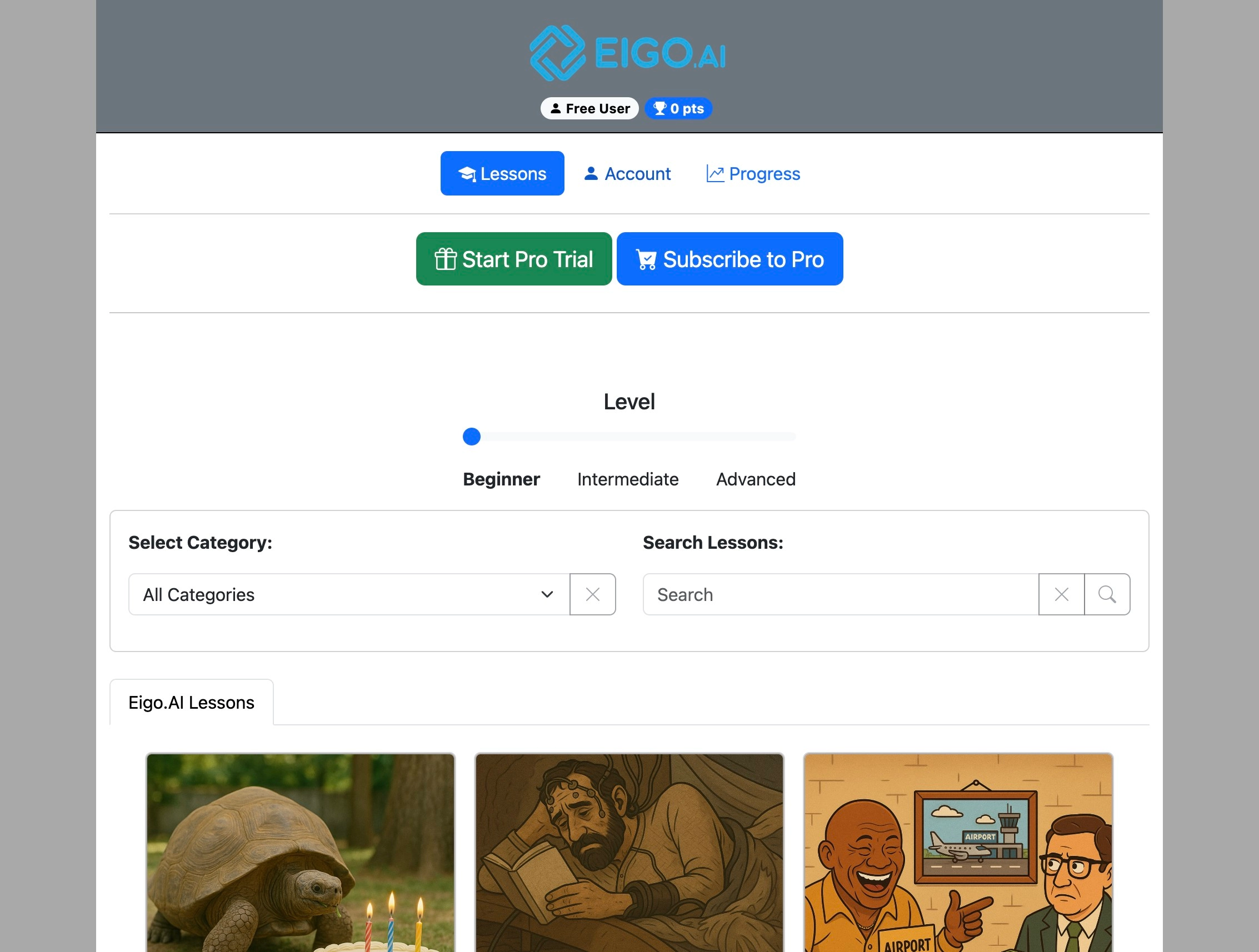
2
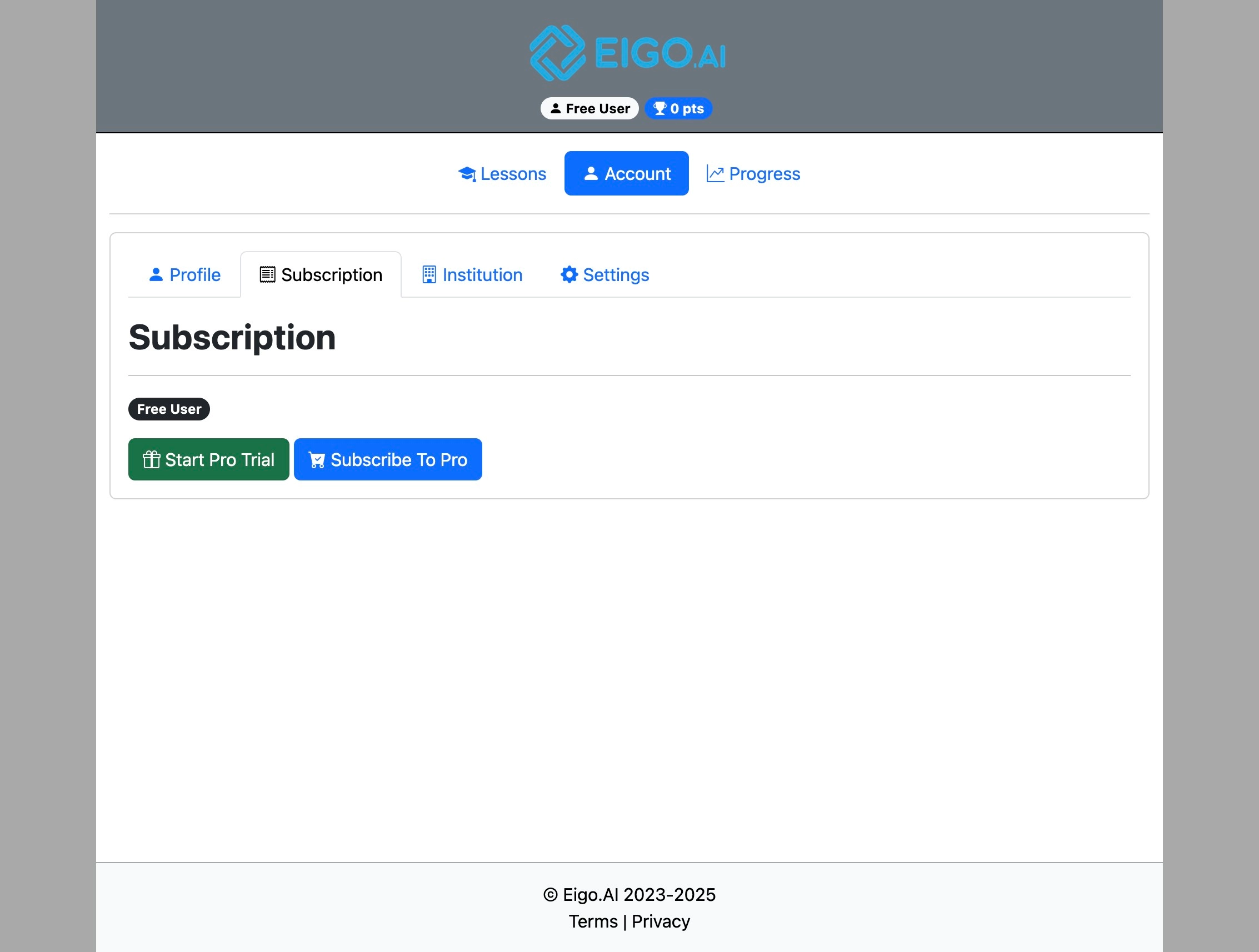
Click "Account"
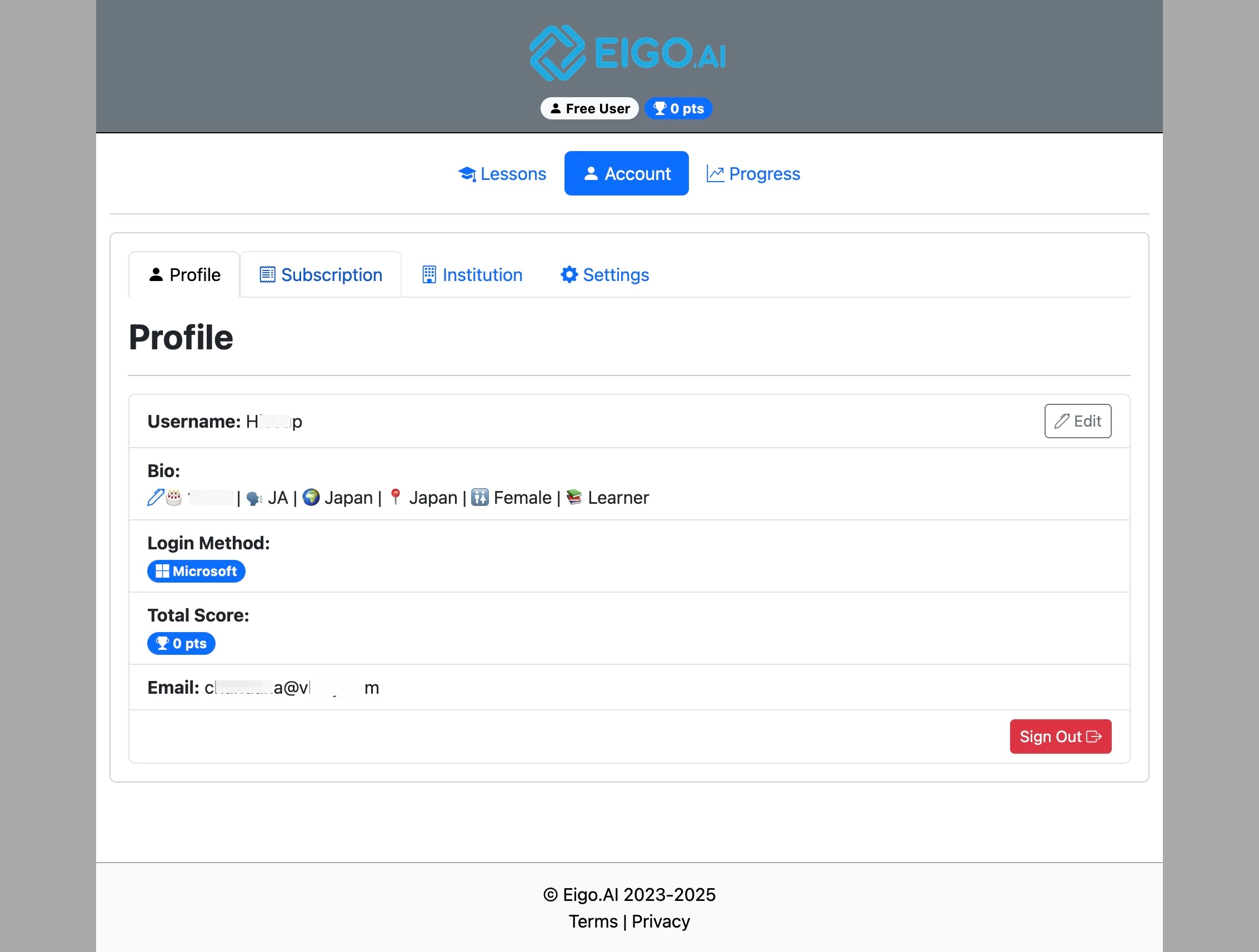
3
Click "Subscription"
4
Click "Start Pro Trial" to try the Pro subscription for 2 weeks.
5
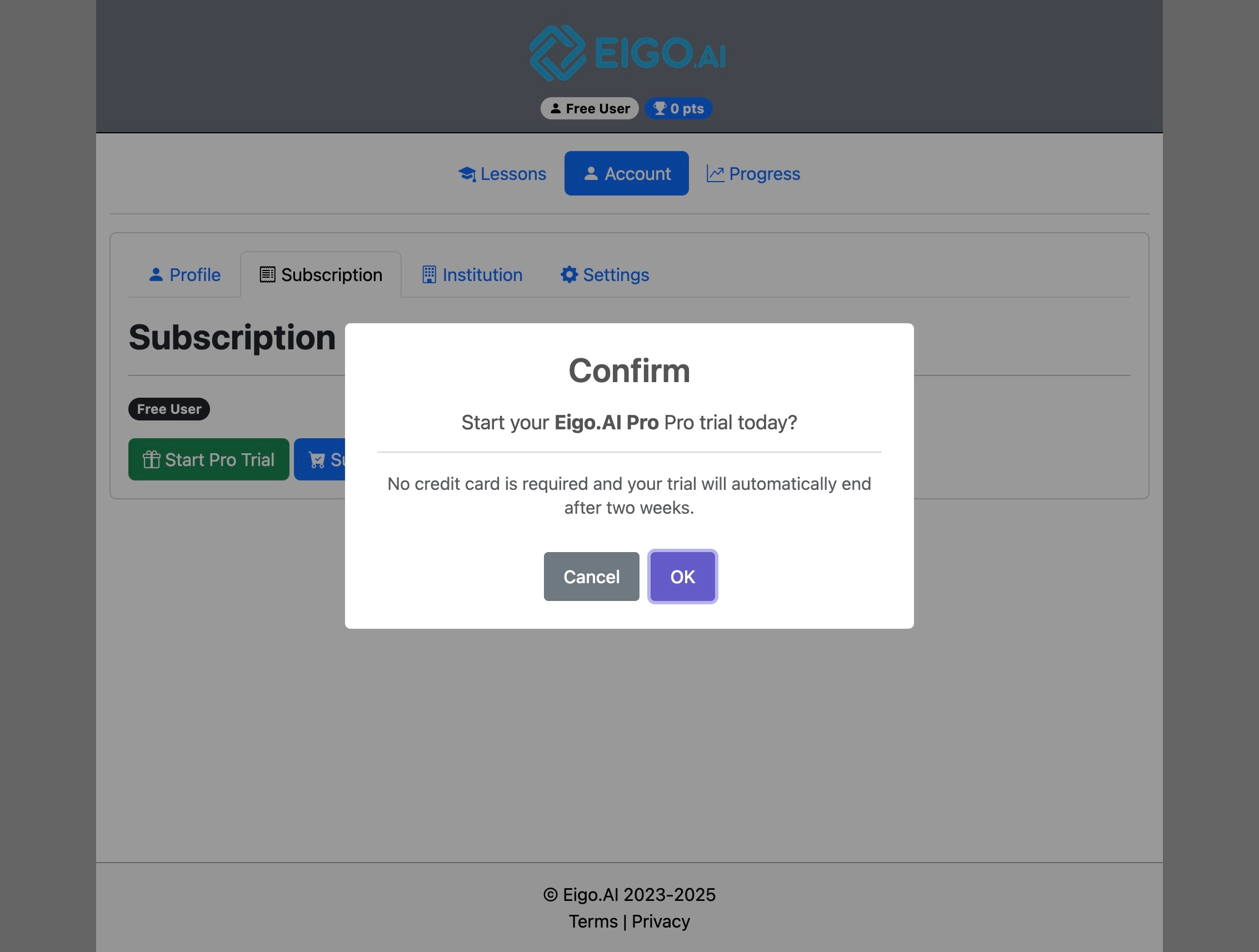
Click "OK" to confirm.
6
Upon confirmation, the end date of your 2-week Pro trial is clearly displayed. After the trial ends, your access will continue as a free user. You can upgrade to Pro at any time during or after the trial period.