Navigate to https://eigo.ai/progress/
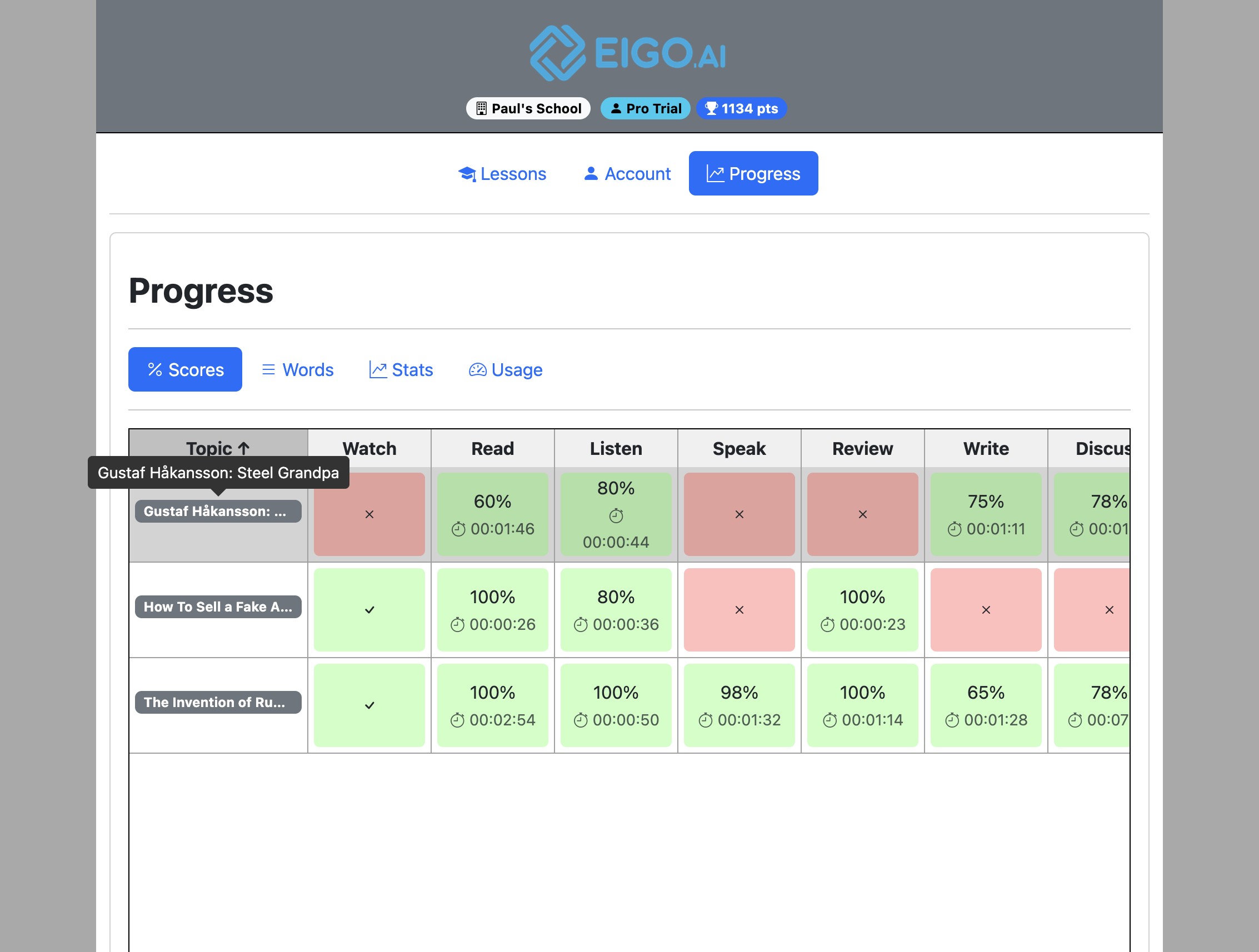
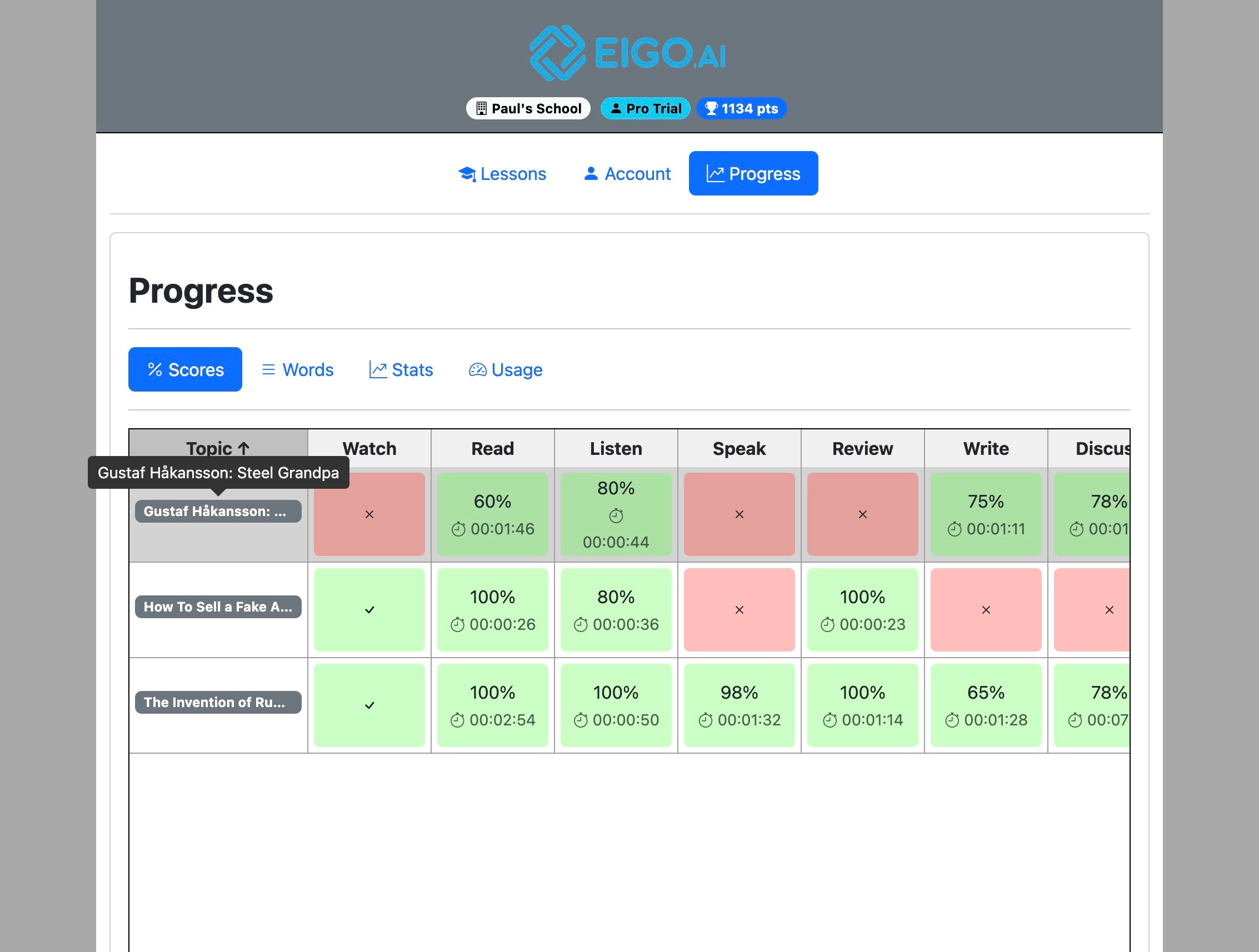
Click on a lesson to revisit it.
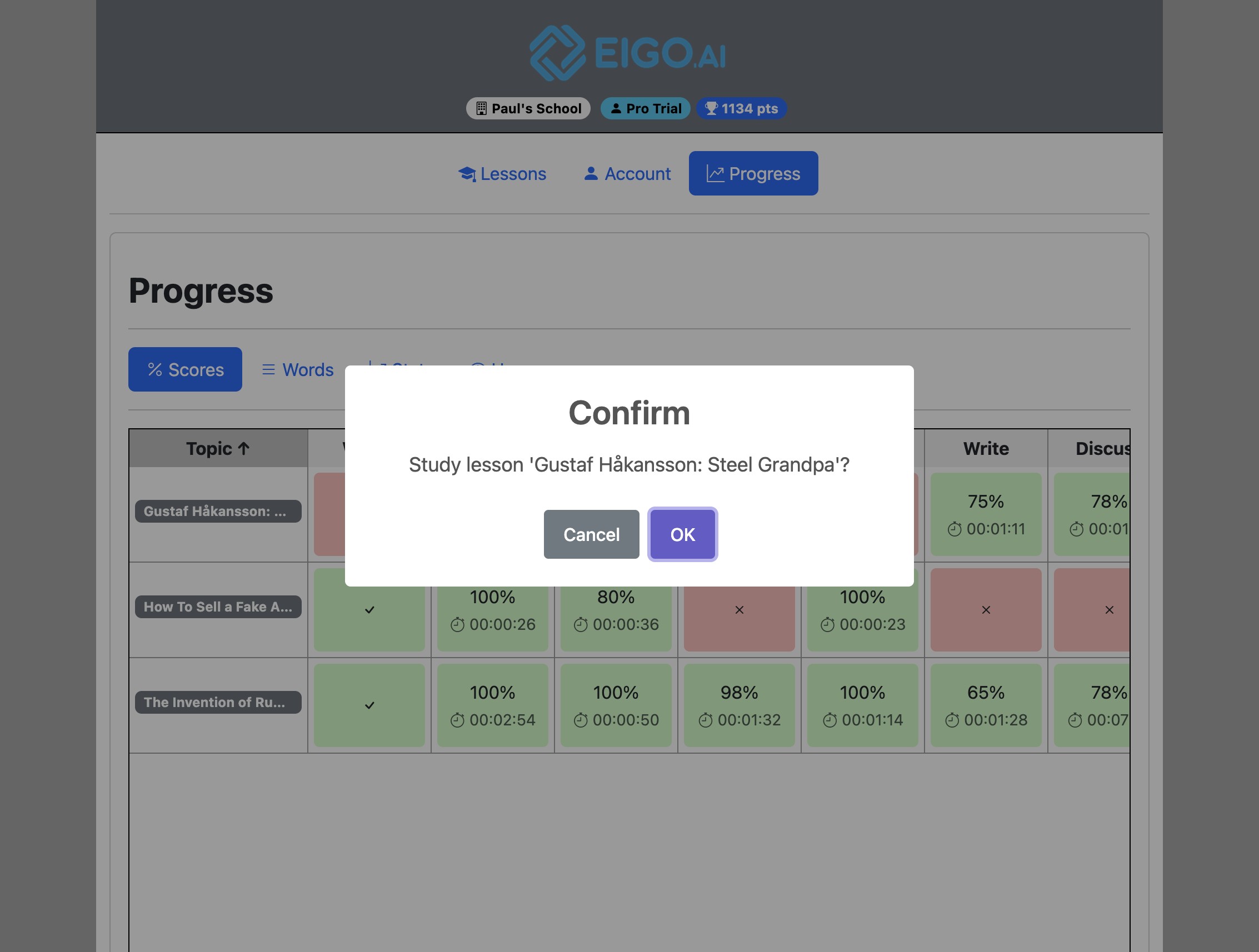
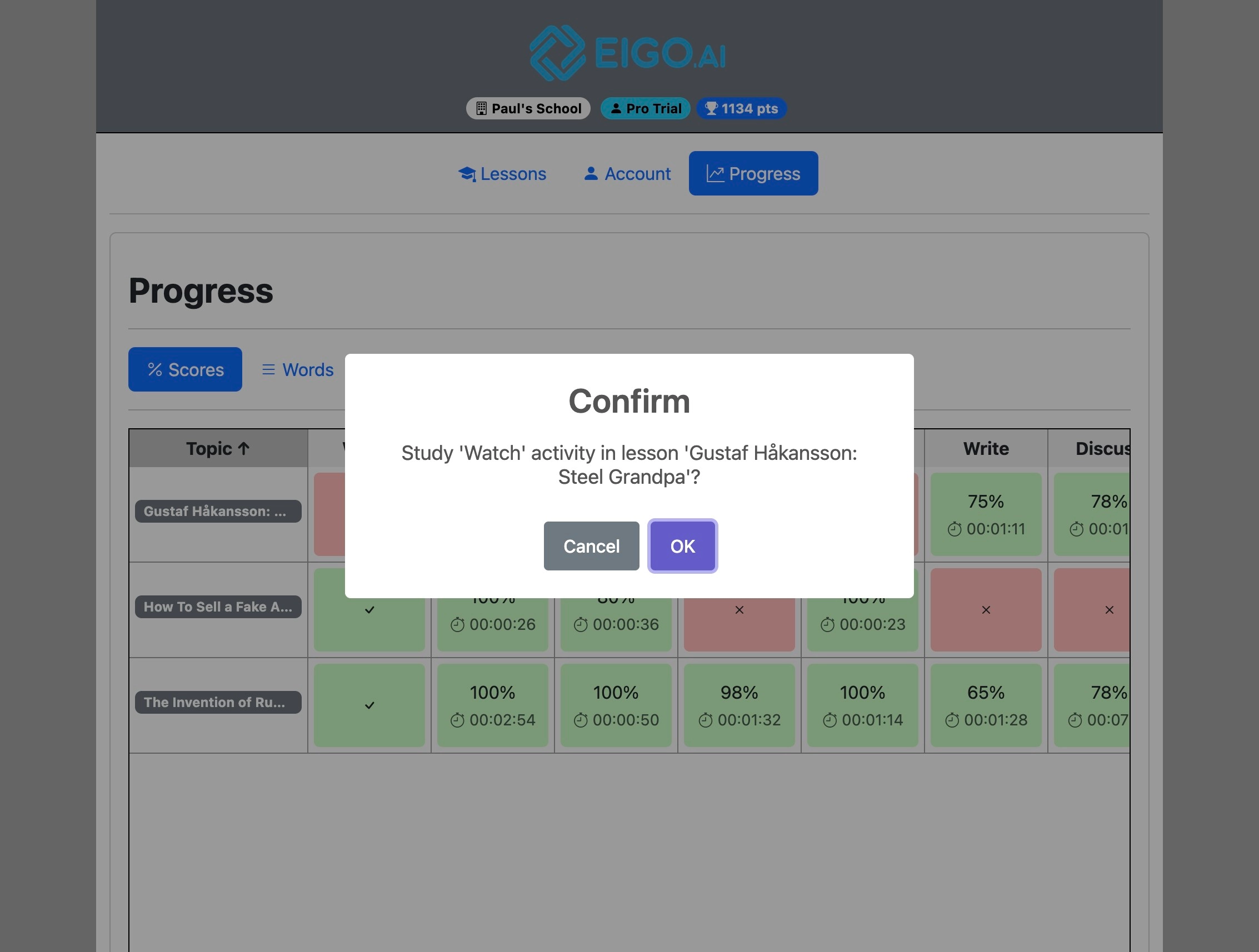
Click "OK" to confirm.
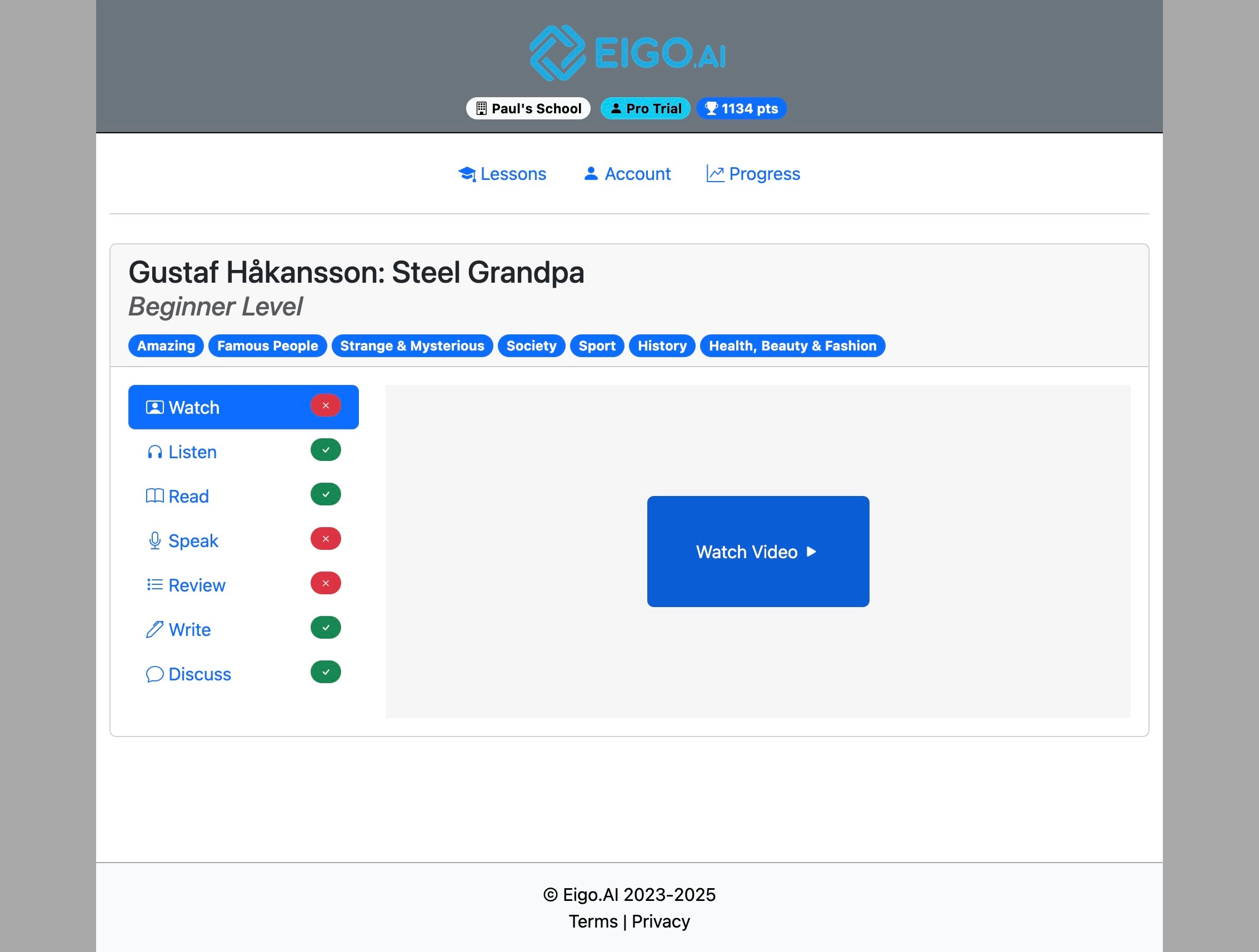
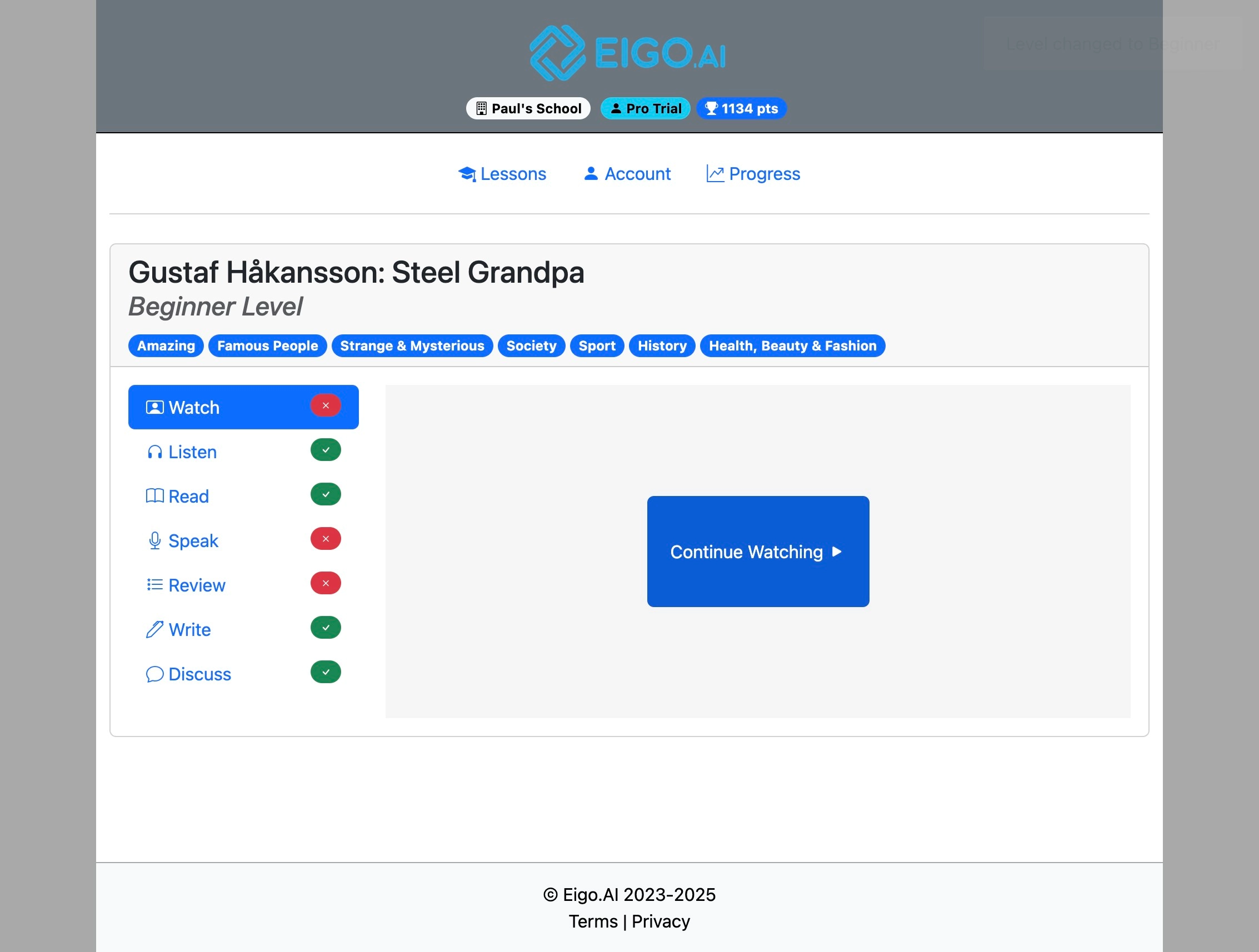
The selected lesson will be displayed.
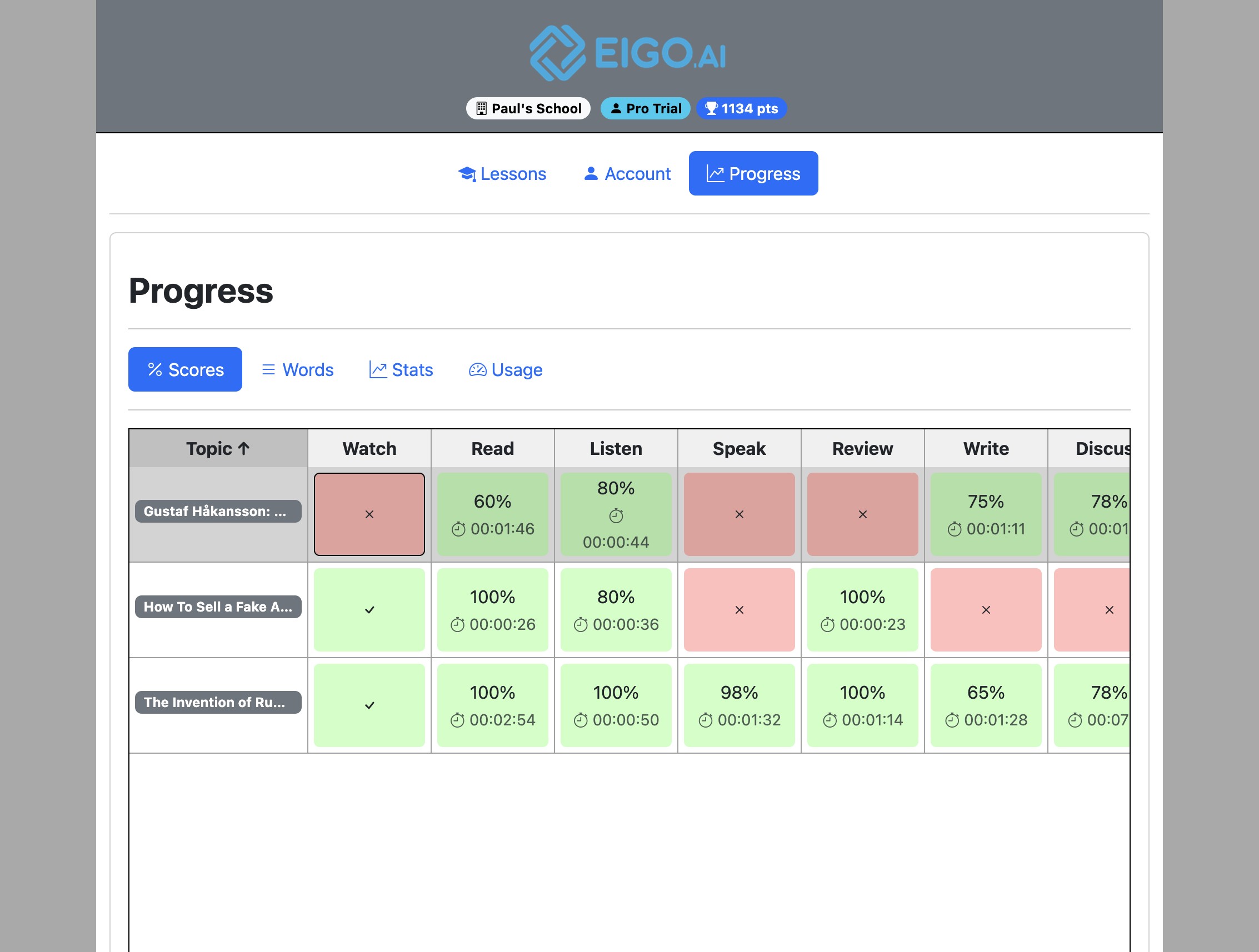
Red boxes indicate 'Not Submitted'. Click a red box to attempt or complete the activity in that lesson.
Click "OK" to confirm.
The selected activity of the lesson will be displayed.
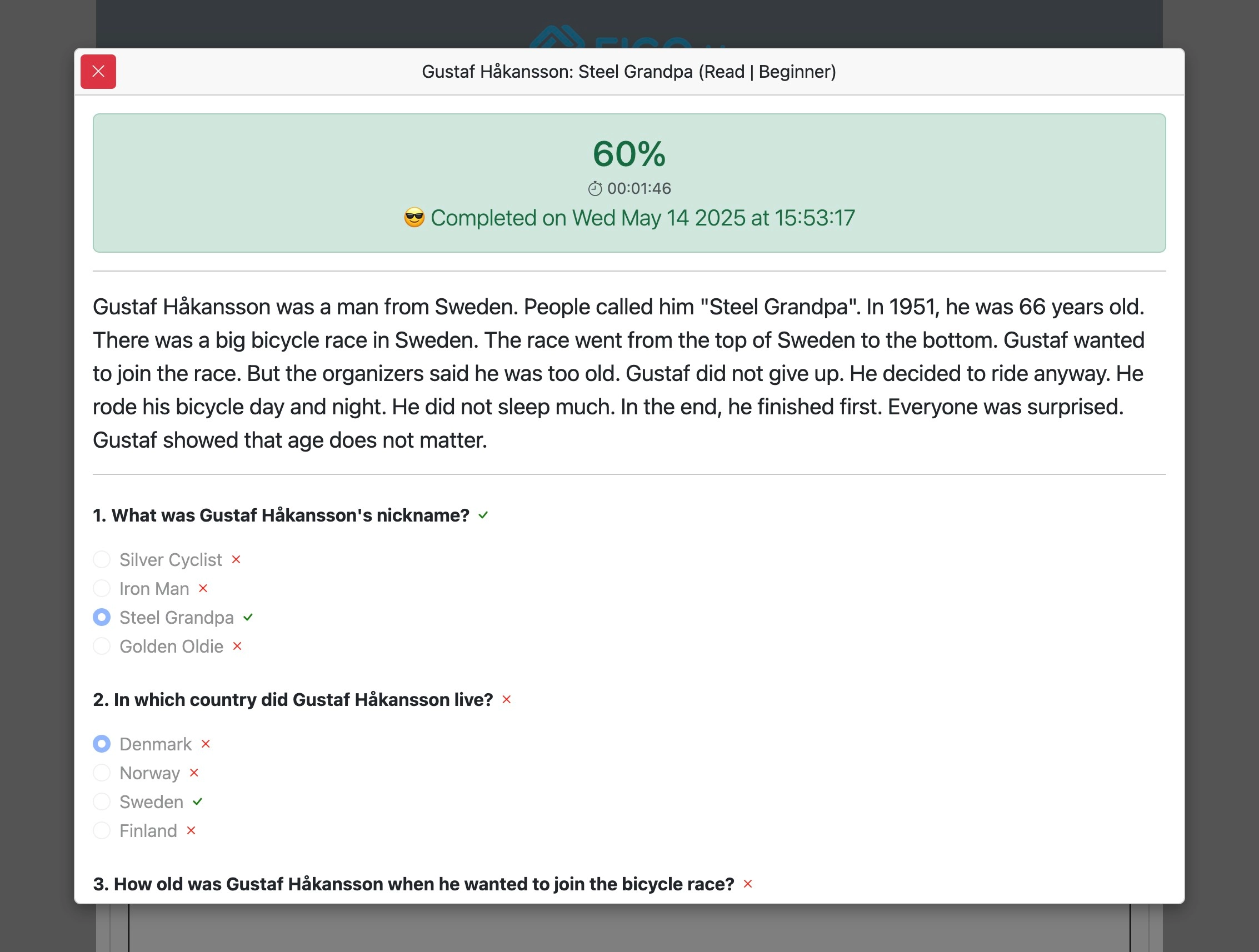
Above the Scores table, the summary shows Lessons completed, Lessons studied, Study time, and Activity points for the selected level and period. Completed lessons have all required activities submitted; lessons studied have at least one activity submitted during the period. Points are separate from lesson counts. Use Custom dates to review a semester. Green boxes indicate 'Submitted'. Click a green box to view the score and feedback for that activity in the lesson.
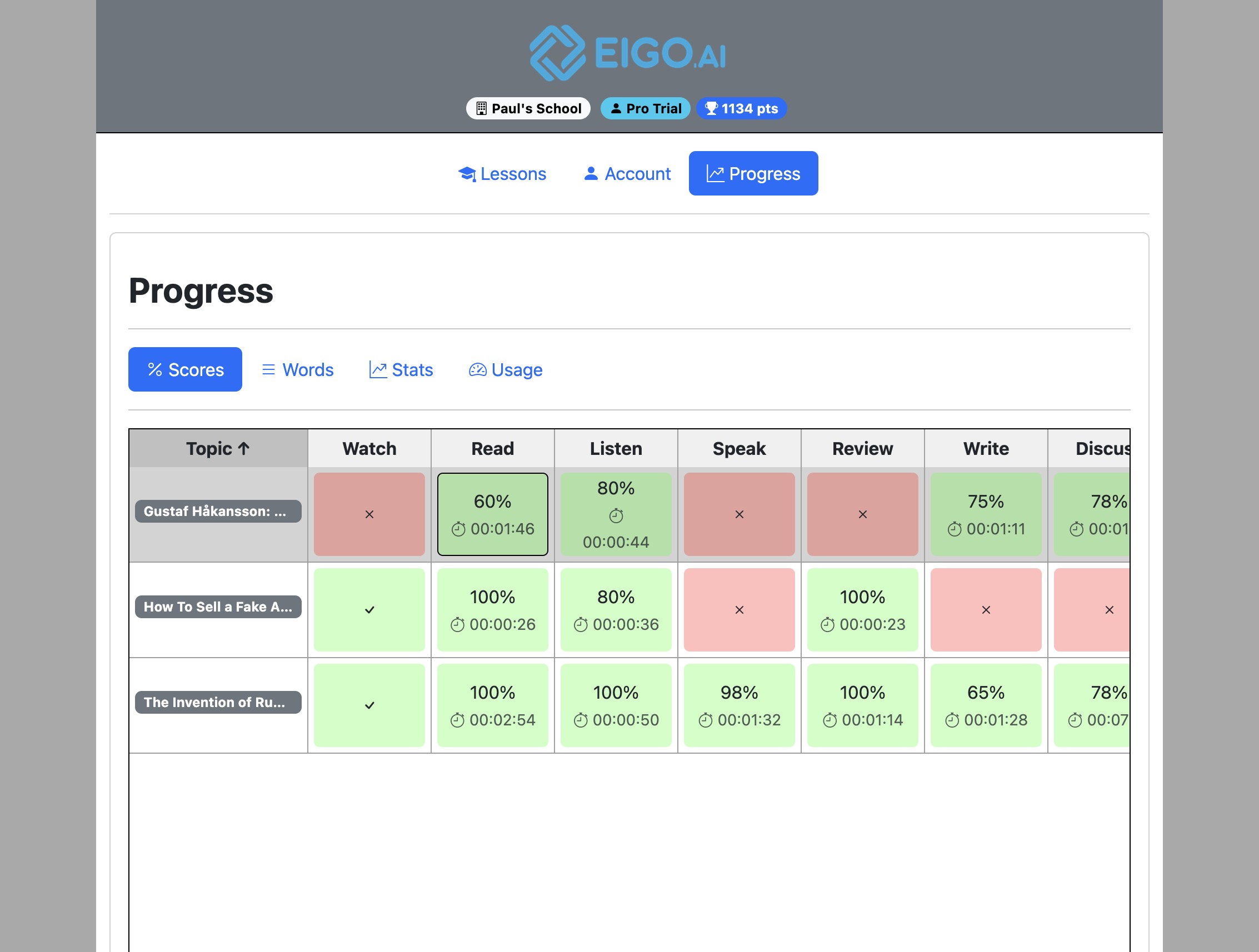
The score and feedback for the submitted activity will be shown.