1
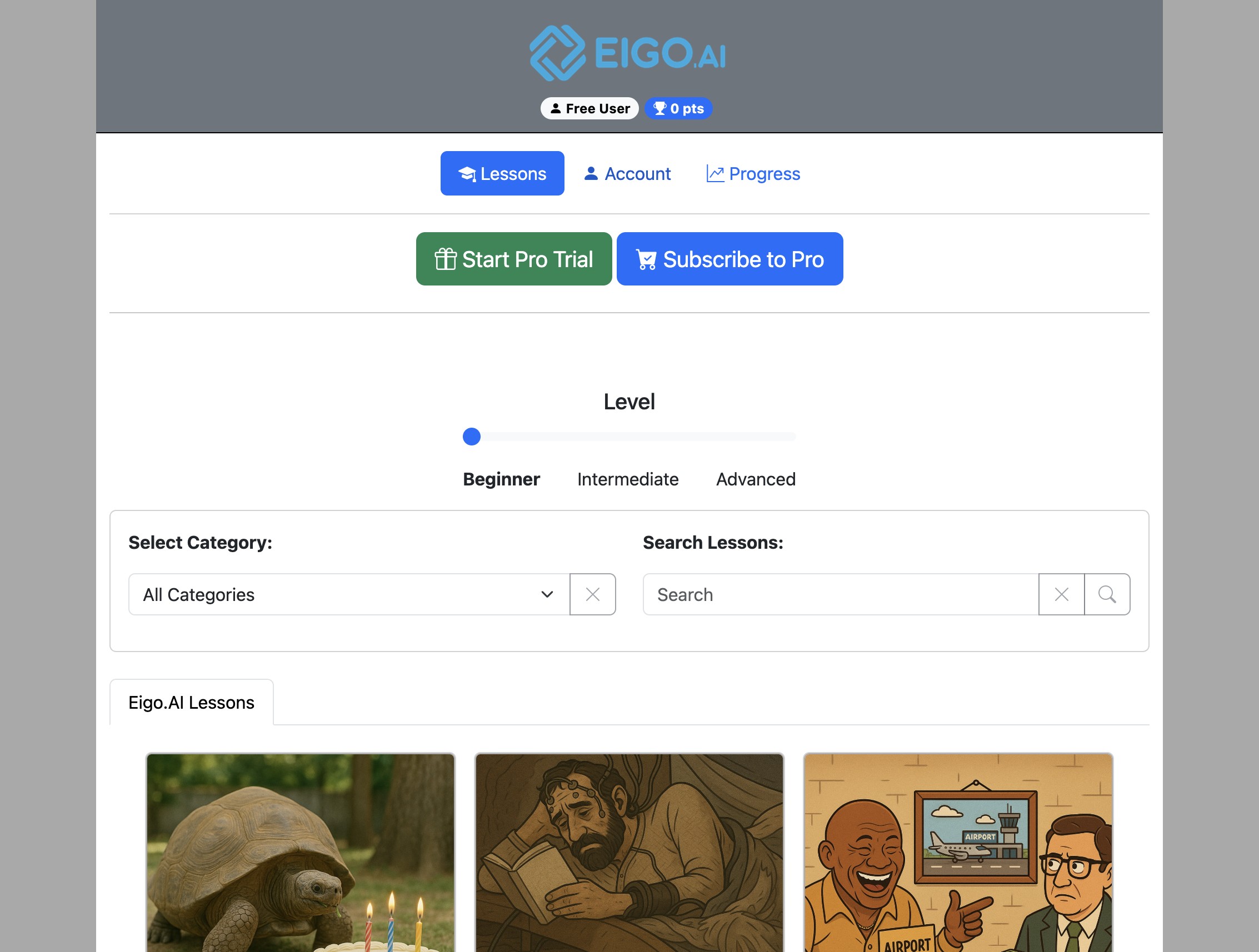
Navigate to https://eigo.ai/lessons/
2
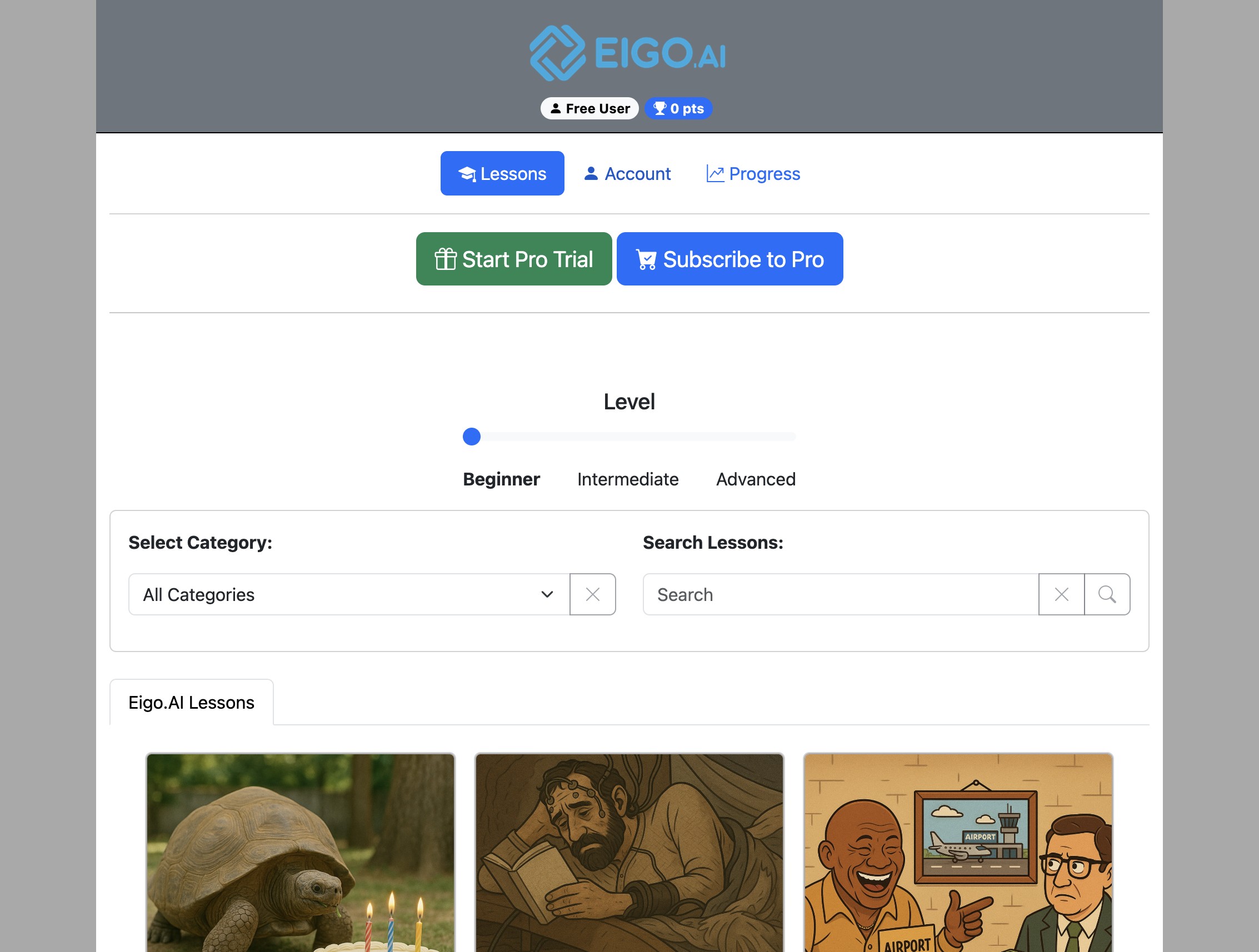
Click "Account"
3
Under the 'Profile' tab, review your total score and class ranking.
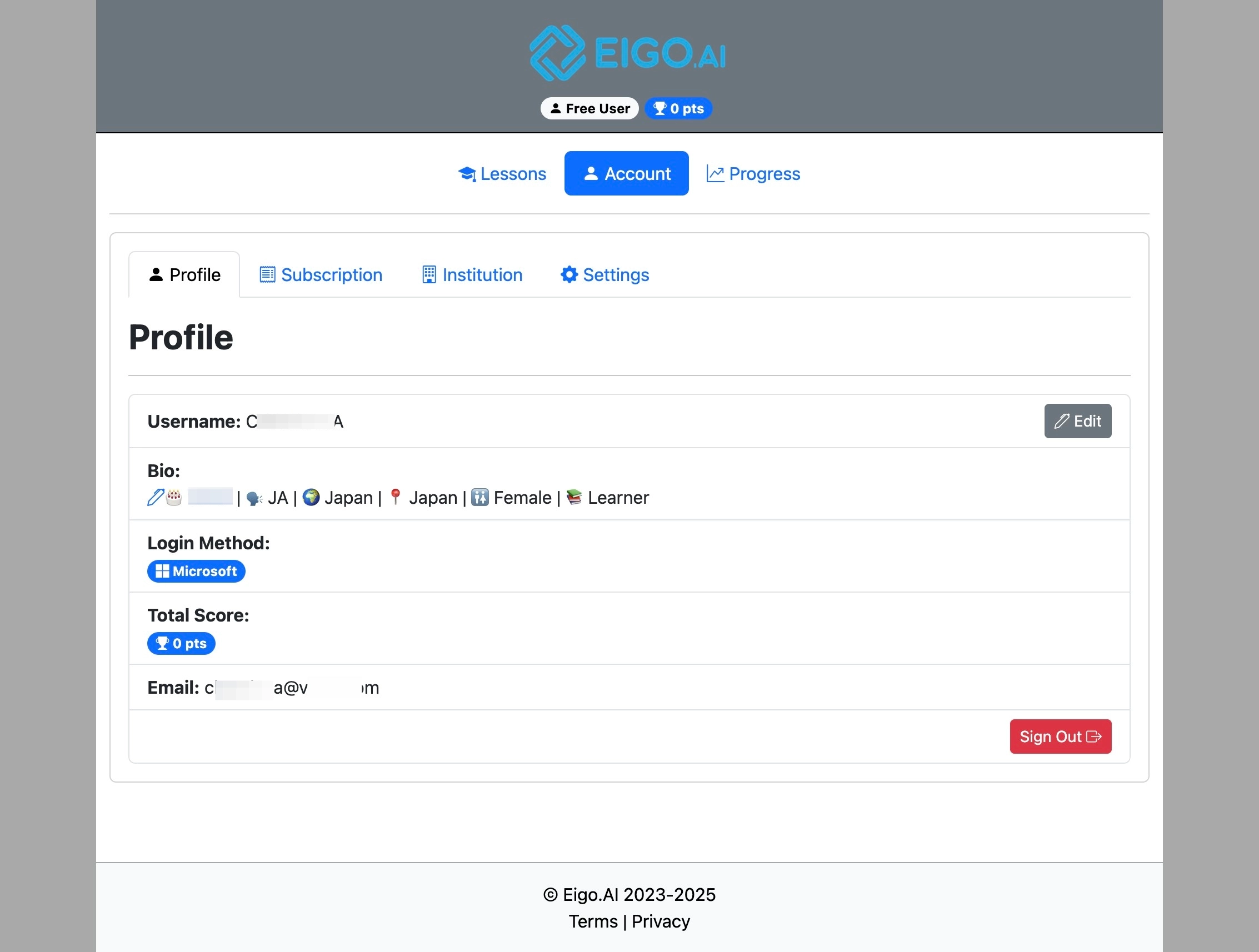
'Above Class Average' or 'Below Class Average' shows only if the student is a member of a class.
Student Manual
3 step guide for Eigo.AI student users.
Navigate to https://eigo.ai/lessons/
Click "Account"
Under the 'Profile' tab, review your total score and class ranking.
'Above Class Average' or 'Below Class Average' shows only if the student is a member of a class.