Students join classes themselves with the class Join Code and PIN Code. Share these details only with the students who should join the class.
1
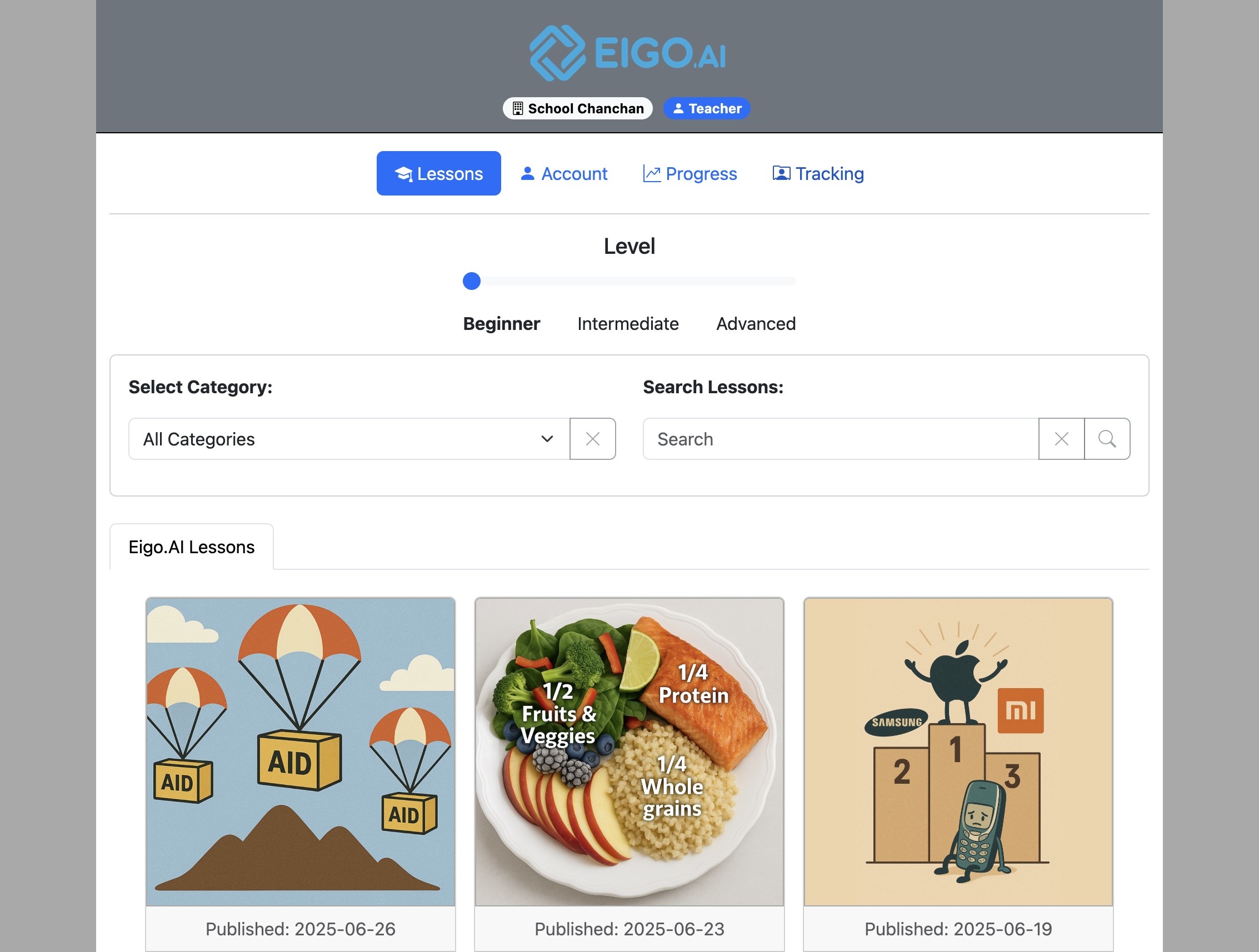
Sign in to Eigo.AI and click "Tracking".
2
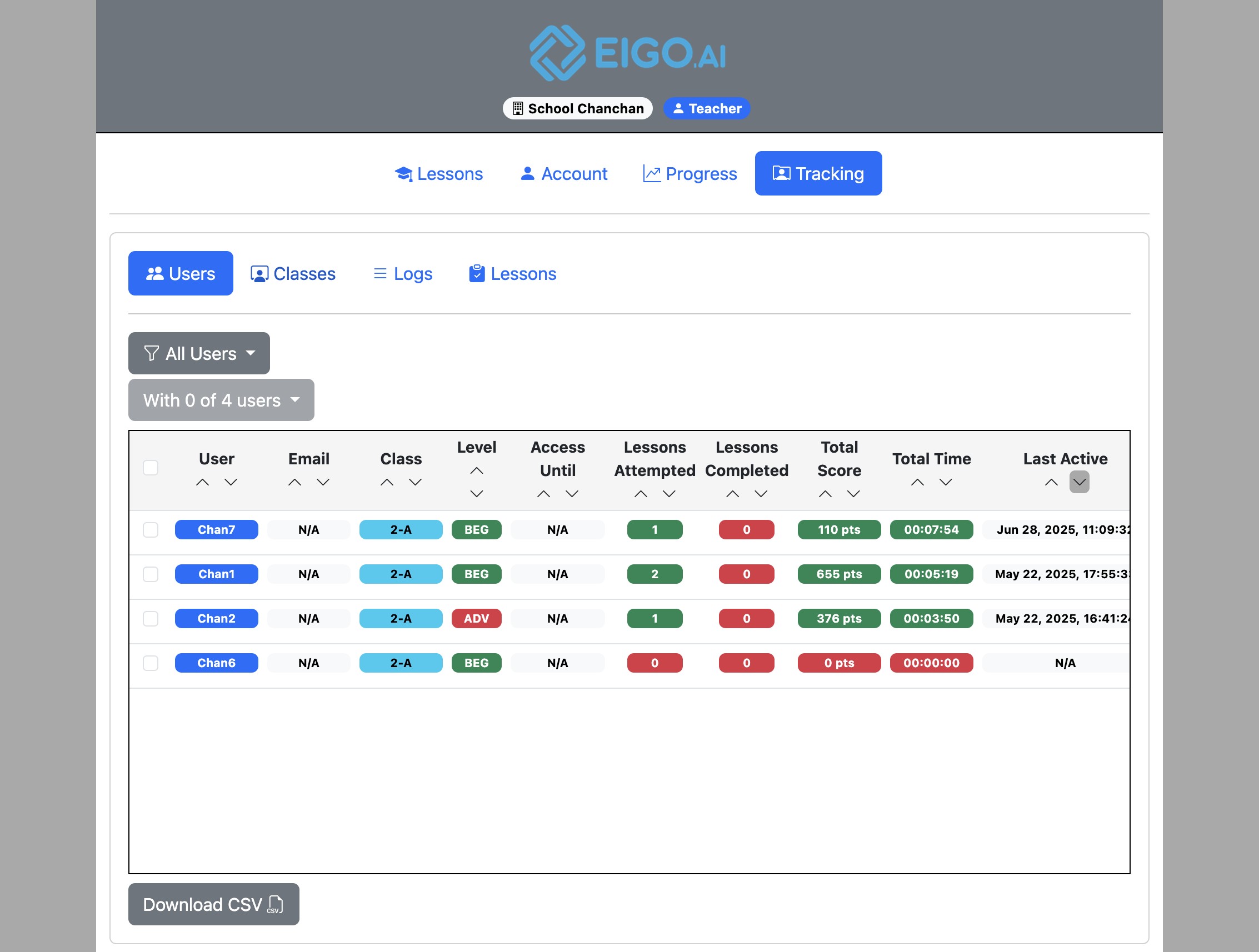
Click "Classes".
3
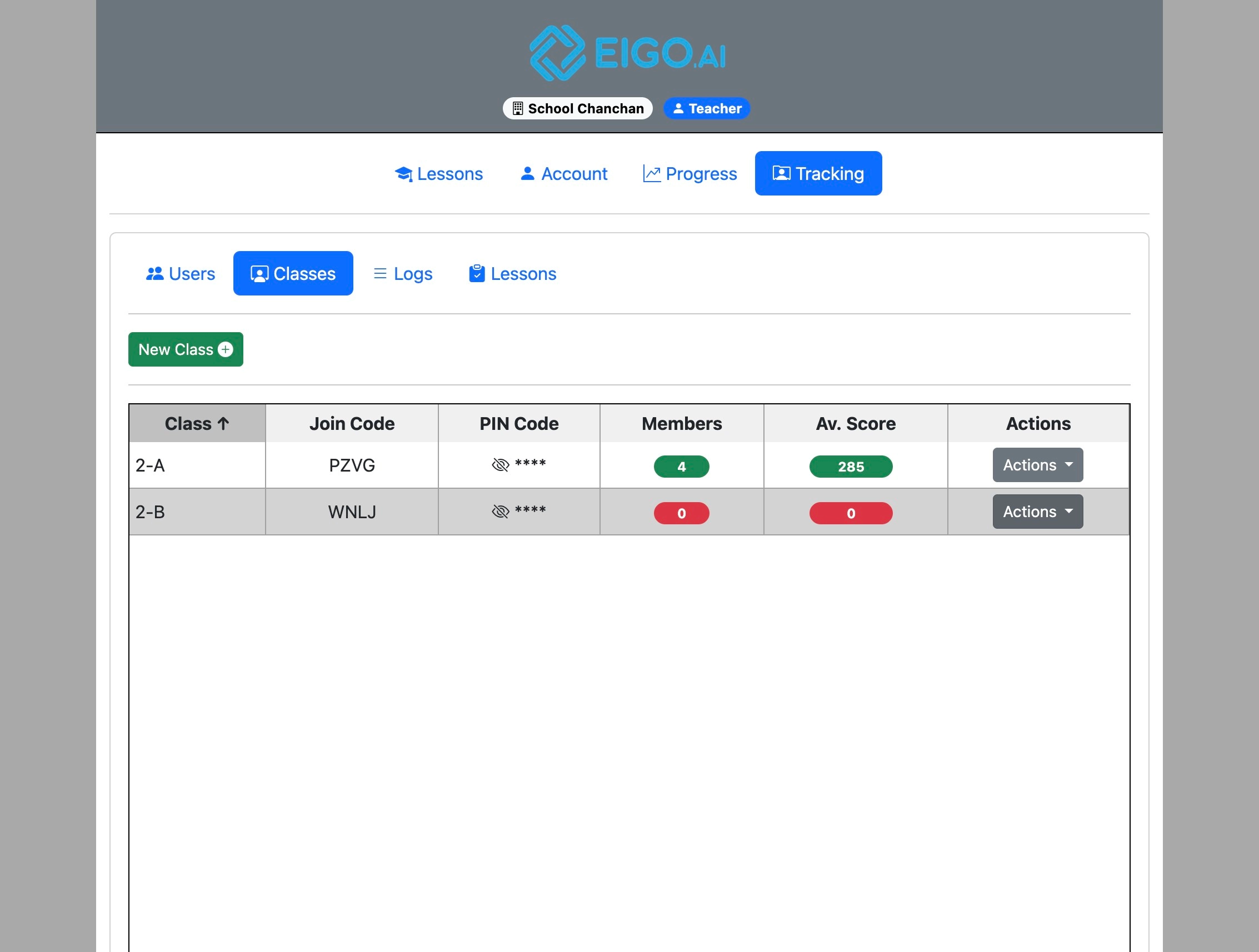
Find the class you want students to join.
4
Copy the class "Join Code".
5
Reveal the "PIN Code" with the eye icon.
6
Share the Join Code and PIN Code with your students.
7
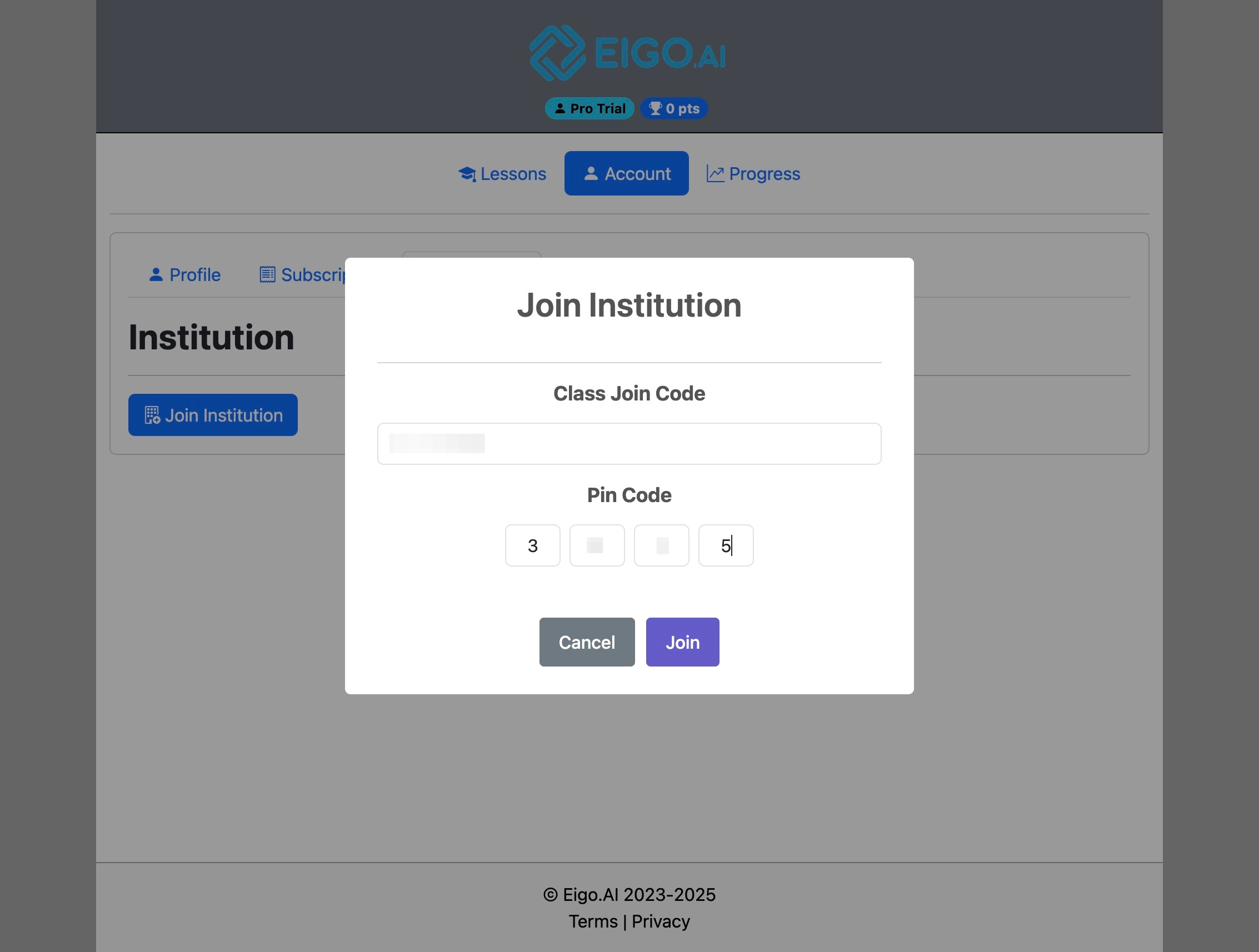
Ask students to open Account > Institution > Join Institution, enter the Class Join Code and PIN Code, and click "Join".
Once students join, they appear in the class and their progress is visible to permitted teacher and manager accounts.