1
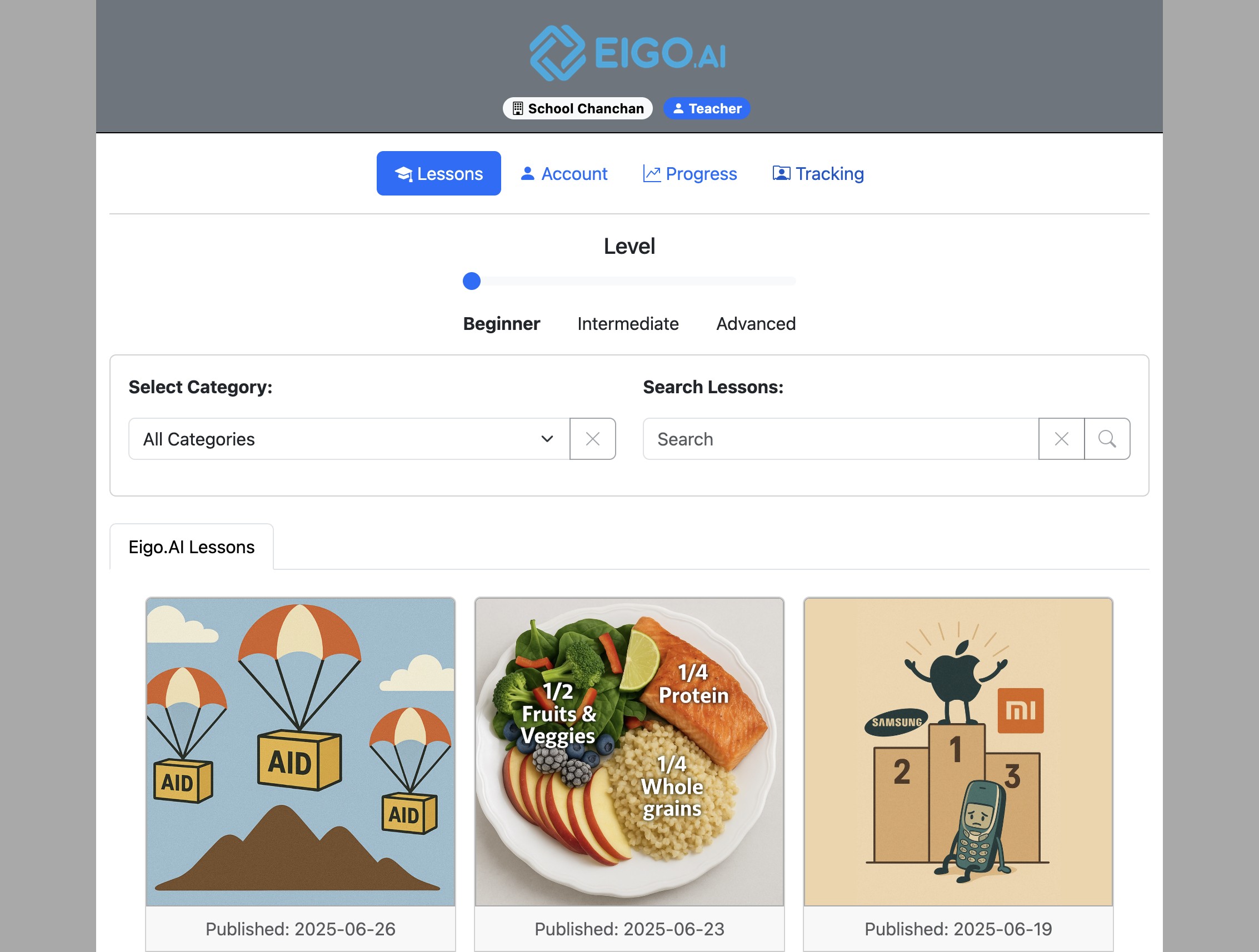
Sign in to Eigo.AI and click "Tracking".
2
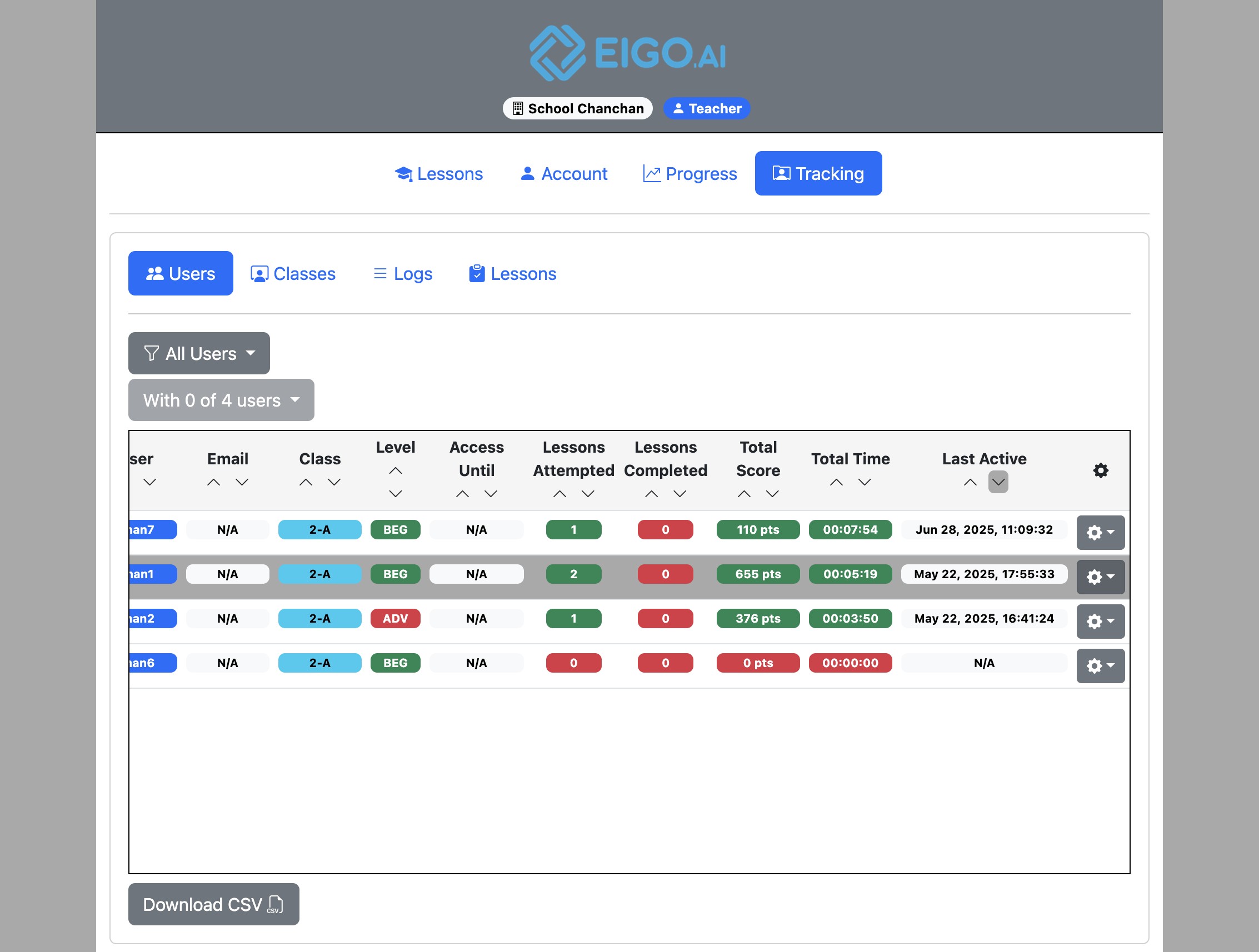
Click the gear button to open a dropdown menu for the selected user.
3
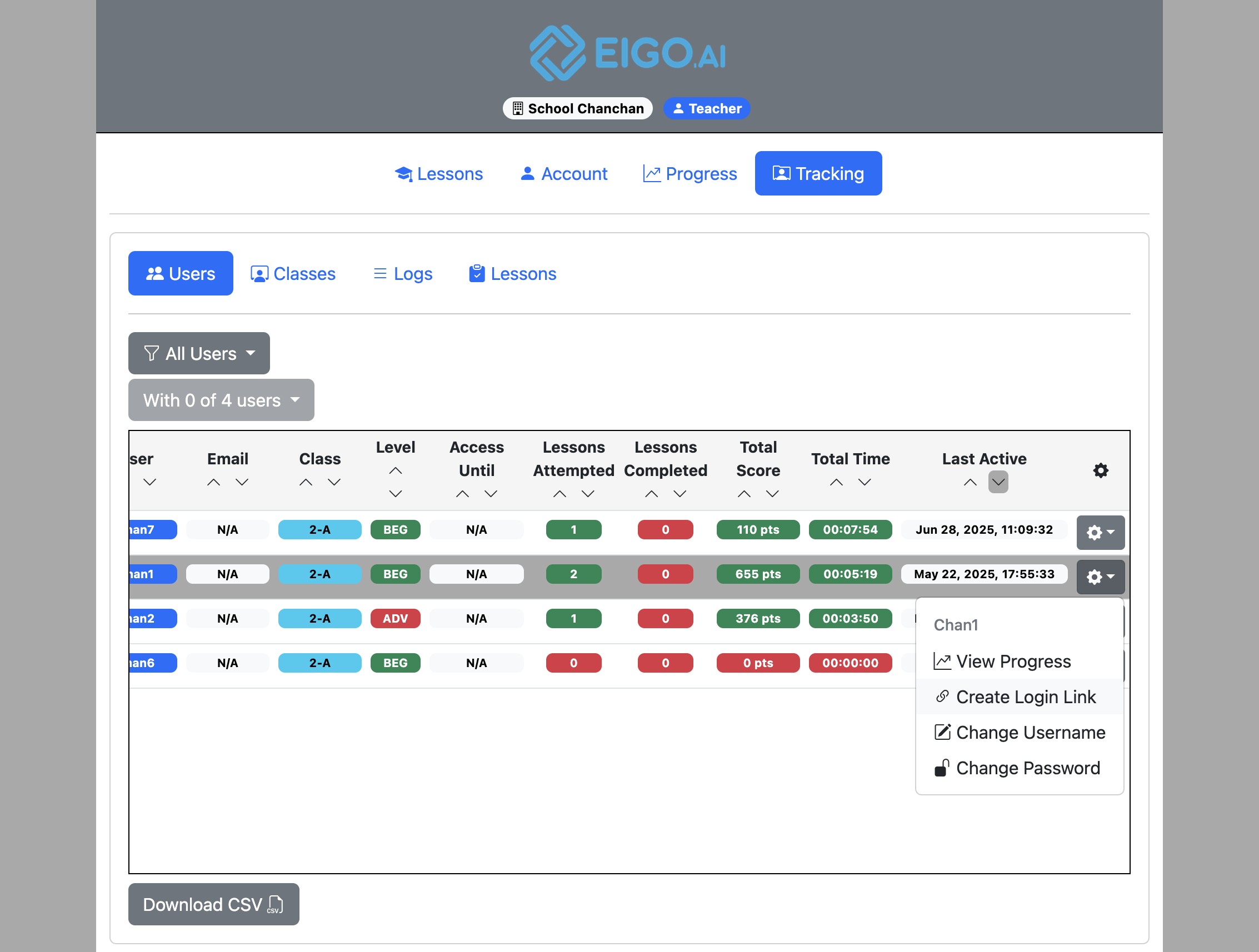
Click "Create Login Link".
4
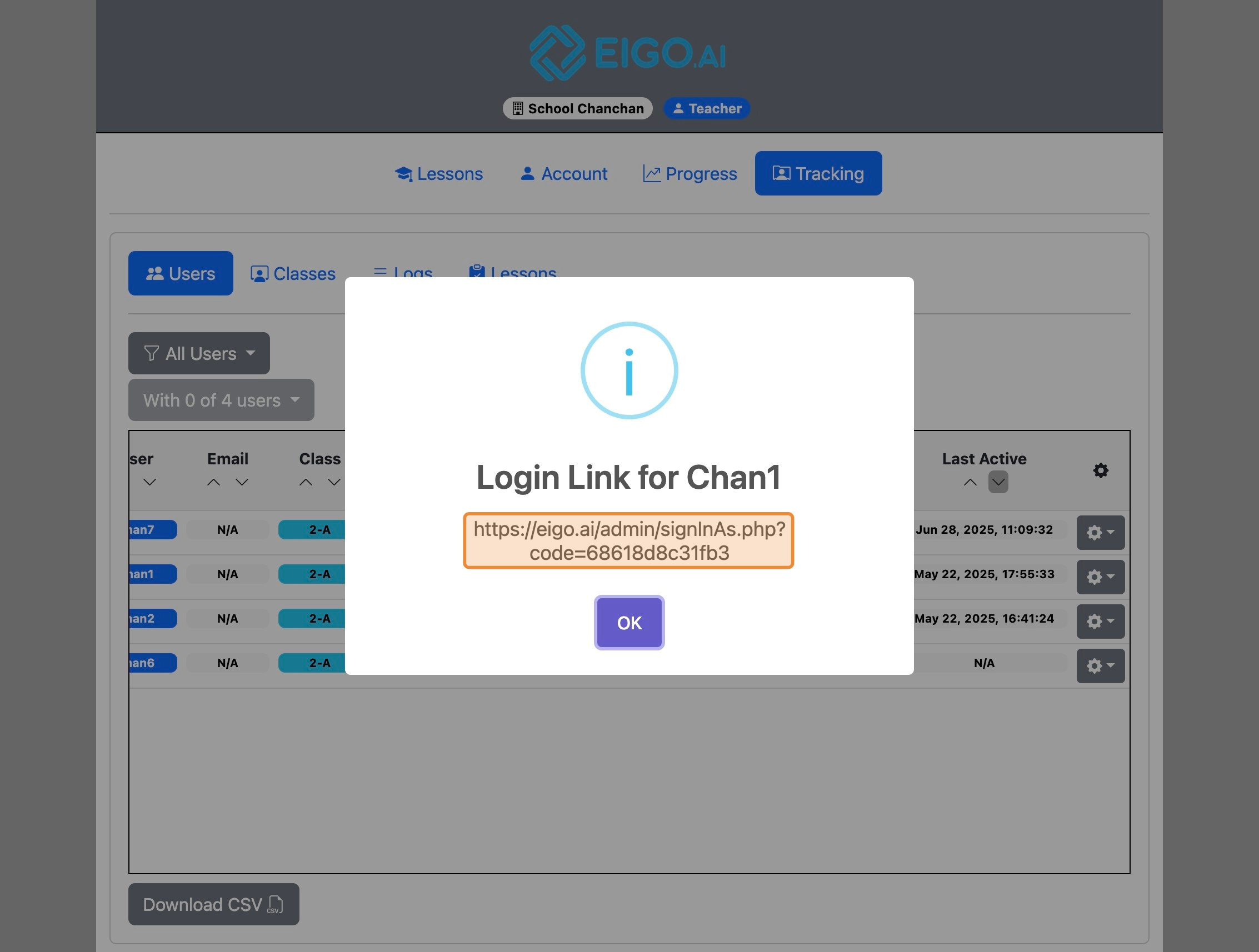
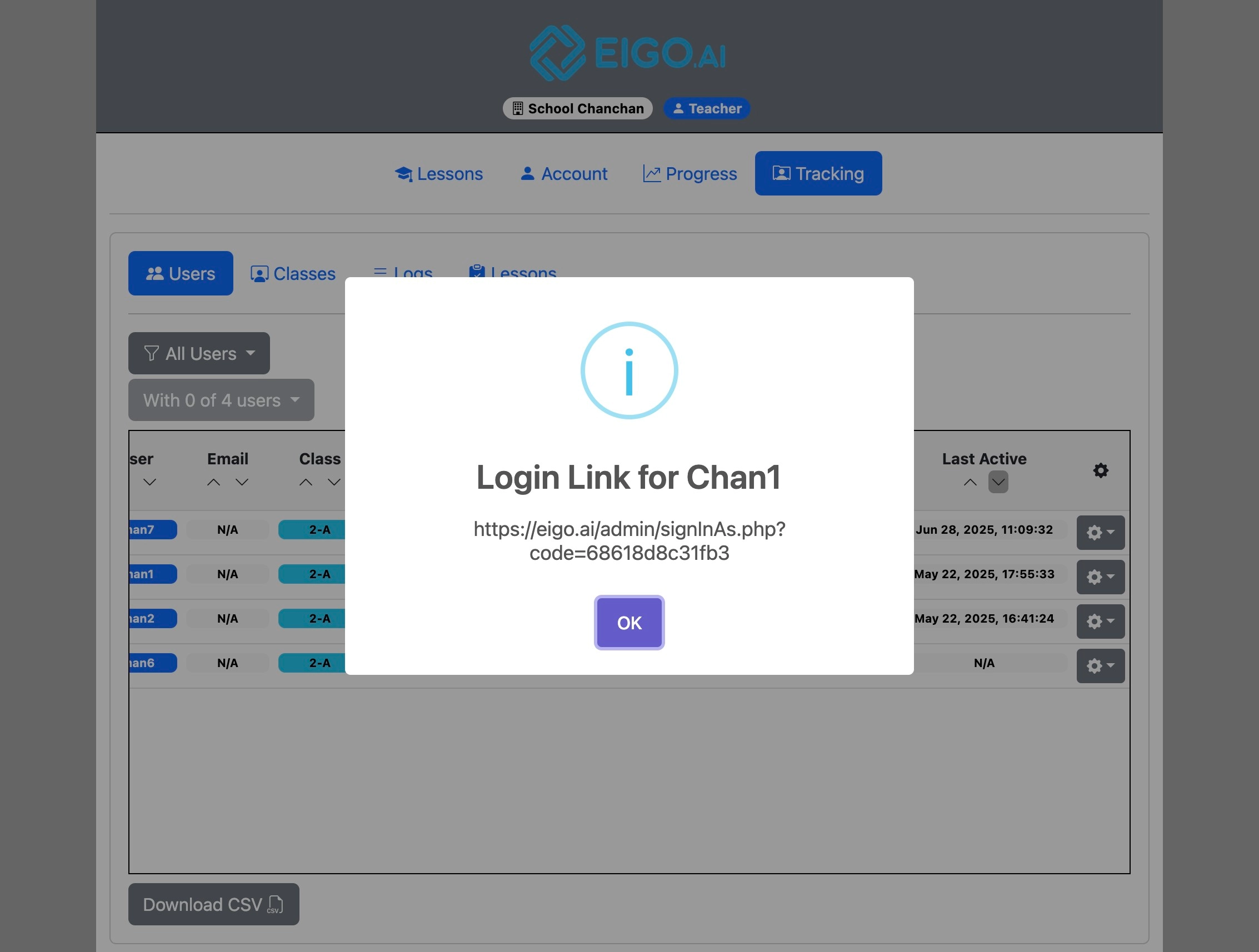
Click the link in the popup to copy it to your clipboard. The one-time login link can then be pasted into another browser to log in as any student who is sharing their progress with you. It can also be shared with students who are unable to sign in using their account credentials.
5
After copying the link click "OK" to close.
For account security, Eigo.AI login sessions last up to 24 hours after your most recent activity. Active page loads and account actions refresh the session, but you may be asked to sign in again if the session expires or the account is signed in on another browser.