All Time is the default and shows logs without a date restriction. Use Week, Month or Year for a rolling period, or Custom to choose inclusive From and To dates. The applied dates and timezone appear below the period controls. Activity and Level selectors remain above the table. “Show users as” is above the logs panel, below the class selector where present. “Download CSV” is on the right of the same row as the period buttons inside the panel. Below the table, select “Filter high and low AI-scored Write and Discuss submissions” to show AI-scored Write and Discuss submissions above 90% or below 20%. Score guidance appears below the checkbox only while checked, explaining the thresholds and describing the selected filter. Scores stay centered without red flags. The digest’s “Review high and low scores” button selects its exact dates and reporting timezone, with this filter checked.
Use “Show users as” to select Usernames, Full names, or Anonymized. Full names falls back to the username when no full name is recorded. Anonymized shows ********** for names and email fields, including CSV exports, and suppresses identifying tooltips. User-table and submission-log names use the same compact width in Username and Full names modes; hover over a shortened name to see it in full. Detail dialogs inherit the view’s selection. Each reporting view remembers its own choice for your signed-in account in this browser; changing one view does not change the others. This display setting masks account labels, not names or personal information written inside student responses.
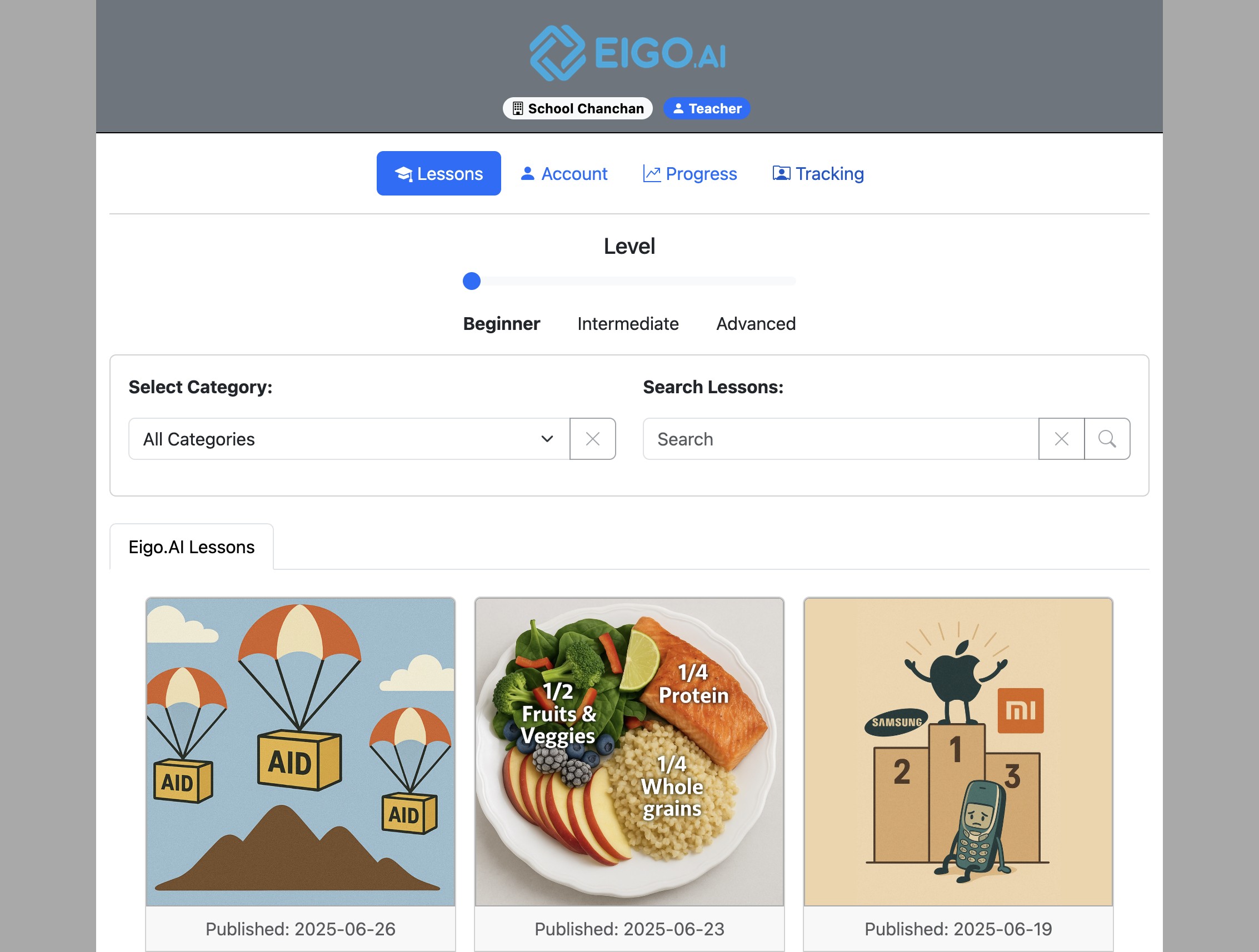
Sign in to Eigo.AI and click "Tracking".
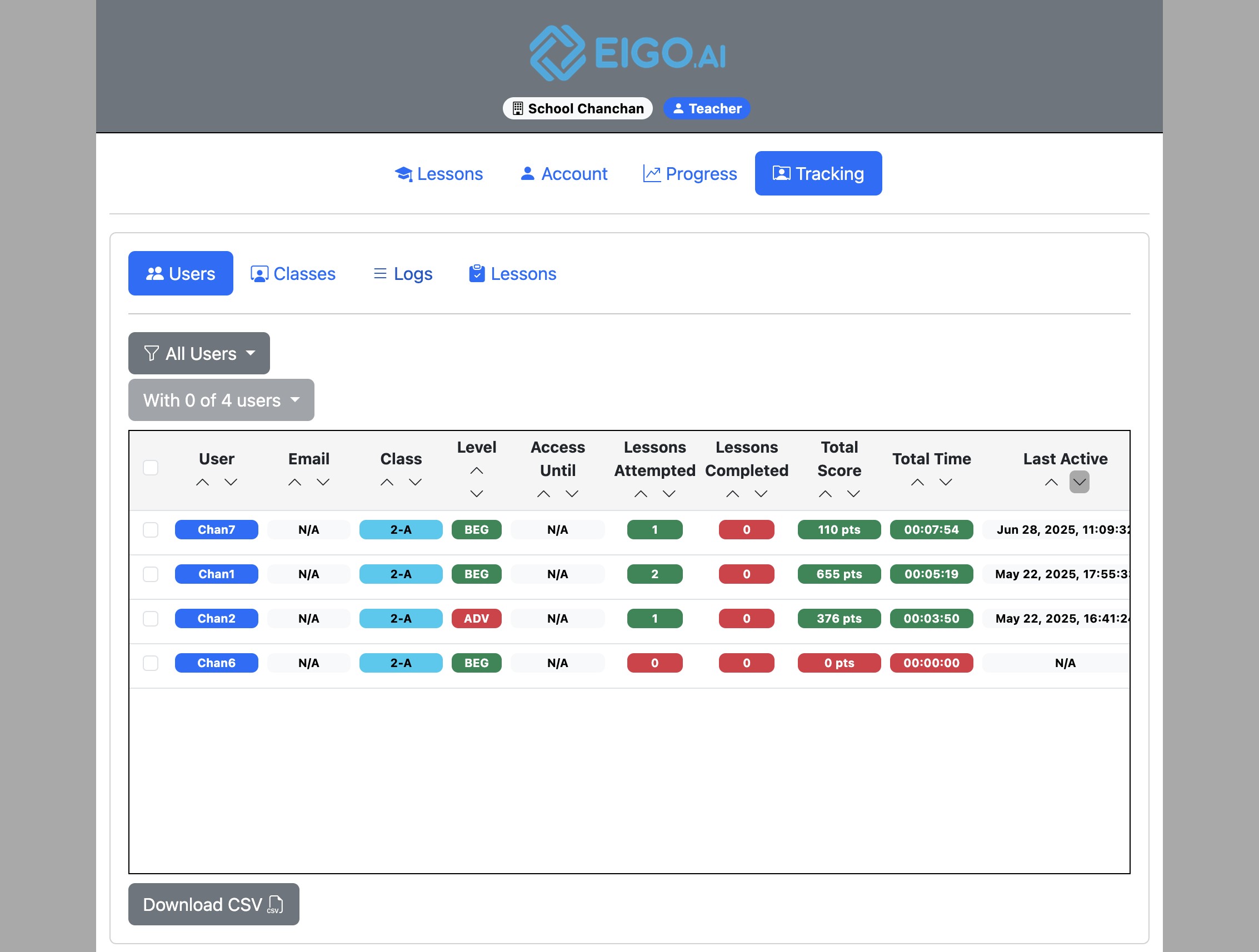
Click "Logs".
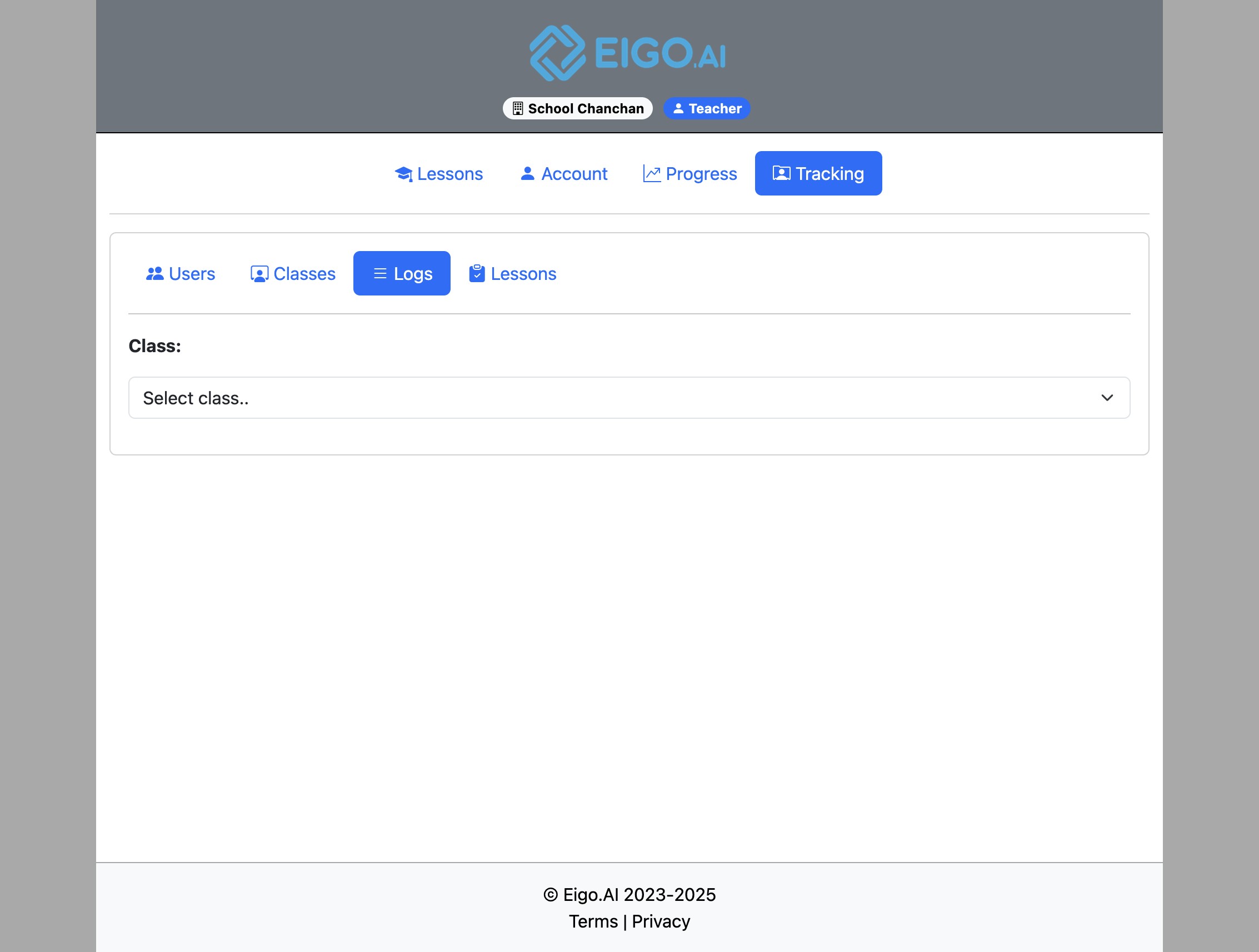
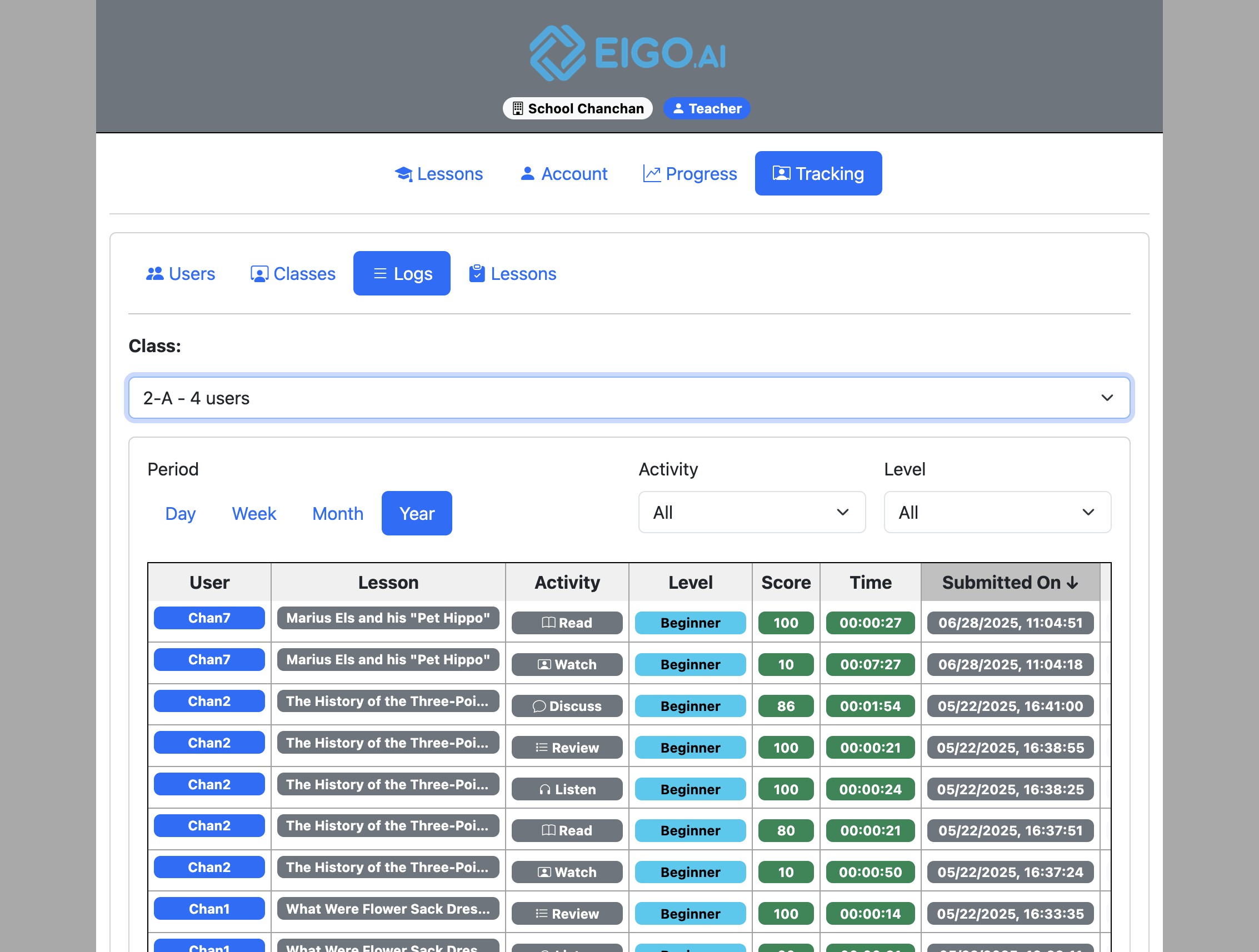
Click this dropdown to select a class.
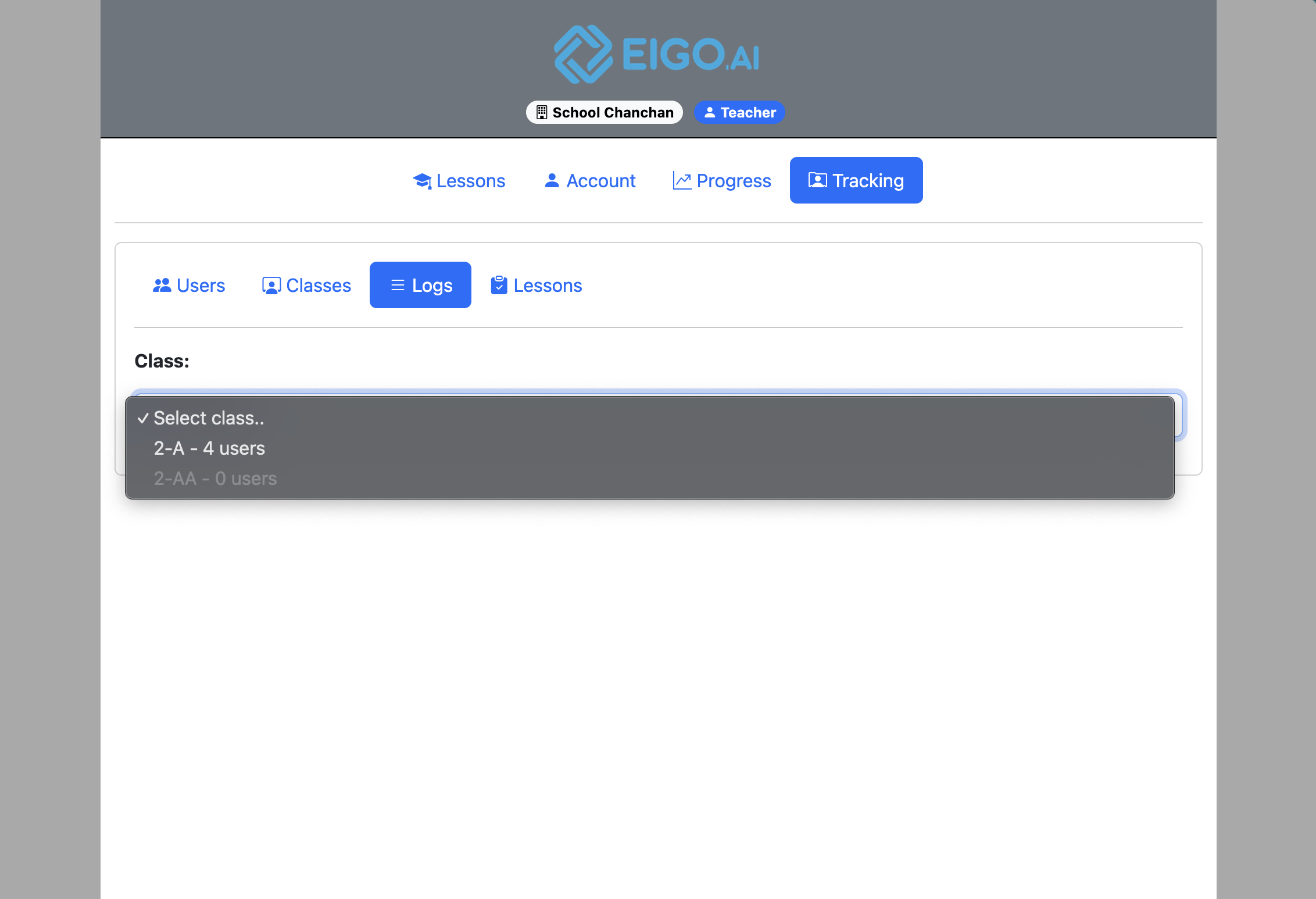
Select a class to view its students' submissions.
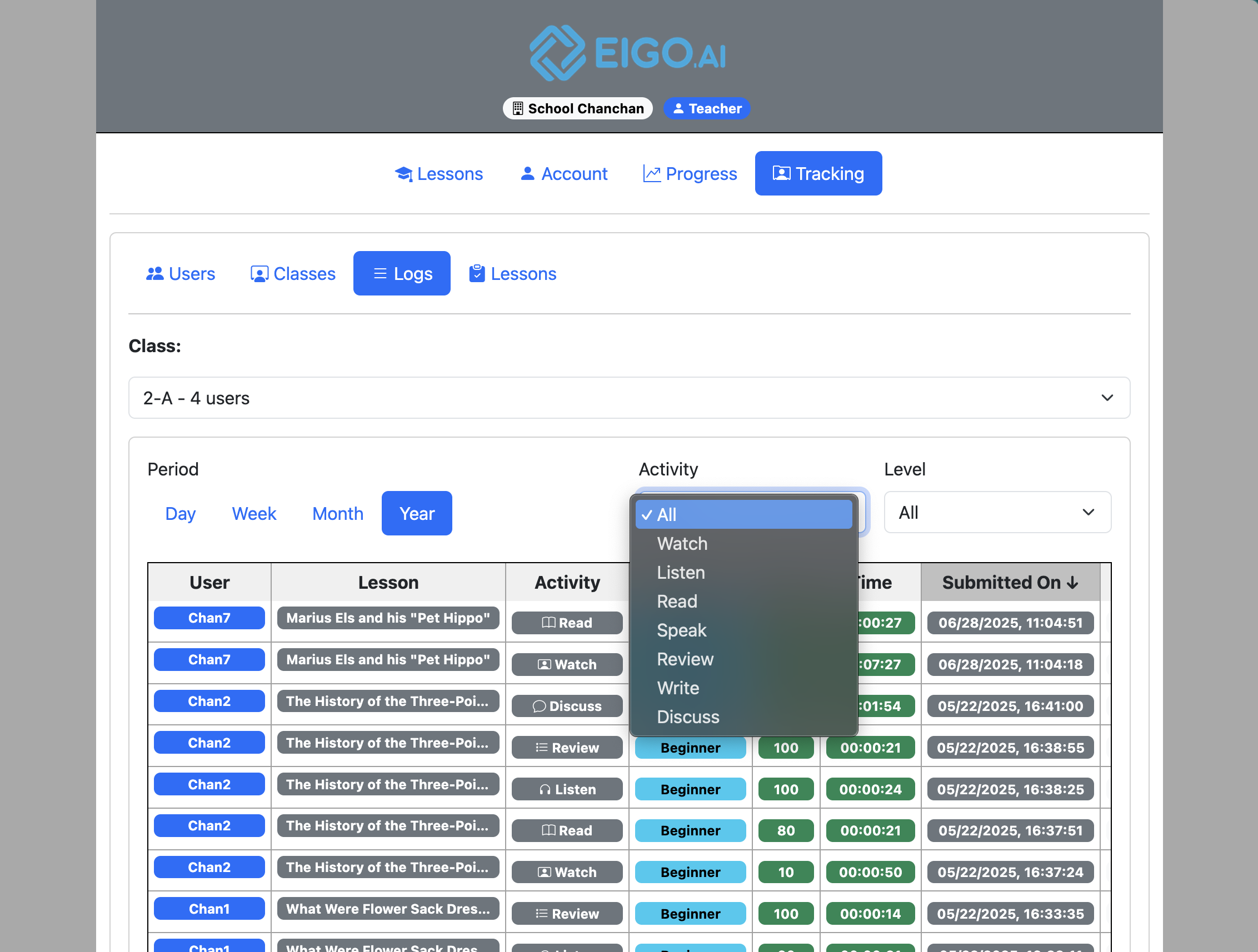
Use the dropdown above the submissions table to filter by 'Activity'.
Select the activity to filter and view.
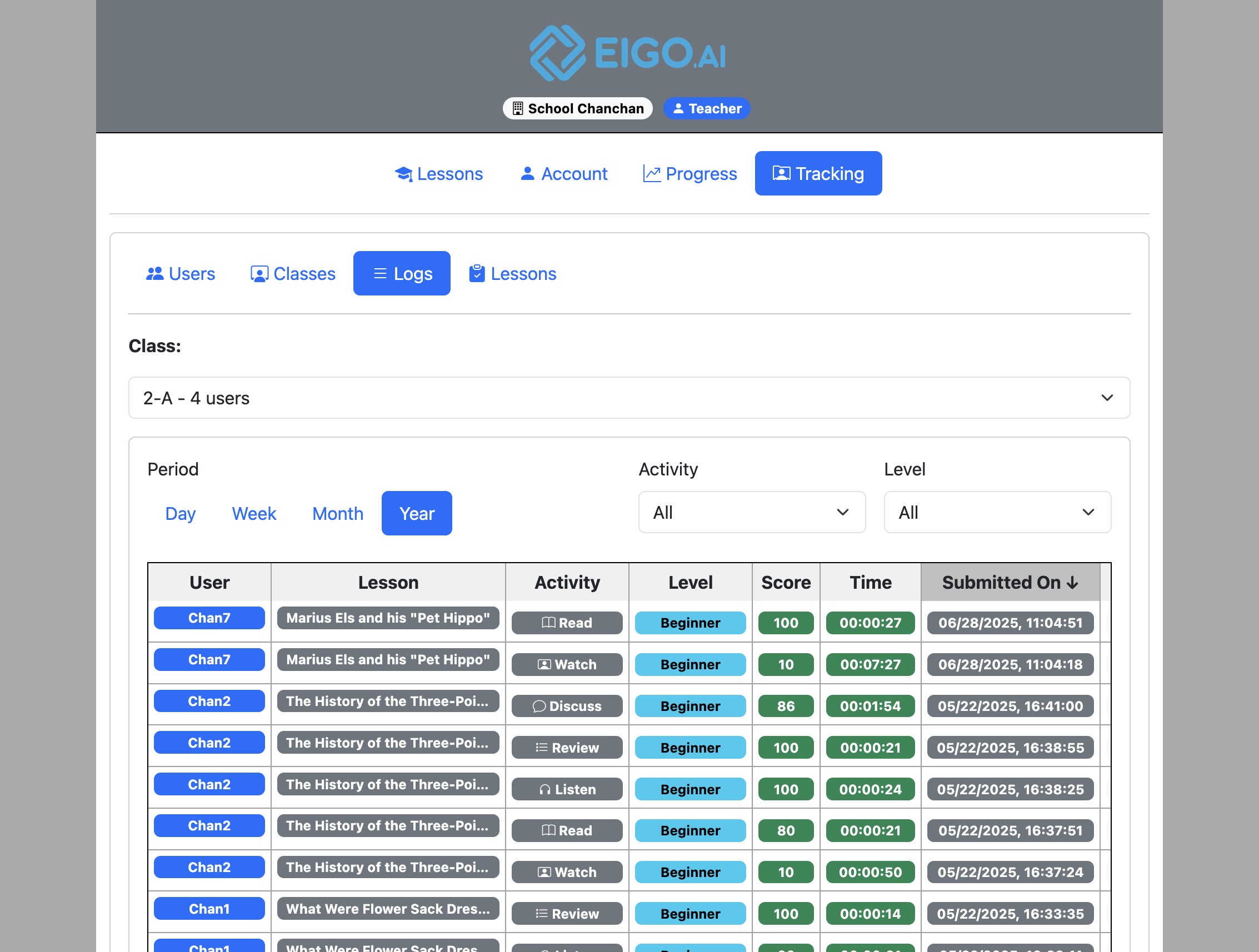
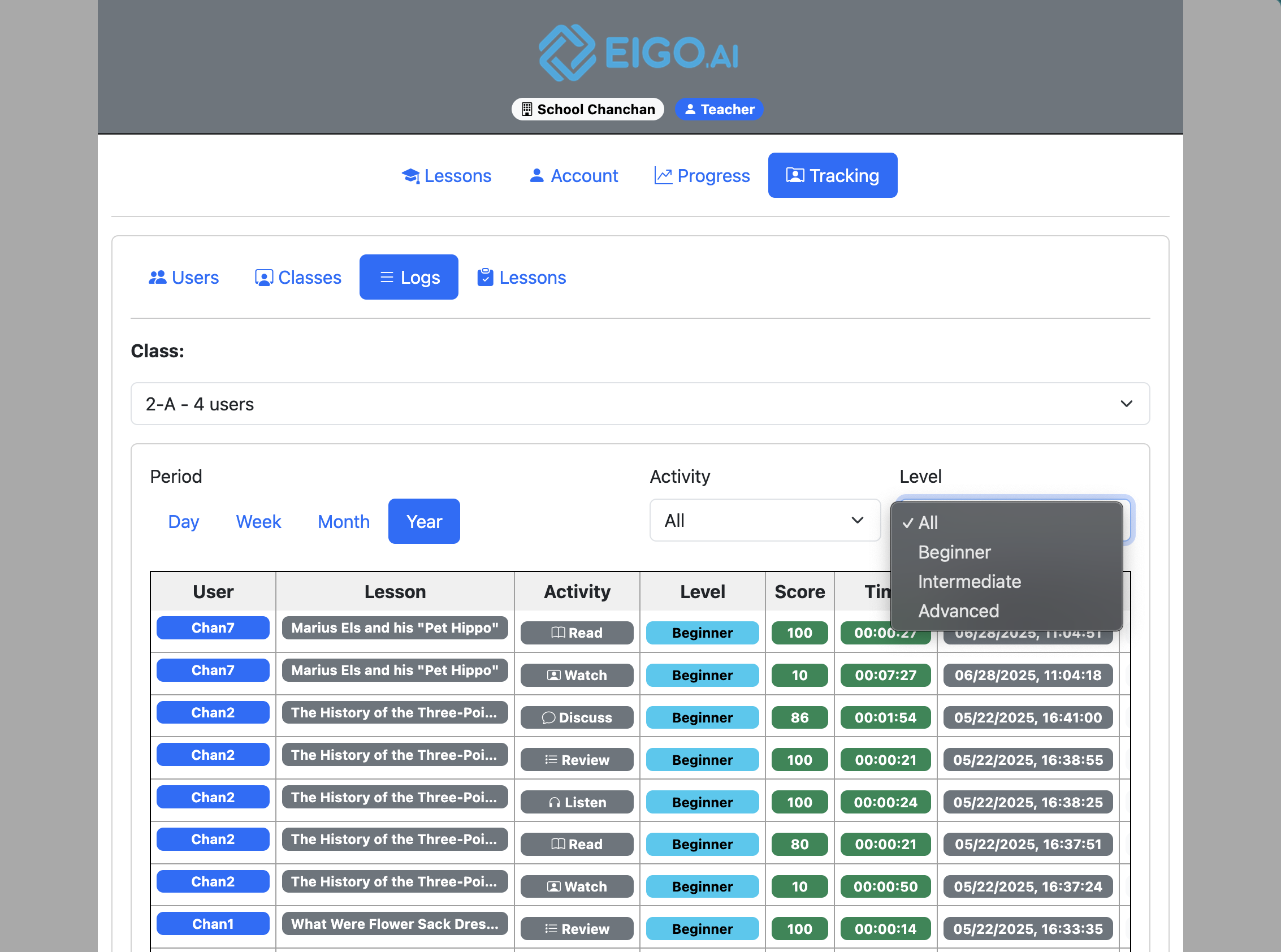
Use the dropdown above the submissions table to filter by 'Level'.
Select the level to filter and view.
Student submissions can be viewed by Day, Week, Month, or Year.
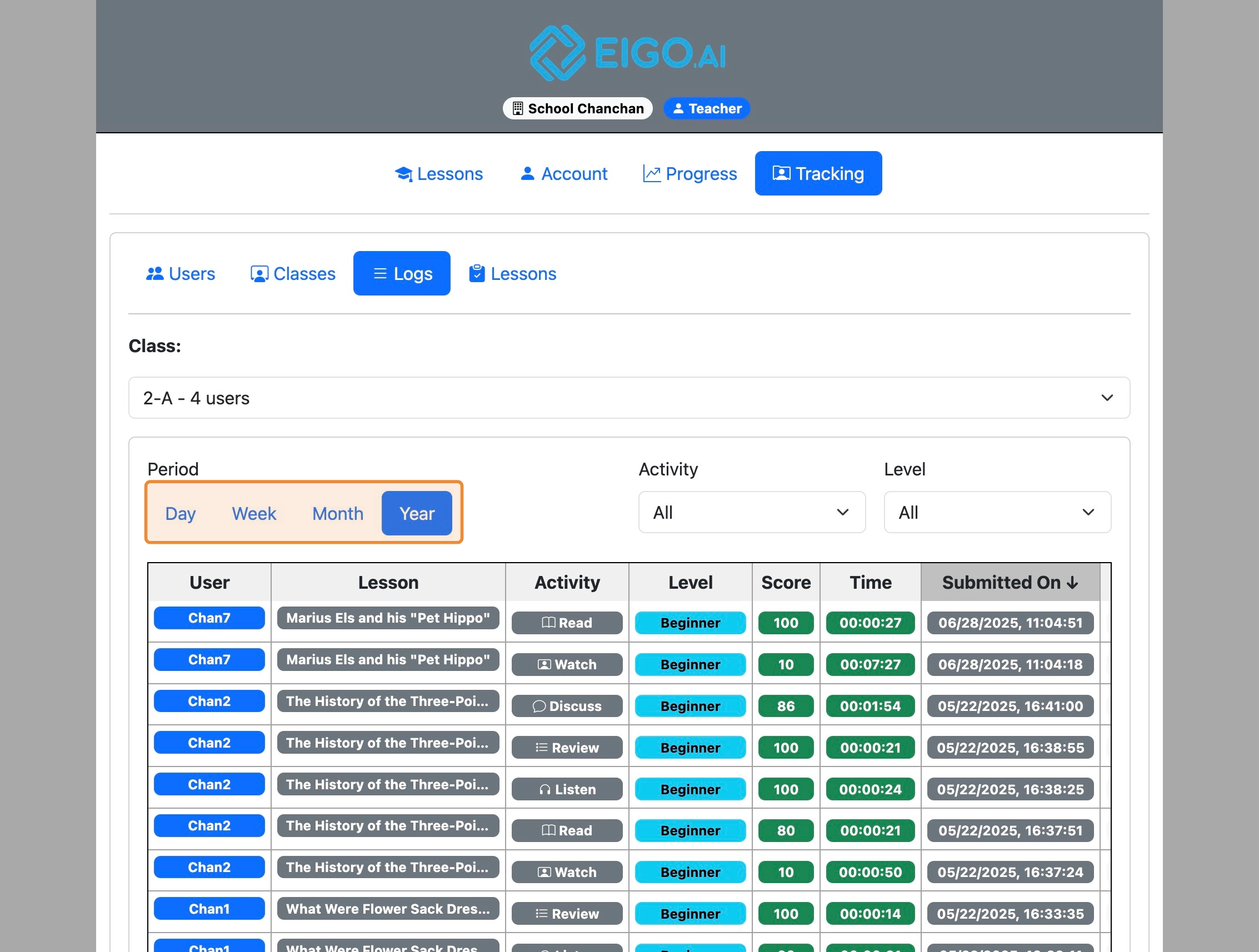
Click the score to show detailed feedback for the selected submission.
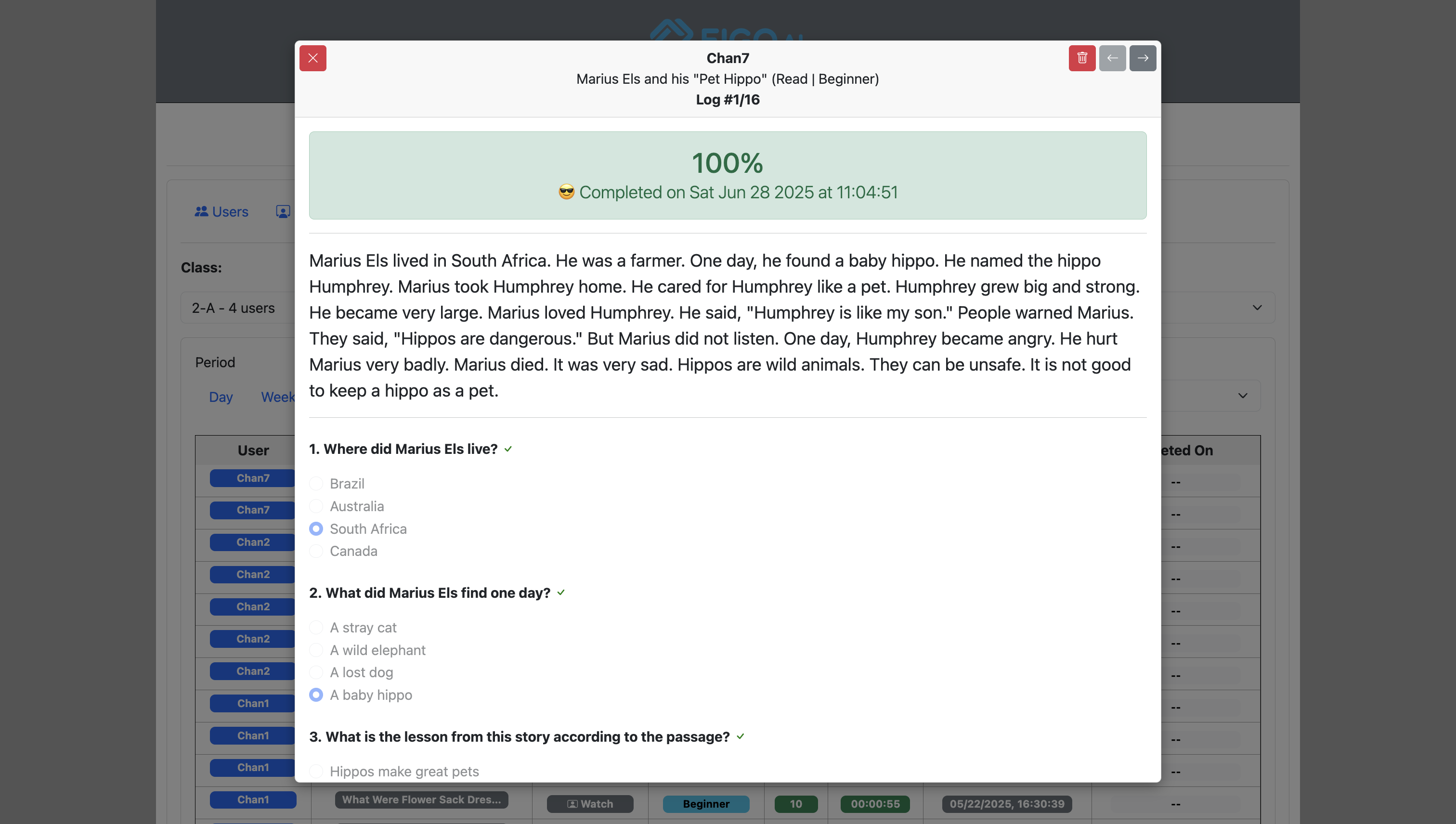
The submission table also supports sortable columns, rows-per-page selection, pagination, and Download CSV. Deleted accounts are shown as Deleted, and the Deleted On column records when applicable. Click a score to open the detailed feedback for that submission.