If your teacher or institution requires English, this selector is locked to English. Ask your teacher if you need help. The setting affects vocabulary support and new Write/Discuss feedback, not the language of all exercises. See Using Eigo.AI in English for guidance on English practice and permitted language support.
Changing the language of the definitions and feedback provided by Eigo.AI requires institutional access, an access code, or temporary access. For free accounts, only English definitions and feedback are available.
Navigate to https://eigo.ai/lessons/
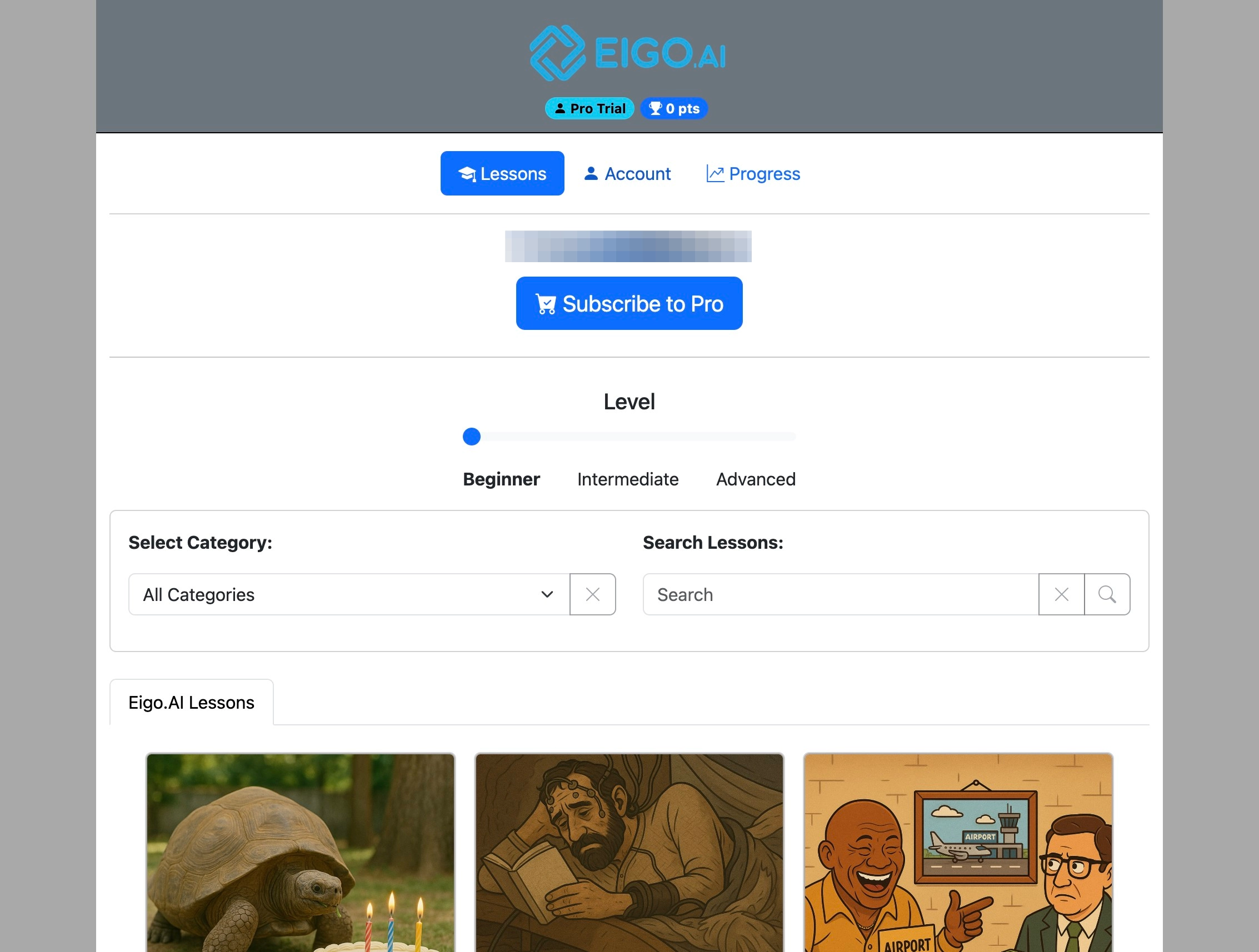
Click "Account"
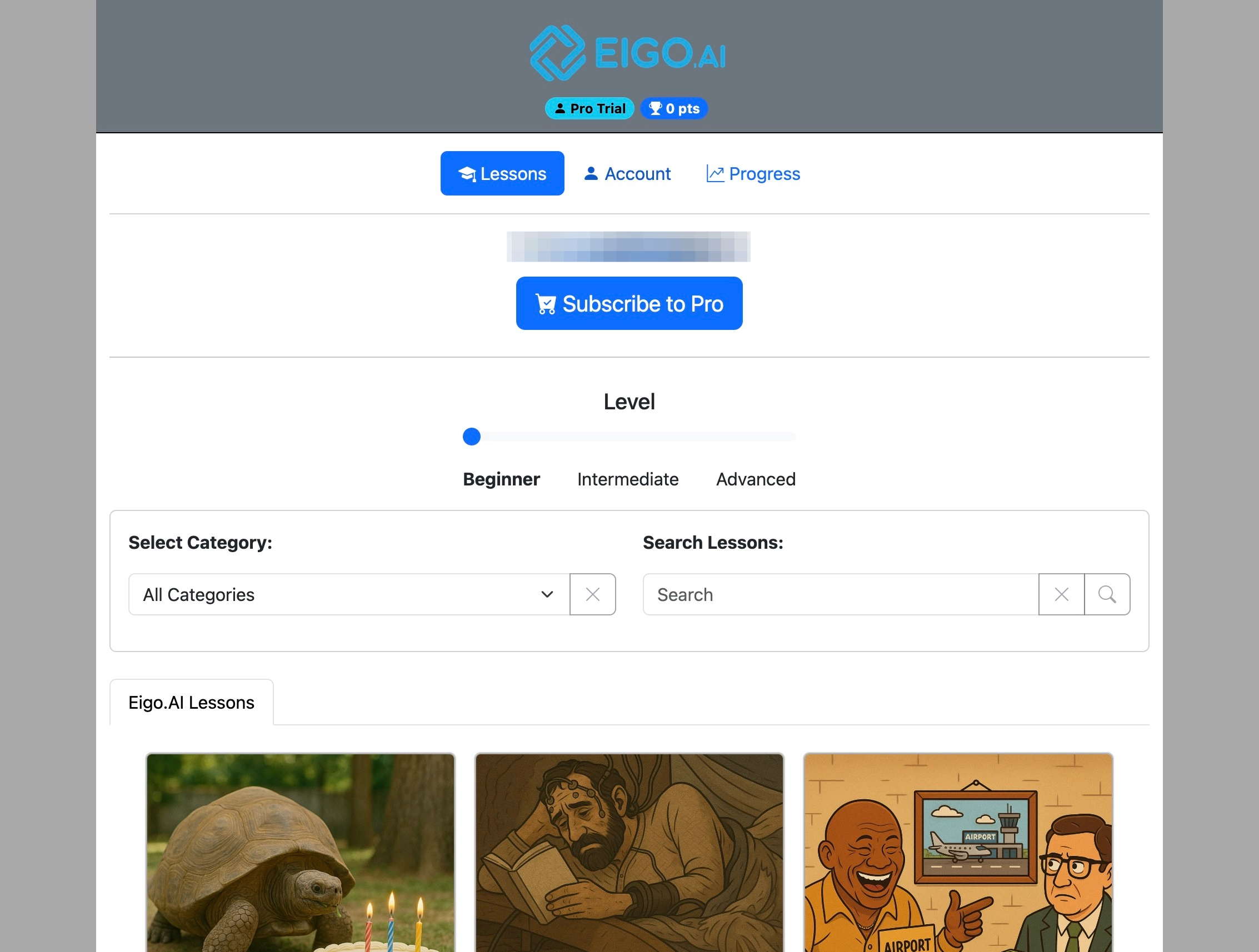
Click "Settings"
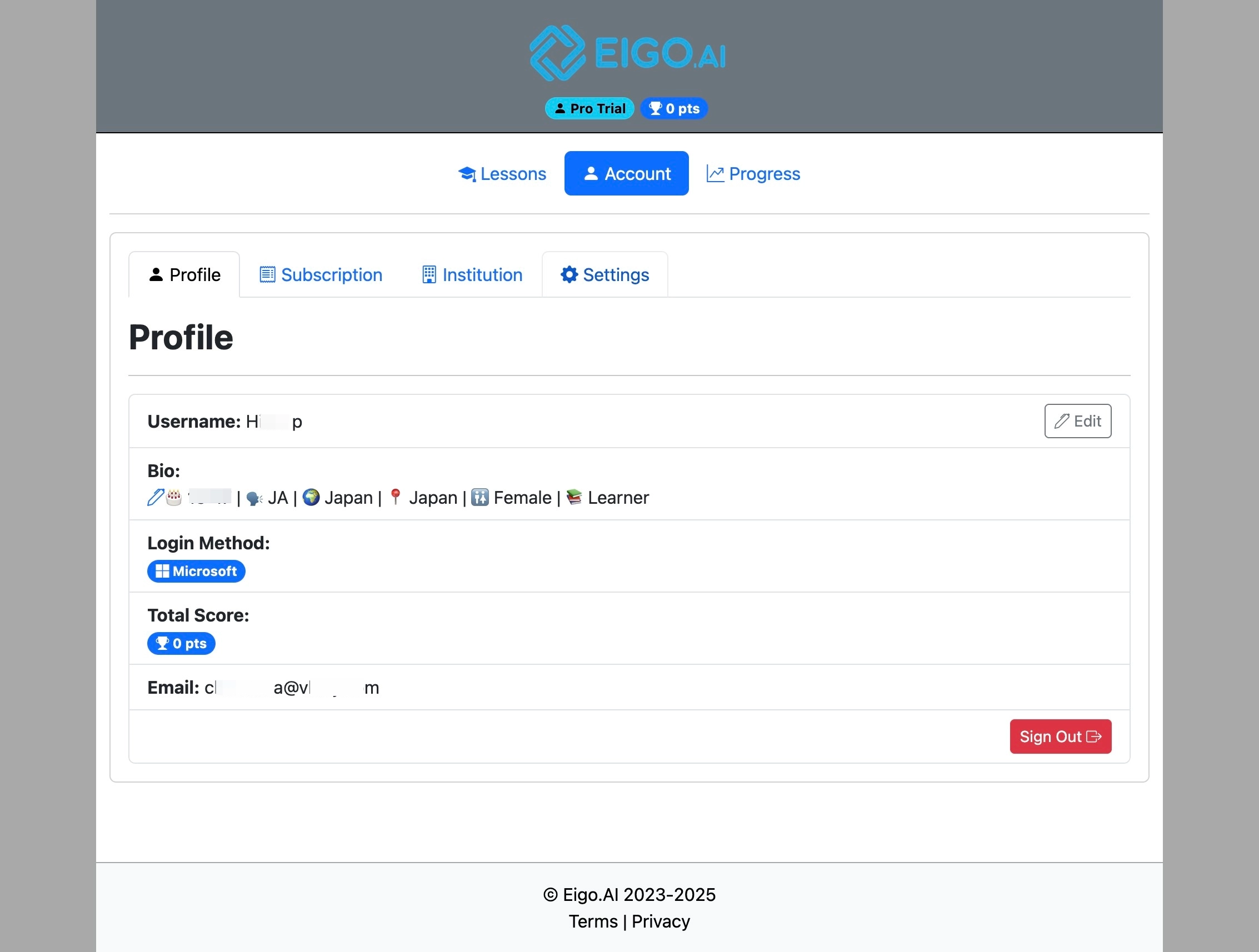
Under the 'Settings' tab, click the dropdown to select the 'Feedback and Definitions Language'.
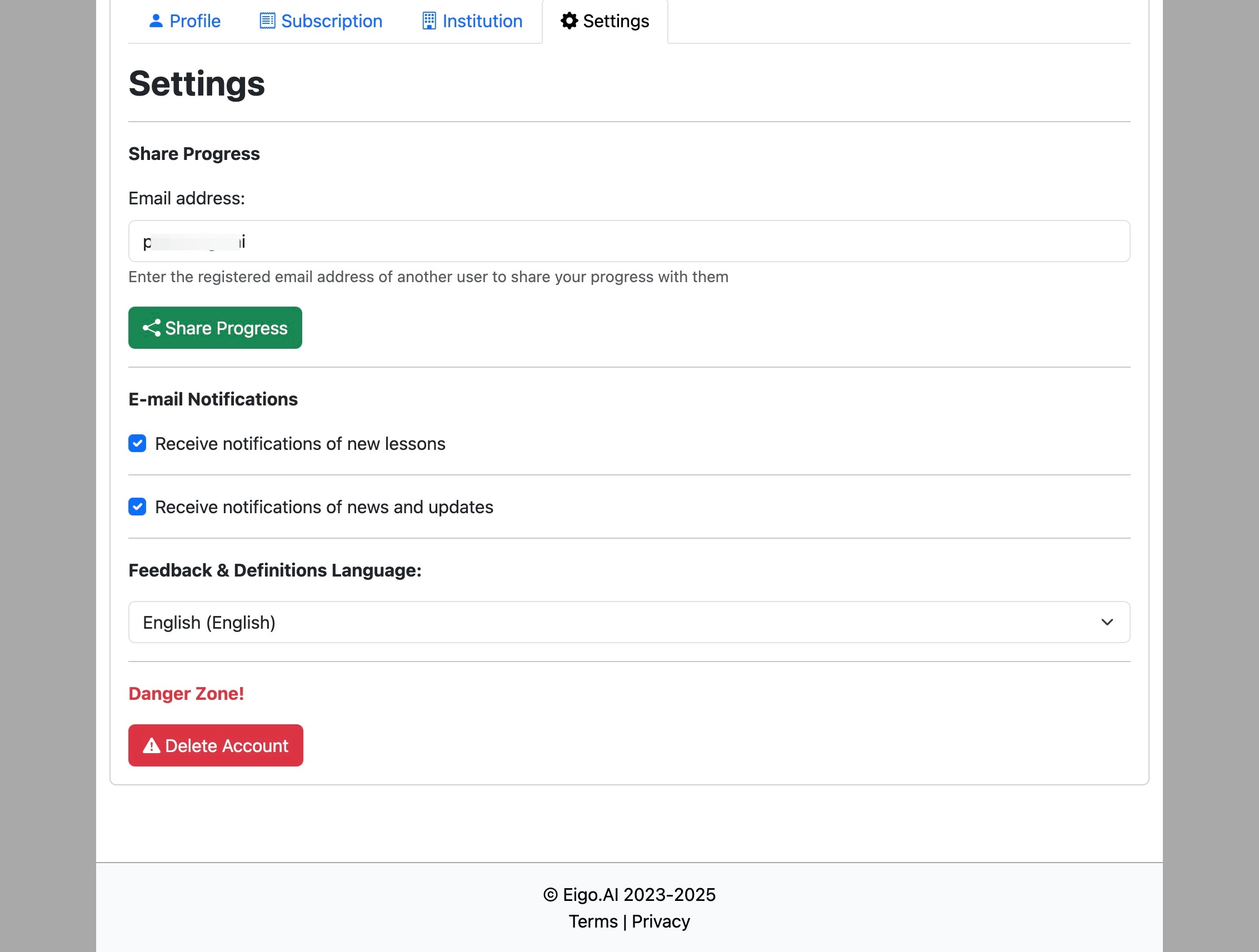
Select the feedback and definitions language of your choice.

After changing the language, definitions and feedback in the 'Read', 'Write', and 'Discuss' activities are provided in the selected language.
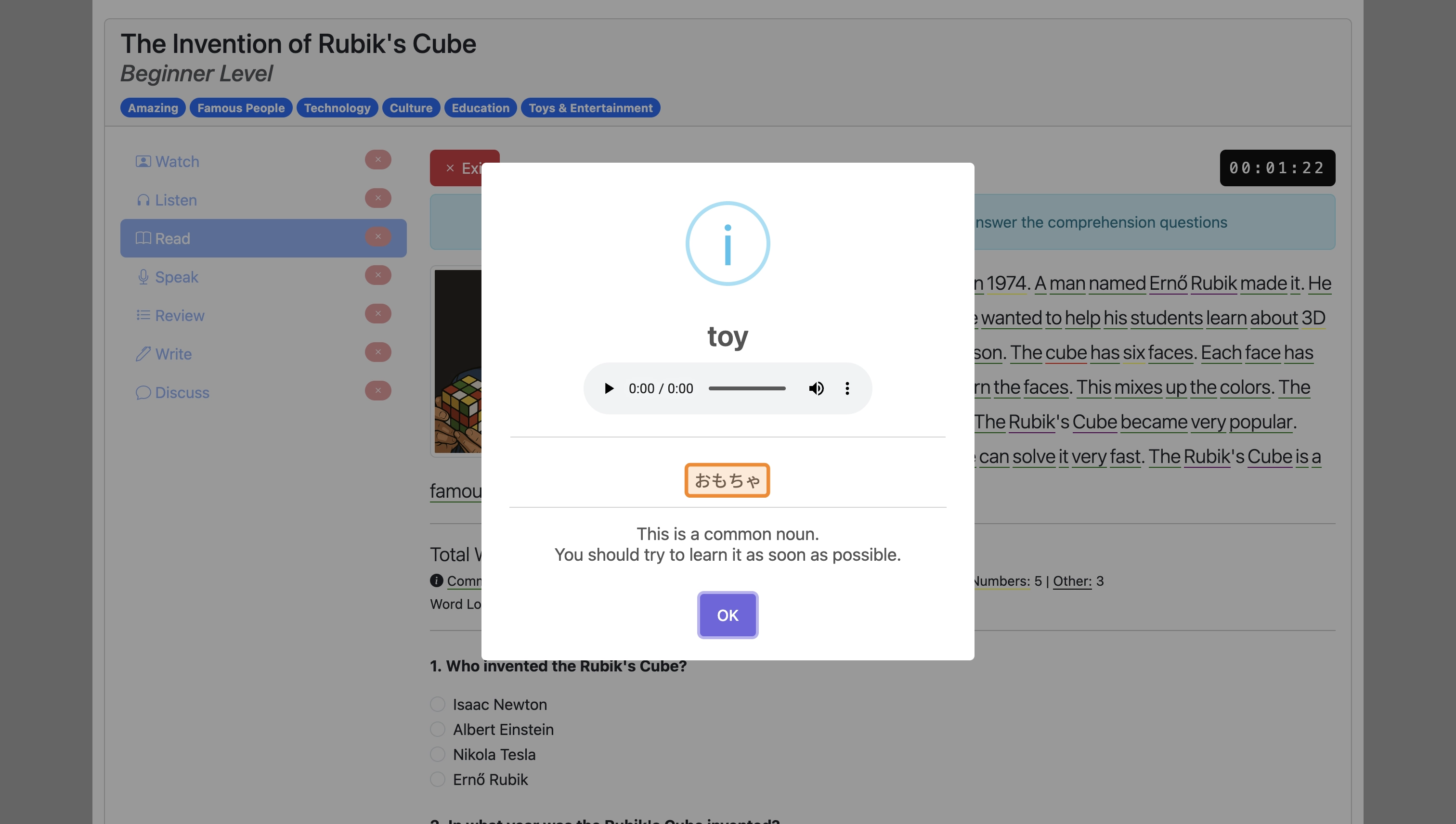
In the 'Read' activity, words that you click on have English definitions, with translations in the selected language when it is not English:
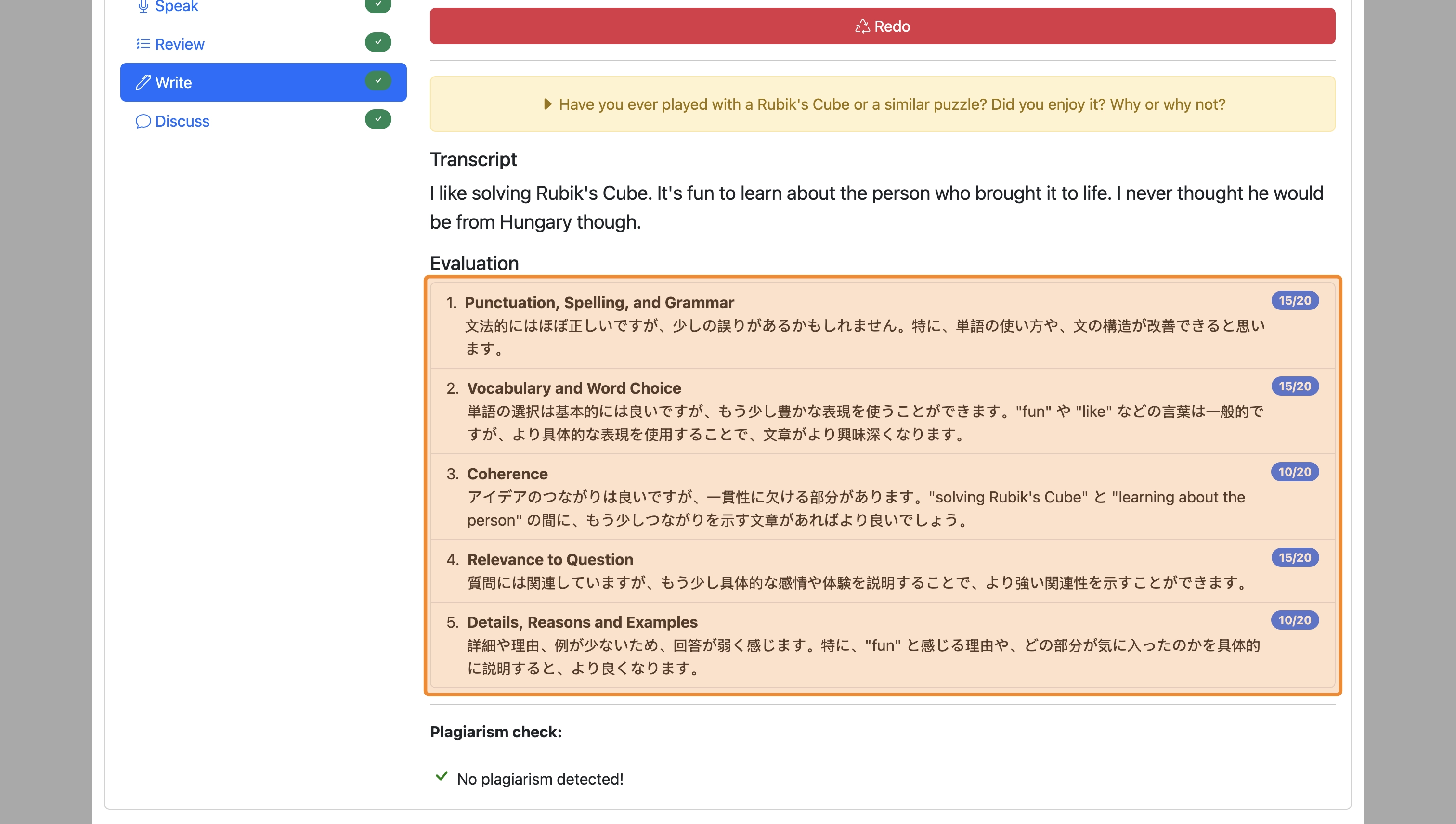
In the 'Write' activity, feedback on your writing is provided in the selected language:
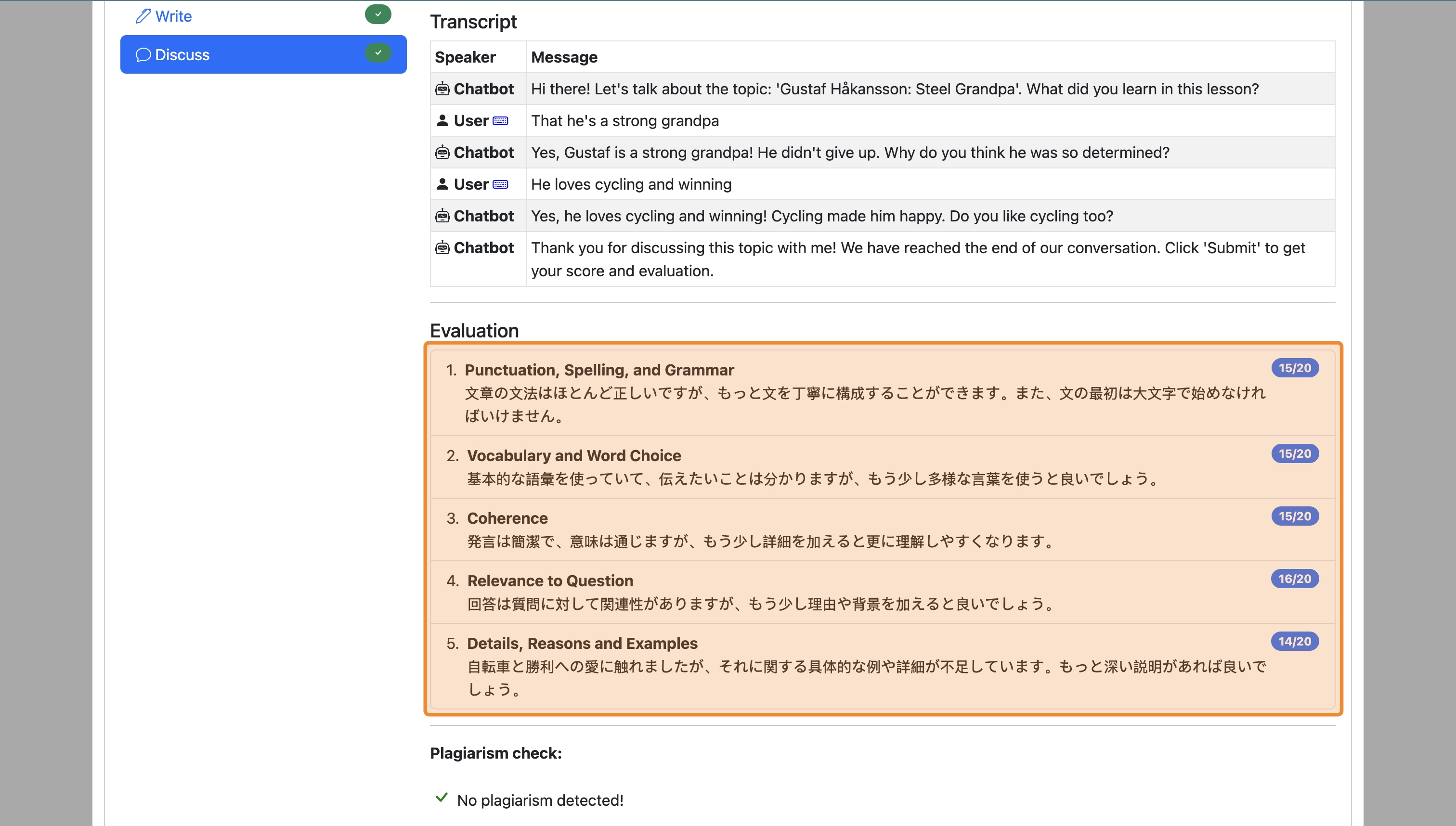
In the 'Discuss' activity, feedback on the discussion is provided in the selected language: