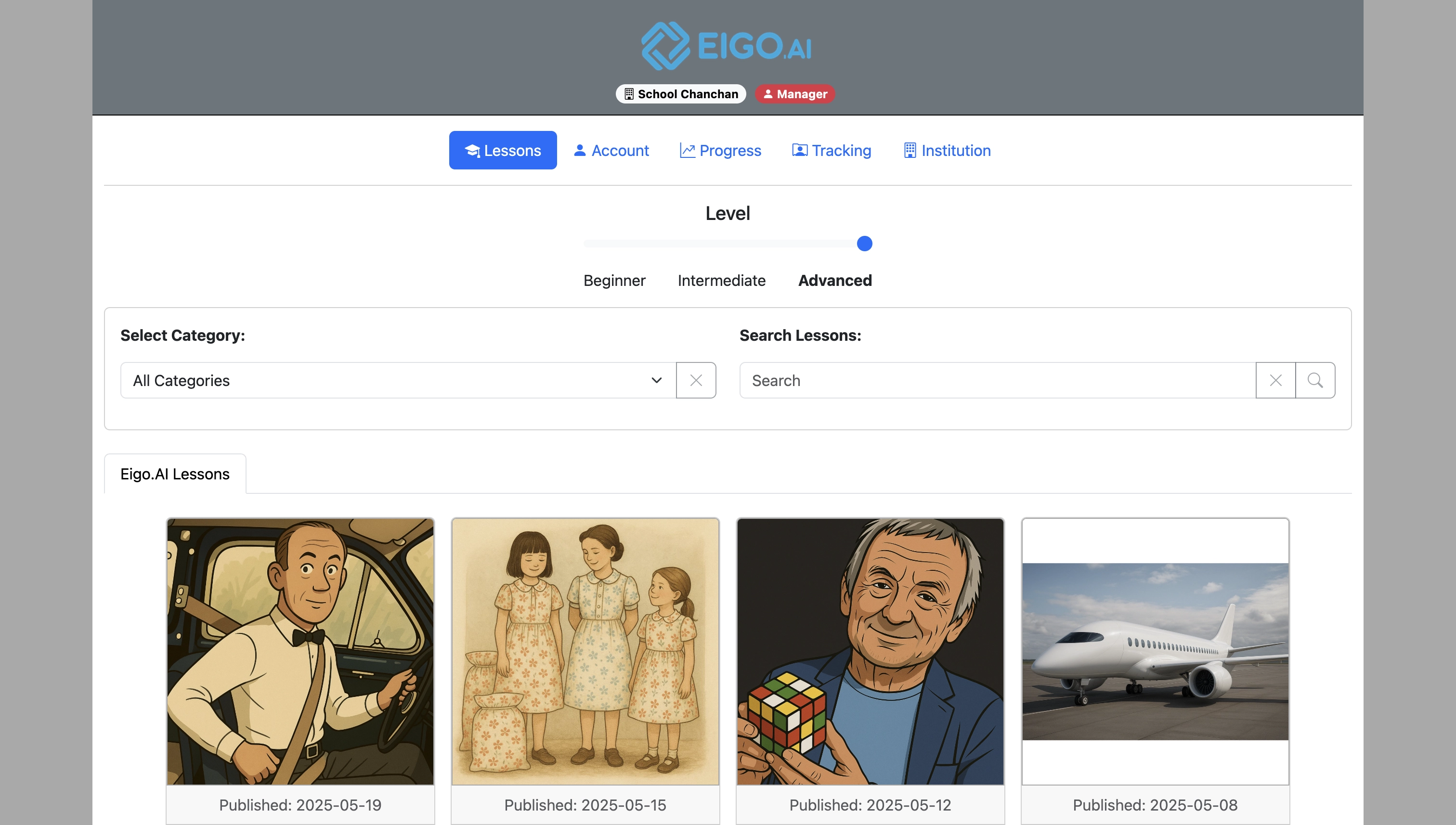
Sign in to Eigo.AI and click "Institution".
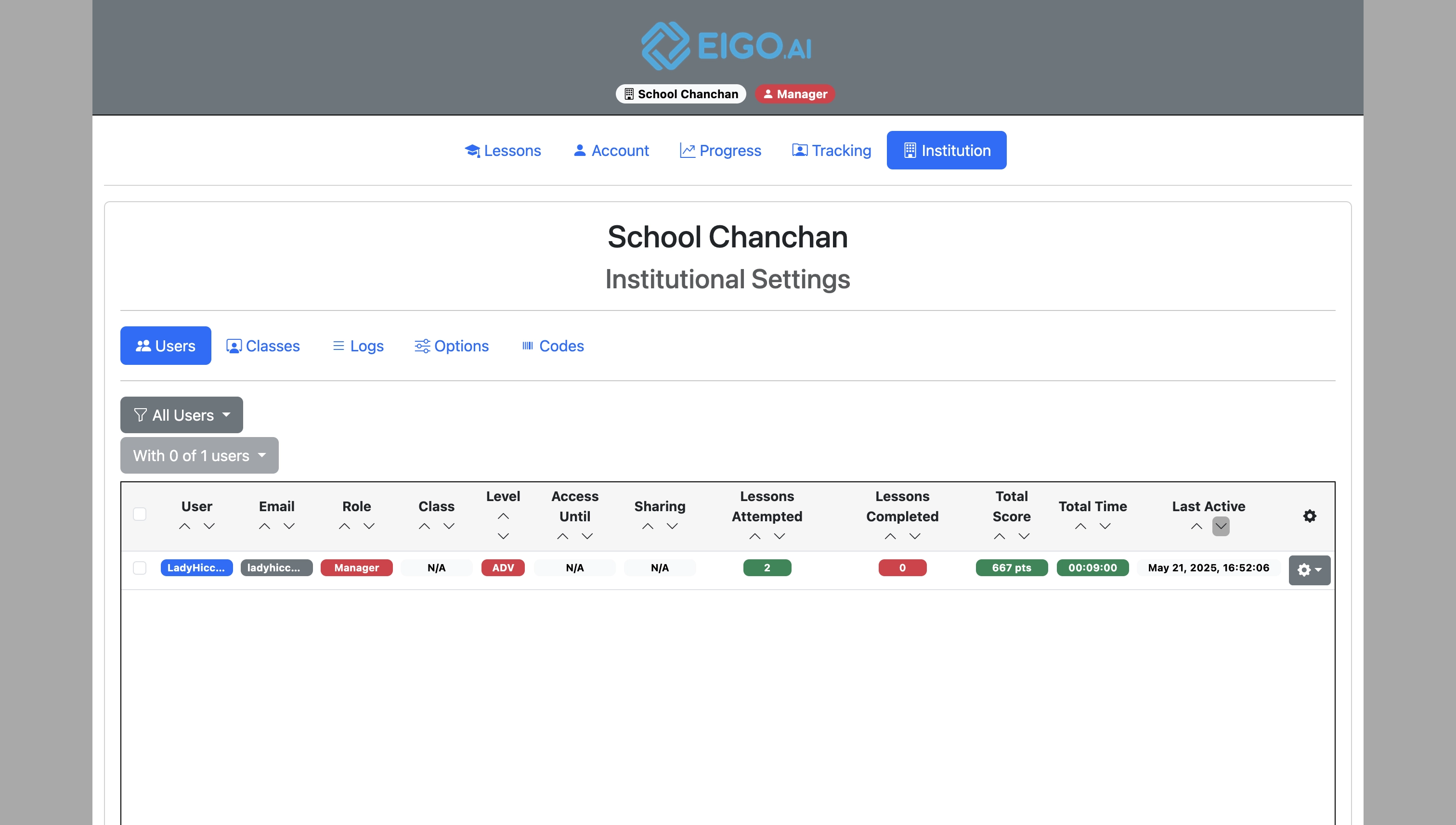
Click "Classes".
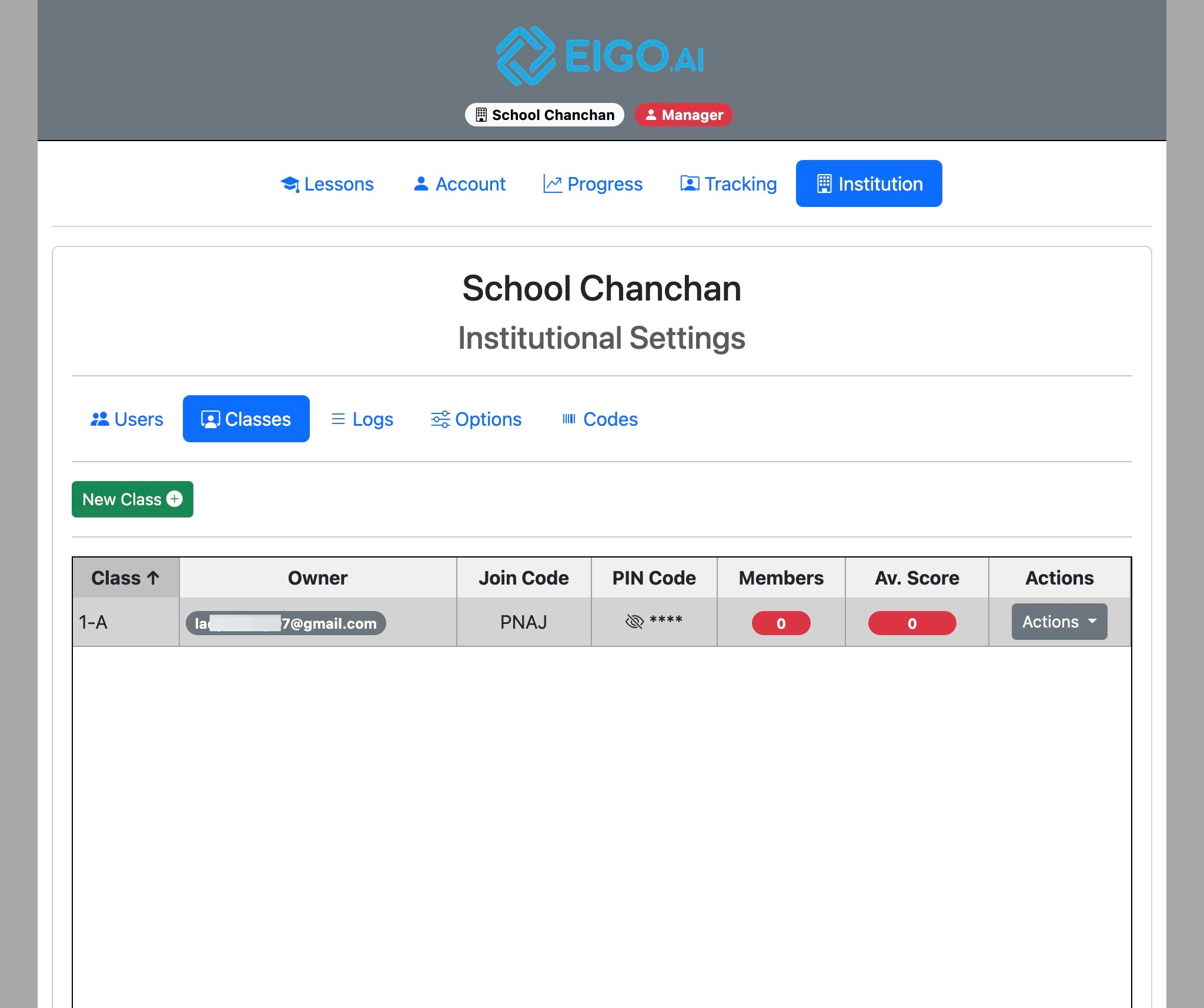
Next, click "Actions" for the class you wish to apply the options to.
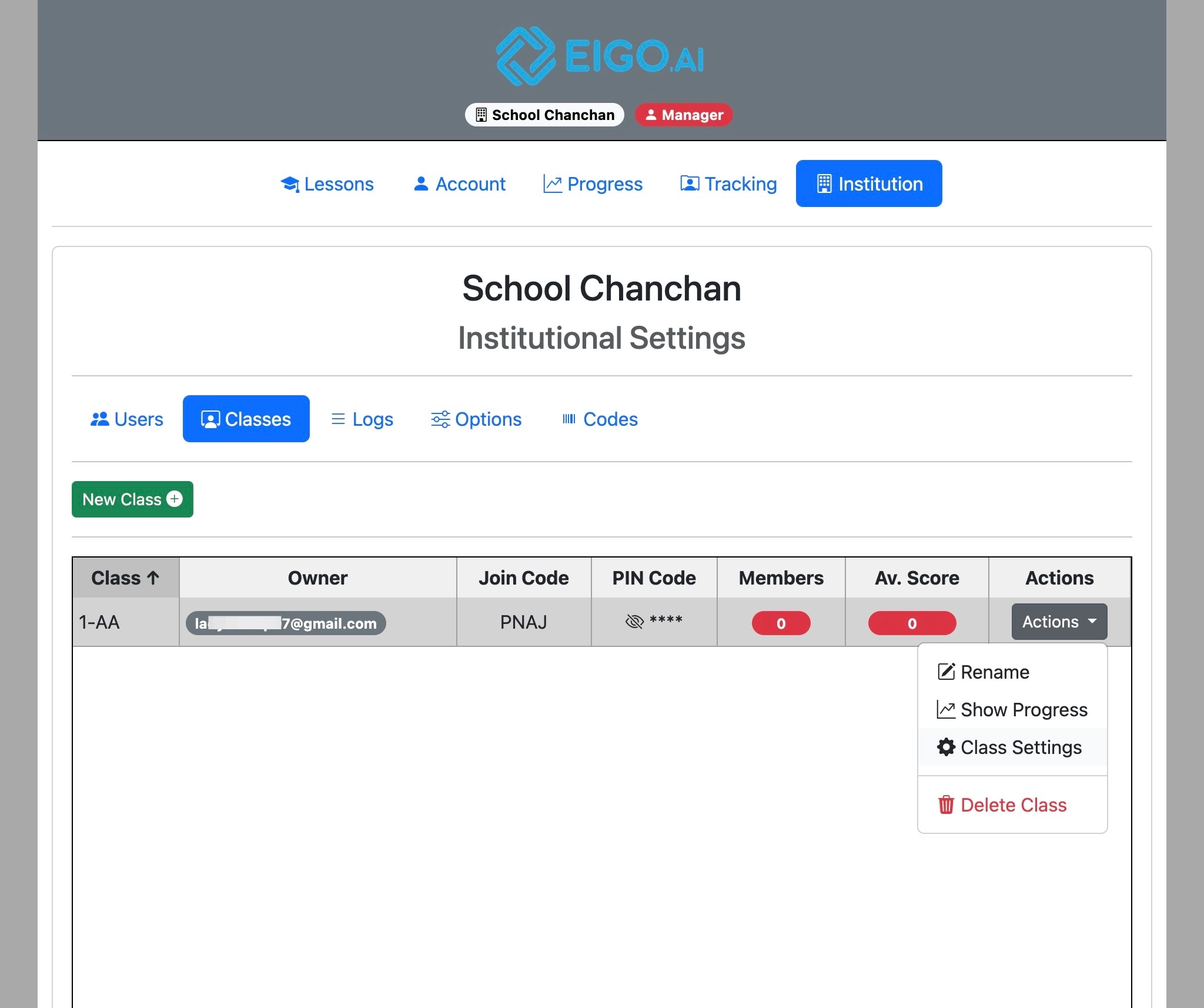
Finally, click "Class Settings".
The settings page will be displayed.
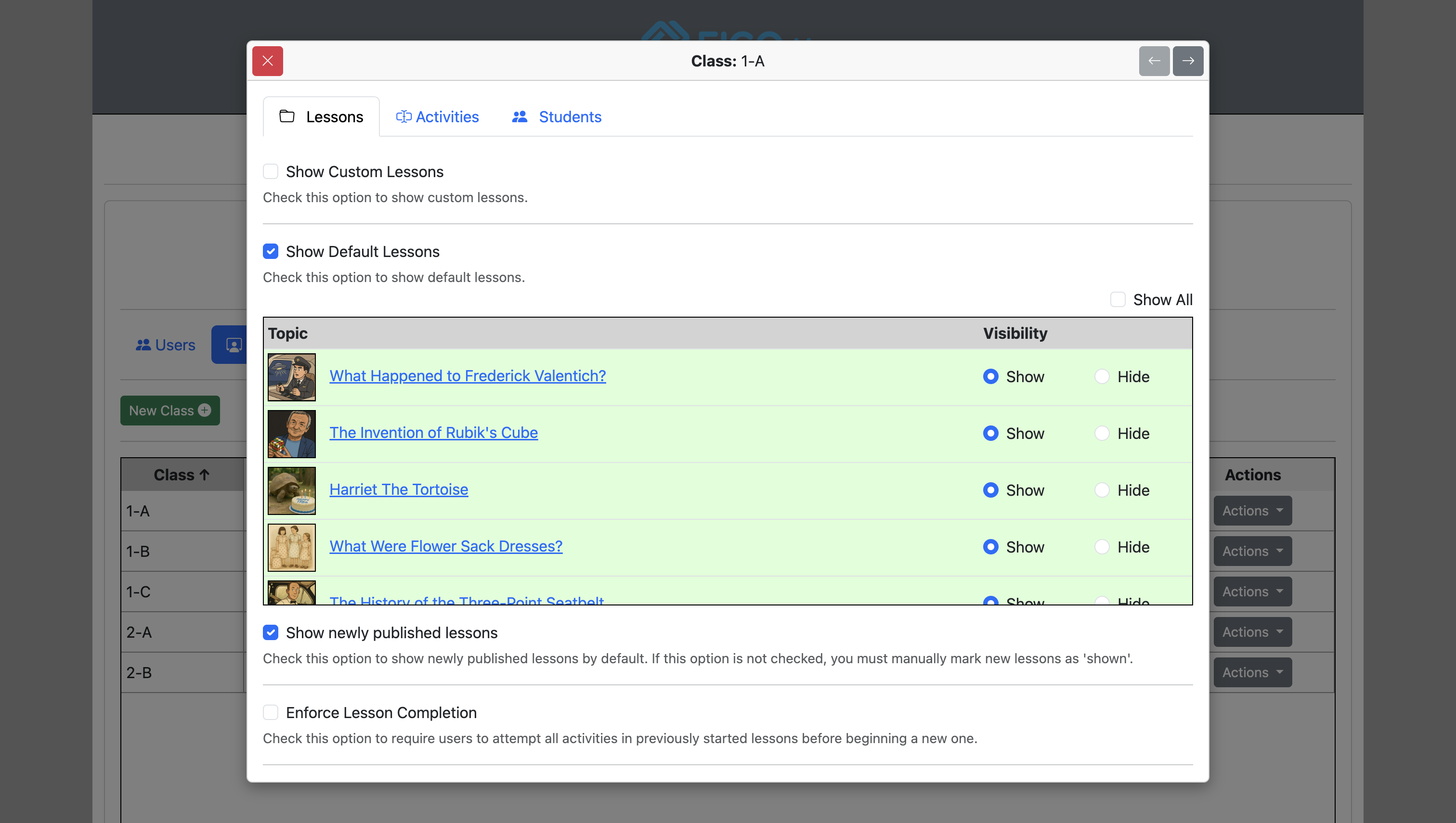
Classroom Activities
In the “Activities” tab, under “Classroom Activities”, uncheck “Show in student view” to hide Classroom Activities and Pair Activities from students. This option is on by default. Click “Save” and confirm the class override if prompted.
Students Settings
Feedback and definitions language
Open the Students tab. Allow students to select the feedback and definitions language is checked by default. Uncheck it to require English for students’ vocabulary help and new Write/Discuss feedback and disable their language selector. Click Save and confirm the class override if prompted.
This applies to existing and newly enrolled students, including those who previously selected Japanese or another language. New feedback and vocabulary help use English even if a student still has an older page open; ask students to reload to see the locked selector. Previously generated feedback is unchanged. Lesson texts and exercises are unchanged, and teachers, managers, and administrators keep their own language choice.
Saved class overrides take precedence over institution defaults. If a class already has its own saved settings, uncheck this option in that class too, or reset the class to inherit institution settings. Older saved class overrides allow language selection until you change this option.
Institution managers can set the default under Institution → Options → Students; see Institutional options.
For guidance on English practice and help with the separate automatic translation warning, see Ensuring students use Eigo.AI in English. See also student language settings.
Click "Save".
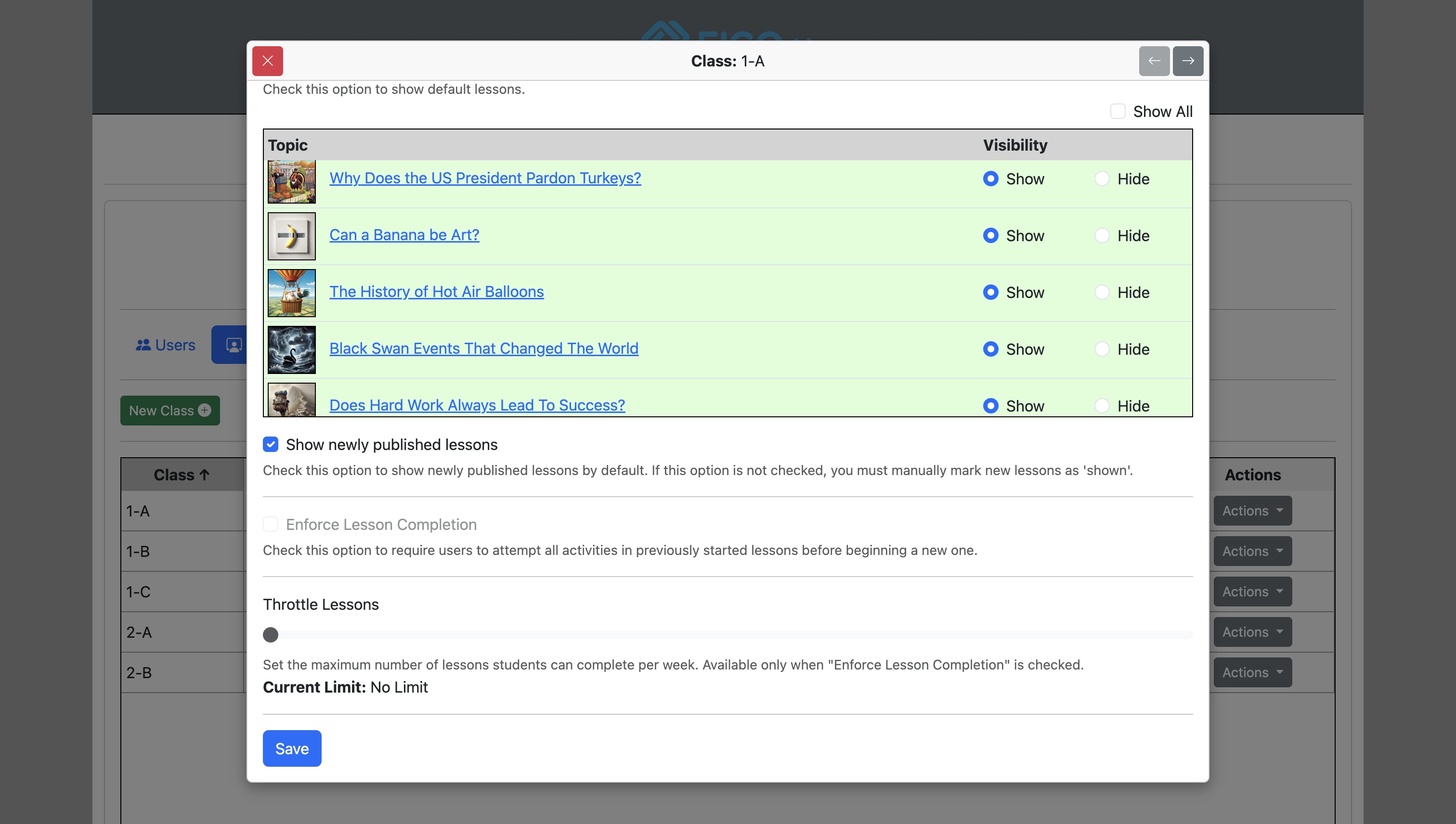
Click "OK" to confirm changes.
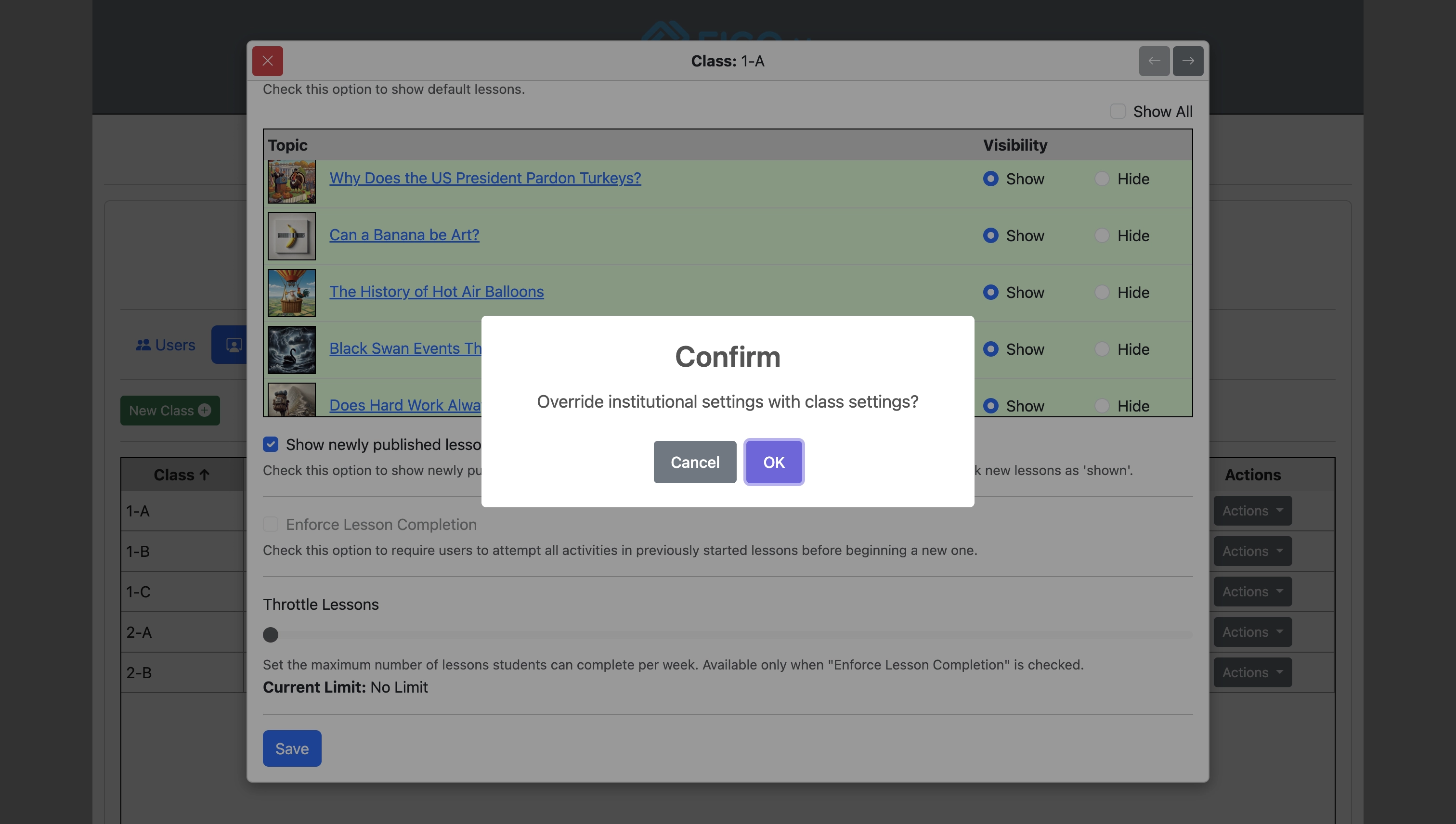
Saving class settings will override the institutional settings for the specified class. In the Students tab, turn on Show Level Switcher to reveal Beginner, Intermediate, and Advanced checkboxes. Turning it on checks all three; uncheck any levels students should not select. Keep at least one checked, then save. Turning the switcher off clears all checkboxes and keeps each student at their current level. Institution settings provide the defaults; saved class settings override them. Students see all three level buttons, with unchecked levels disabled for new lessons. They can still finish lessons already started at those levels. When they next load the study page for an unstarted lesson at a disabled level, they must choose an allowed level. Their level does not change automatically, and previous progress is kept. Lessons already open and ongoing requests are unaffected. Teachers and managers can still select any level.
See the Institutional options guide for more information about individual options.
Weekly teacher digest
The weekly teacher digest is a personal account setting, separate from institution and class options. Open Account → Settings → Notifications to see the Coming soon notice. The digest and timezone controls are currently disabled, and weekly emails are paused.
It is off by default. When released, each subscribed teacher will receive one email on Mondays between 09:00 and 10:00 in their chosen digest timezone, covering the previous Monday–Sunday across all classes they teach. The Digest timezone selector starts with the browser’s timezone and will be customizable when the digest is released. The saved timezone controls the reporting dates and delivery time and stays the same when travelling; daylight saving changes are handled automatically. Empty classes are omitted. Managers receive their own teaching classes, not an institution-wide report.
The email summarizes study hours, submission points, completed lessons, participation and students with no points recorded that week. It highlights Write and Discuss evaluations above 90% or below 20%, with links to review the submissions after signing in.
Once the digest is available, stop it by choosing Off in your account notification settings. The email’s Unsubscribe from these notifications link opens this section directly; sign in first if needed. Opening the link does not change your preference until you choose Off.